2
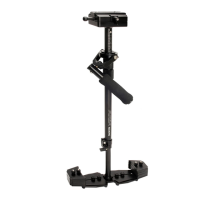
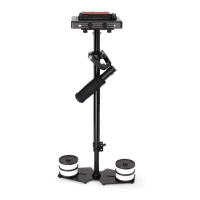
Aach Central Post to the Base Plaorm by
means of threaded stud in center. Rotate the
Base Plaorm to properly secure with Central
post.
Loosen allen bolts at boom of Camera Plate,
align its holes with top of Central Post &
re-ghten them securing the plate to post.
Steadycam Setup
Open lever and remove Quick Release Plate
from Adapter. Then aach it with your camera
with help of screw driver. Insert your camera
setup into Adapter and ghten the lever back.
NOTE: The camera can be directly aached to Head Plate.
Remove Head plate from 3-piece Head Assembly in order to aach it to your camera. You will note a
number of mounng holes that can be used to adapt various cameras. Keep the camera in center of
Head Plate and secure it properly.
Do not over ghten this adjustment as it can break the threaded insert.
NOTE: You can also mount your camera using Quick Release Plate.
Adding Weights & Posioning for Proper Balance
Connuing assembly & balance requirements
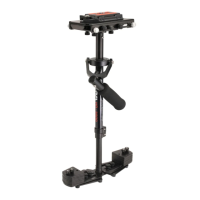
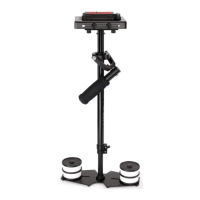
to make your Flycam Handheld Video Stabilizer
fully funconal you will note that the base
plaorm has a provision to mount balance
weights via 2x BH bolts secured with knobs on
both sides of the post.


 To Next Page