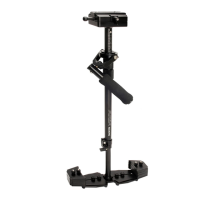
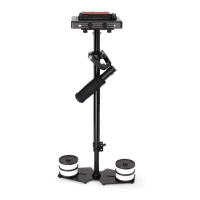
FLYCAM HD HANDHELD VIDEO STABILIZER 4
ATTACHING HEAD PLATE ASSEMBLY TO CENTRAL POST
Remove the Head plate from the 3-piece head assembly in preparaon to aach it to your
camera. You will note a number of mounng holes that can be used to adapt to various
cameras. Now Center the Head Plate on the camera and secure it properly.
Loosen the 2x allen bolts at boom of the camera plate and align the holes with the top of
the central post. Reghten the allen bolts securing the head to the stalk.
Note: you can also mount your camera using quick release plate.
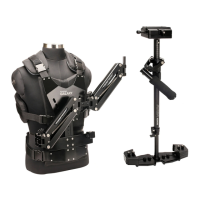
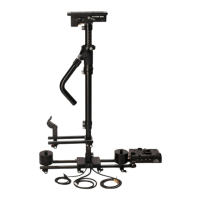
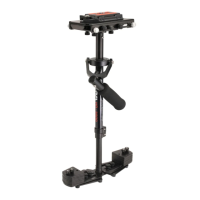
YOUR FLYCAM HD VIDEO STABILIZER ALL DRESSED UP AND READY TO GO


 To Next Page