37
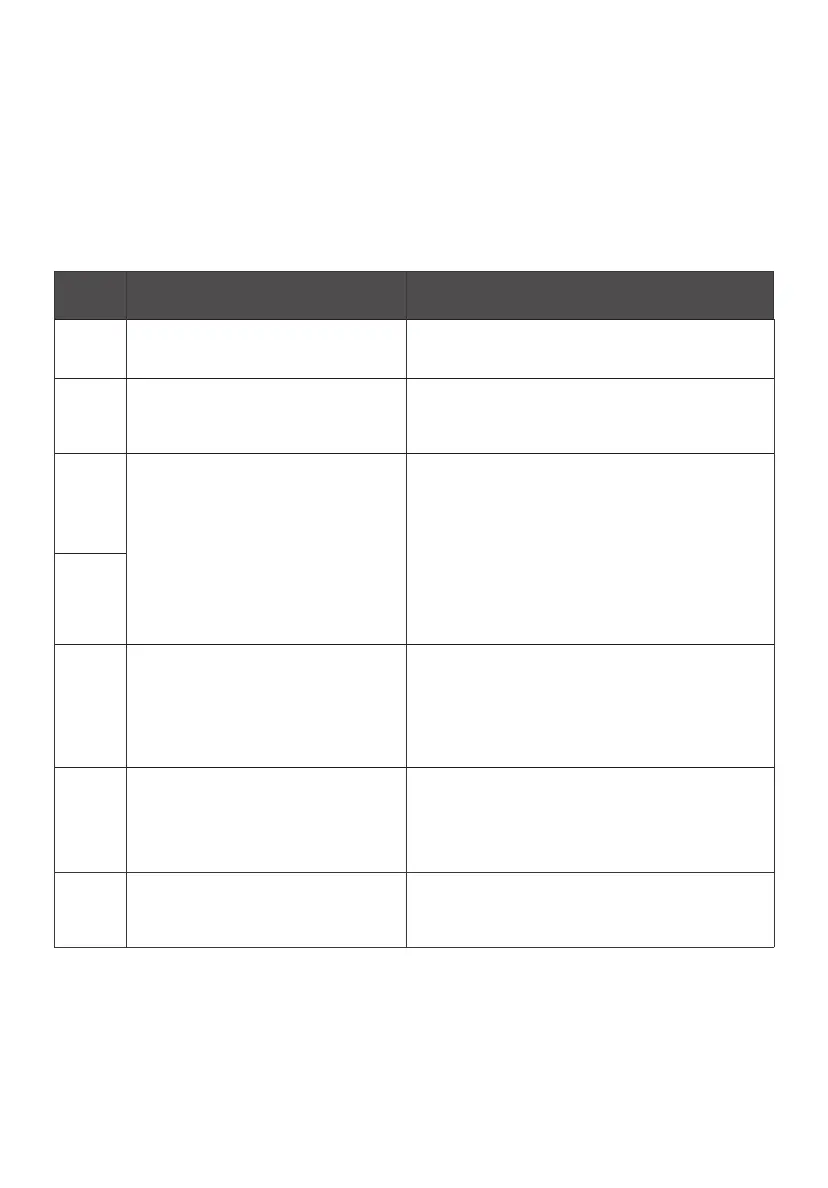
Error
Code
Possible Reason Corrective Action
21
Current Draw – the battery is
supplying a large amount of power
to eBike.
Turn the eBike o, remove the battery from
frame and wait 1 minute. Reinstall the battery
and turn the eBike back on.
22
Throttle Communication Error –
the eBike’s throttle is not correctly
communicating with the controller.
Unplug the throttle cable, inspect it for any
debris, moisture, or damage. If it looks okay,
plug the connection back in and restart the
eBike.
23
Motor Communication Error – the
motor in the rear wheel is not
correctly communicating with the
controller.
Find the wire that runs from the motor to the
eBike frame, inspect it for any damages.
Unplug the motor cable, inspect it for any
debris, moisture, or damage. If it looks okay,
plug the connection back in and restart the
eBike.
24
25
Brake Communication Error –
the eBike’s brake levers are not
correctly communicating with the
controller.
Unplug both brake connectors, inspect them
for any debris, moisture, or damage. If the
connectors look good, plug a single brake
connection back in. Turn on the eBike and
check if the error code appears. If the error
code does not appear, plug in the second brake
connection to check if it is causing the error.
26
Low Battery Voltage – the eBike’s
battery is undercharged and cannot
power the motor.
Charge the battery using the manufacturer
provided charger.
30
Display Communication Error - the
eBike’s display is not correctly
communicating with the controller.
Unplug the display cable, inspect it for any
debris, moisture, or damage. If it looks okay,
plug the connection back in and restart the
eBike.
ERROR CODE TROUBLESHOOTING
Your eBike can detect some functional errors and display a numerical code
related to the issue. If your display shows any of the following error code
numbers, please try the related corrective action. If the error code remains,
please see the troubleshooting information at flyer.radioflyer.com or contact the
Radio Flyer Customer Service Team.



 To Next Page