11.1 Flights log
Erase single flight from flights log:
- Press MENU, then press UP or DOWN key untill you see “LOG” on the
display.
Press ENTER to enter the LOG.
Use the UP key or DOWN key to scroll between the flights.
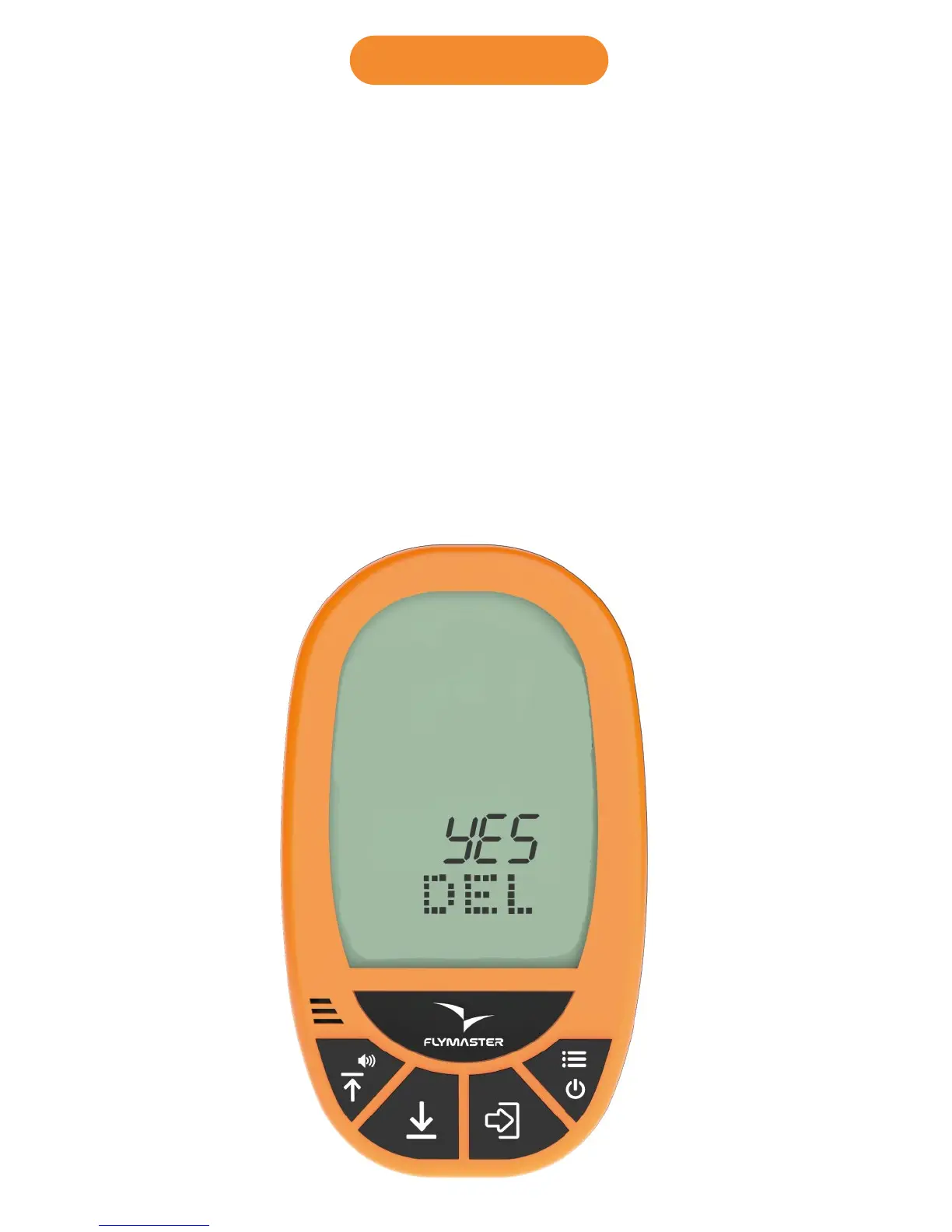
Press enter in the logged flight you want to delete, and DEL will appear
on the display, with the word NO on the ALT1 field.
Use the UP or DOWN key to select YES.
Press ENTER to confirm.
The flight is now erased from the LOG.
Press MENU to go back.



 To Next Page