Automatic update
1. Connect the Vario LS with the supplied Magnectic USB cable to your
computer. Turn ON the Vario LS.
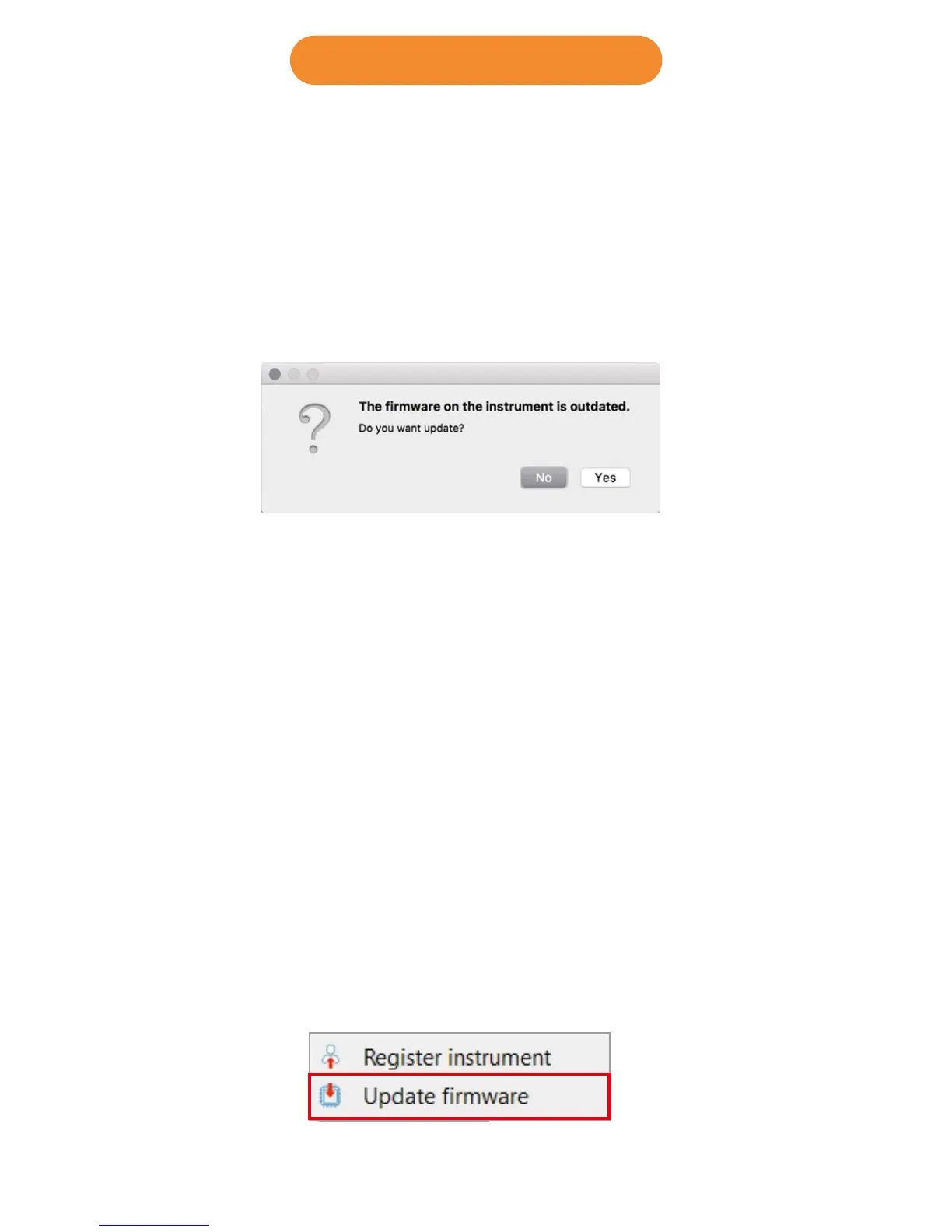
2. Run the Designer
3. The Designer should detect an outated version of the firmware and will
prompt you to update.
4. Click “Yes” and the Vario LS shoud load the firmware and reboot itself.
4. Firmware update
Manual update
If for some reason the Designer does not detect the outdated firmware
version, or if want to use any previous firmware version, you can force a
manual firmware install.
1. Connect the Vario LS with the supplied Magnectic USB cable to your
computer. Turn ON the Vario LS.
2. Run the Designer
3. Click on the instrument logo and choose “Update firmware”
(Continues on next page)



 To Next Page