E-mail: info@flyrontech.com
Flyron Technology Co., Ltd. FN-BC07 MP3 Sound Module with 15W Amplifier
3.4.7. Specify repeat playback of a folder (0x17)
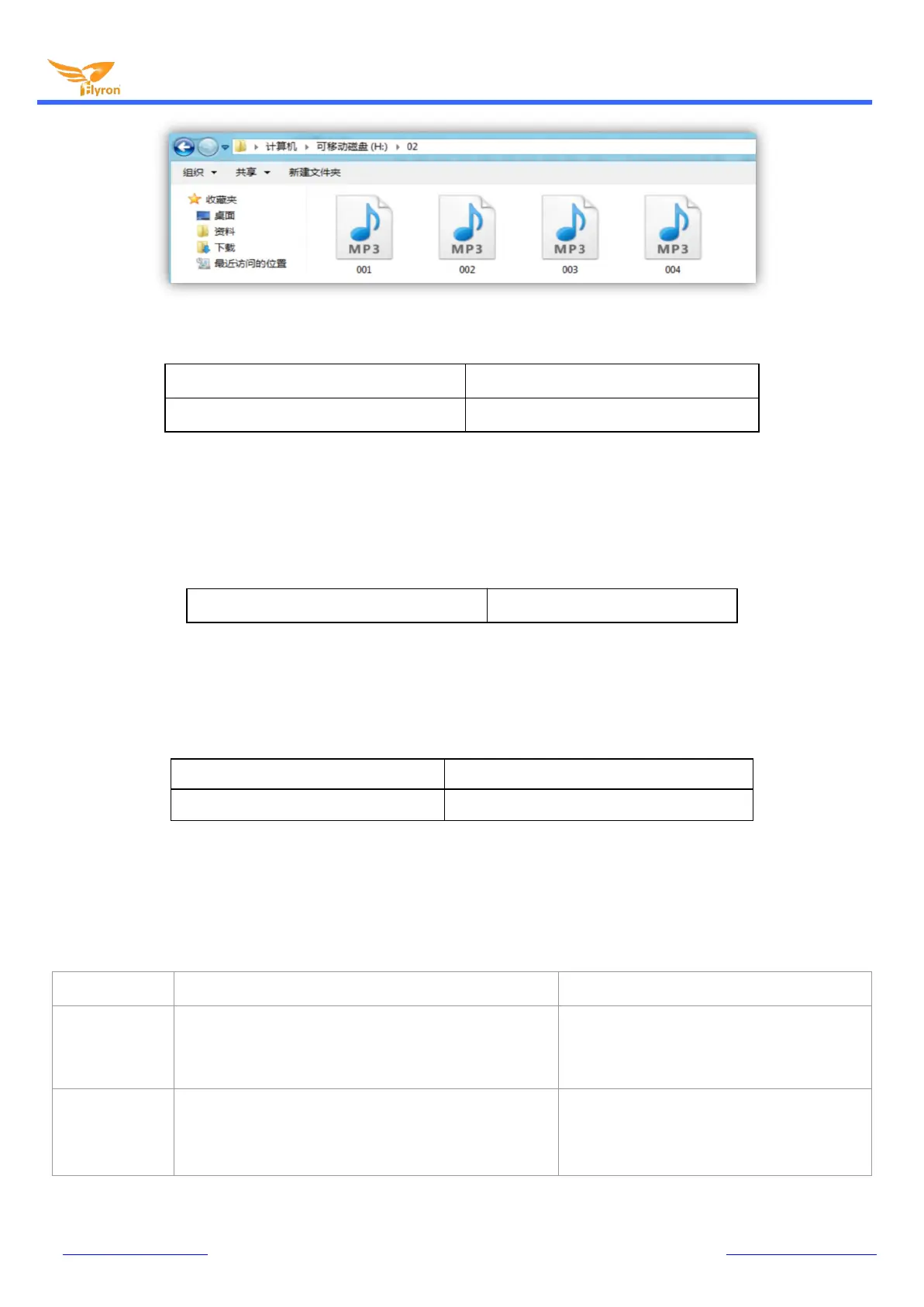
Specify repeat playback of the folder “02”
7E FF 06 17 00 00 02 FE E2 EF
Specify re pea t playback of the folder “01”
7E FF 06 17 00 00 01 FE E3 EF
The folder names must be 01- 99, and no more than 99. After sending the command, it repeatedly plays the tracks in the specific
folder and it will not stop until it receives a command to stop.
3.4.8. Set random playback (0x18)
Random playback of the whole storage device
7E FF 06 18 00 00 00 FE E3 EF
This command is used to randomly play all of the tracks in the storage device according to physical sequence and no matter if there
is a folder or not in the device.
3.4.9. Set repeat playback of current track (0x19)
Turn on single repeat playback
7E FF 06 19 00 00 00 FE E2 EF
Turn off single repeat playback
7E FF 06 19 00 00 01 FE E1 EF
During playback, send the turn-on command, and it will repeatedly play the current track. If the module is at Pause or Stop status, it
will not respond to this command. If you need to turn off repeat playback, just send the turn-off command.
3.4.10. Combination playback (0x21)
7E FF 09 21 01 02 02 03 01 04 EF
Play track 002 in folder 01, track 003 in folder
02 and track 004 in folder
Combination of
9 tracks with
checksum
7E FF 15 21 01 02 02 03 01 04 01 03 01 04 01 05 02 08
03 04 03 01 FE 9A EF
Play track 002 in folder 01, track 003 in folder
02, track 004 in folder 01, track 003 in folder 01,
track 004 in folder 01, track 005 in folder 01,
track 008 in folder 02, track 004 in folder 03,
and track 003 in folder 03.
Combination of
9 tracks without
checksum
7E FF 15 21 01 02 02 03 01 04 01 03 01 04 01 05 02 08
03 04 03 01 EF
Play track 002 in folder 01, track 003 in folder
02, track 004 in folder 01, track 003 in folder 01,
track 004 in folder 01, track 005 in folder 01,
track 008 in folder 02, track 004 in folder 03,
and track 003 in folder 03.


 To Next Page