E-mail: info@flyrontech.com
Flyron Technology Co., Ltd. FN-BC07 MP3 Sound Module with 15W Amplifier
multiple devices can be controlled individually via the RS485 bus.
It supports two ways to to setting an address to the module as below.
1). Set an address through the serial command
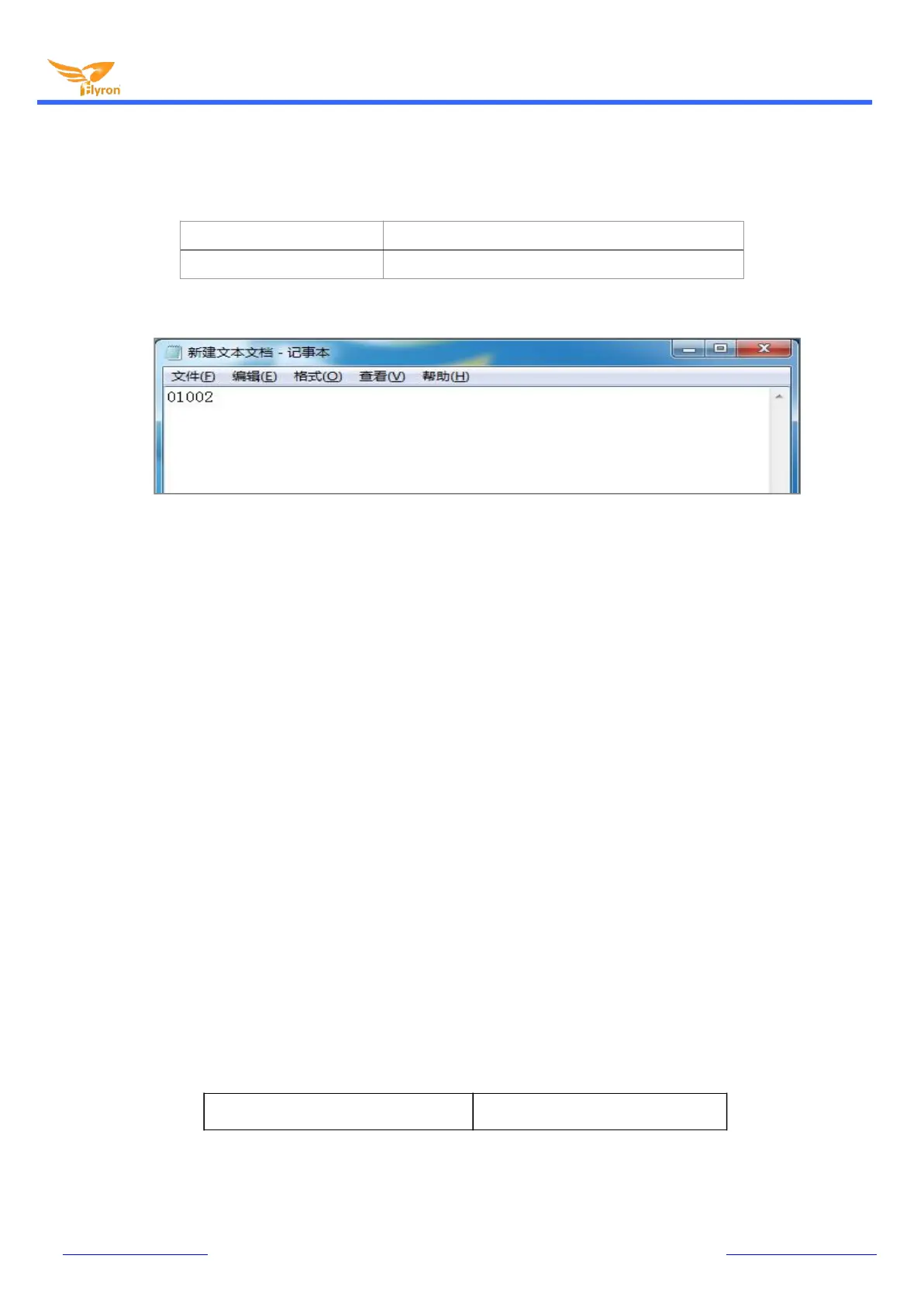
2). Set an address through a config file
There is a 5-digit value in the config file. The 1
st
digit represents the function of the buttons; the 2
nd
and 3rd digits represent the
volume setting; the 4
th
and 5
th
digits are the device address. Let’s take "01002" as an example to further explain as below.
The 1
st
digit "0" represents the function of the buttons.
The 2
nd
and 3
rd
digits "10" represents the volume level.
The 4
th
and 5
th
digits "02" represents the address of the device.
If the address was set to “01”, when you send the serial command from RS485 bus to control this module, “0xFF” will be changed to
“0x01”, like “7E 01 06 01 00 00 00 EF”. If the address was set to “99”, when you send the serial command from RS485 bus to control
this module, “0xFF” will be changed to “0x63”, like “7E 63 06 01 00 00 00 EF”.
There are two types of addresses here. One of the two types of addresses is like this, and it can be set as many as to 99. This
number is written in decimal, and the returned address from the chip of the module will be “0x63” in hex. When setting the address,
be sure not to exceed 99. The other one is the super address “0xFF”. No matter what address is set to through sending the serial
command or using the config file, this command is always valid.
3). After the address is set by the command, the address will take effect immediately with power-off memory.
4). If the address is already set in the config file, the address set by the command will not be remembered after the power is turned
off, and the address set by the config file will take priority after restarting.
3.5. Detailed Annotation for Some Query Commands
3.5.1. Query current online storage device
Query current online storage device 7E FF 06 3F 00 00 00 FE BC EF


 To Next Page