3.3. Triggering Mode Selection
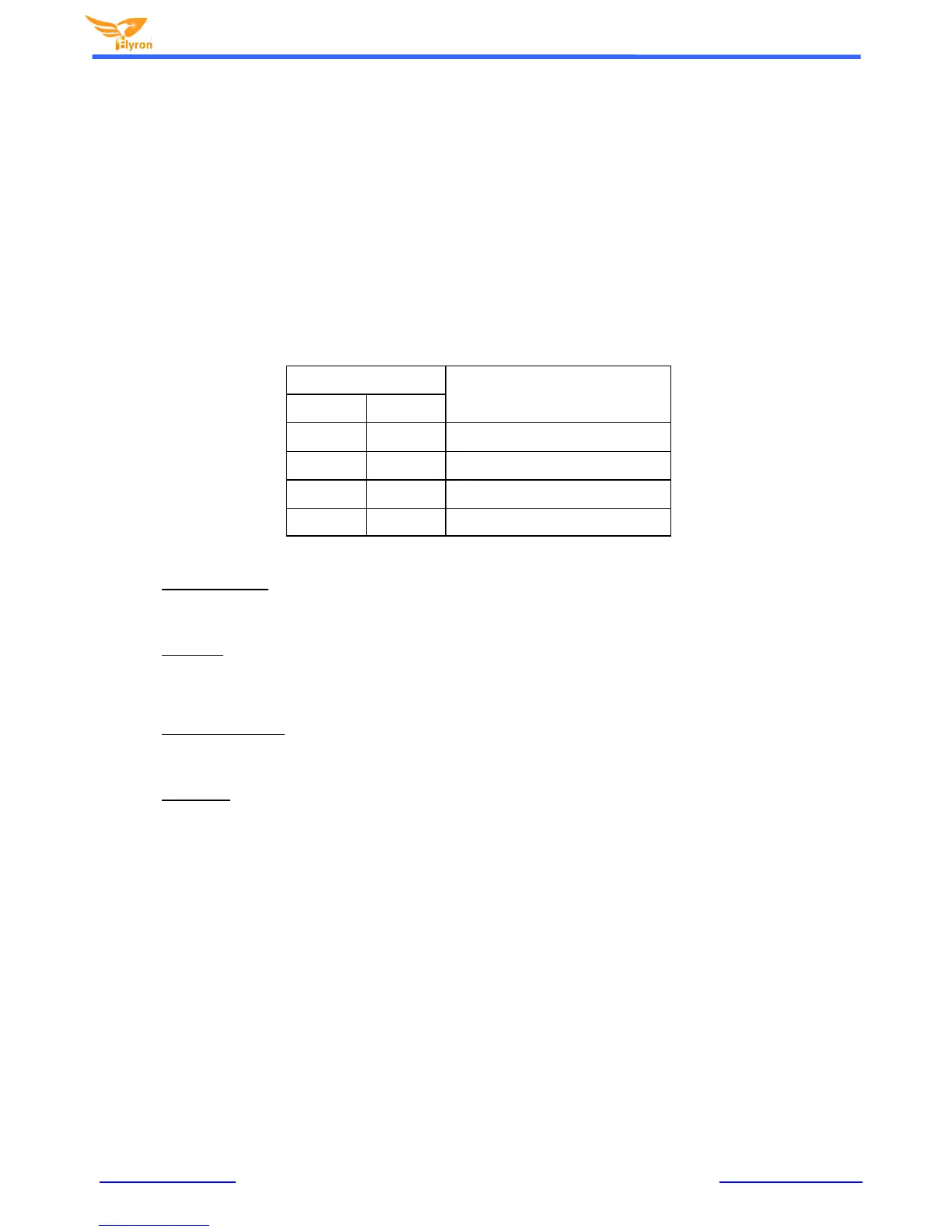
By using the on-board DIP switches, users have 4 triggering modes to choose from:
Pulse interruptible
Level hold
Pulse Uninterruptible
Play/Pause
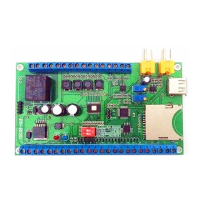
The DIP switches are placed in the center of circuit board and a truth table for the DIP switch is a printed on the circuit board just
right of the DIP switches. The truth table is also shown below.
Pulse interruptible: In this mode, a single negative pulse will start and stop playback. It is possible to
interrupt the playback by pressing the same button used to activate it. Once playback is stopped, pressing
the button again will restart the sound file. (If more than one audio file is in the folder. The next audio file to
be played will be picked/chosen at random.)
Level hold: In this mode, the negative pulse must be held/maintained to the sound board trigger for audio
file to complete. The audio file will only playback while button, or negative pulse, is held/maintained during
playback. Once the button being held, or negative pulse, is removed, the playback will be
stopped/cancelled. (If more than one audio file is in the folder. The next audio file to be play will be
picked/chosen at random. Regardless if the last/previous audio file was completed.)
Pulse Uninterruptible: In this mode, it's not possible to interrupt the playback. Once an audio file is triggered.
The audio file will not be able to be stopped/cancelled during playback. The playback will only end when
the audio file has played in its entirety. (If more than one audio file is in the folder. The next audio file to be
play will be picked/chosen at random.)
Play/Pause: In this mode, a single negative pulse will start and pause the playback. Once an audio file is
triggered. Pushing the same button, or reapplying a negative pulse, that triggered the playback, will pause
playback; pushing the same button, or reapplying a negative pulse, will to continue the original audio file
playback.
Note: The factory default triggering mode is “pulse interruptib le". After you shift to another triggering mode, you need to power
cycle the board on-off-on, then the new DIP switch setting will be executed.


 To Next Page