6
4. Basic Operation
4-1. Powering On & Off
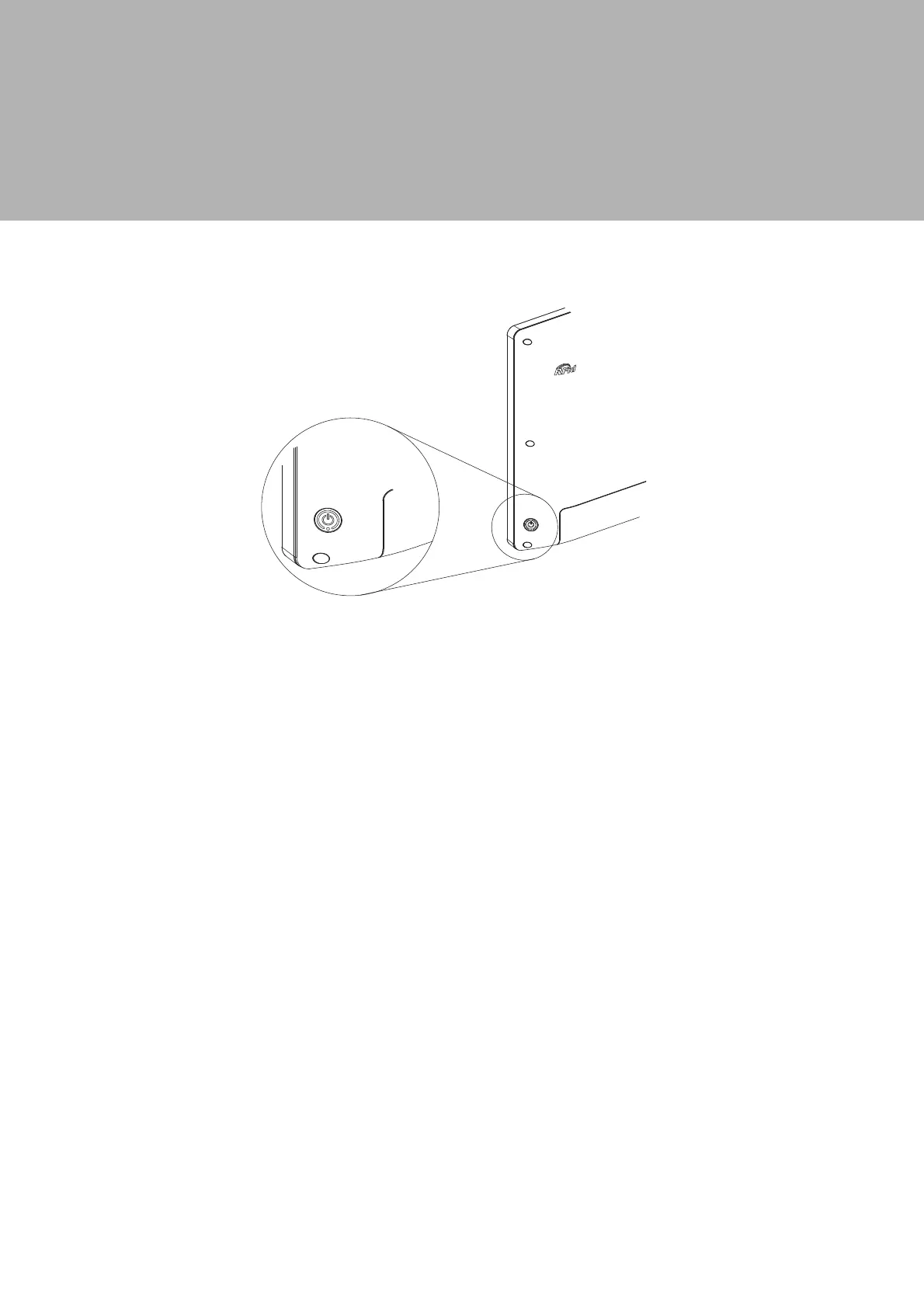
To activate the system, push 2-3 seconds and release the power button, the
display will come on in a few seconds. NOTE: The system must be plugged into
power adapter or battery charged before turning on for the first time.
To turn off the system, power off the device safely using software function that
´VKXWVGRZQFRPSXWHUµSURYLGHGLQWKHRSHUDWLQJV\VWHP


 To Next Page