icon every time you press the or button.
The icon will stop blinking
the setting peiod.
5.
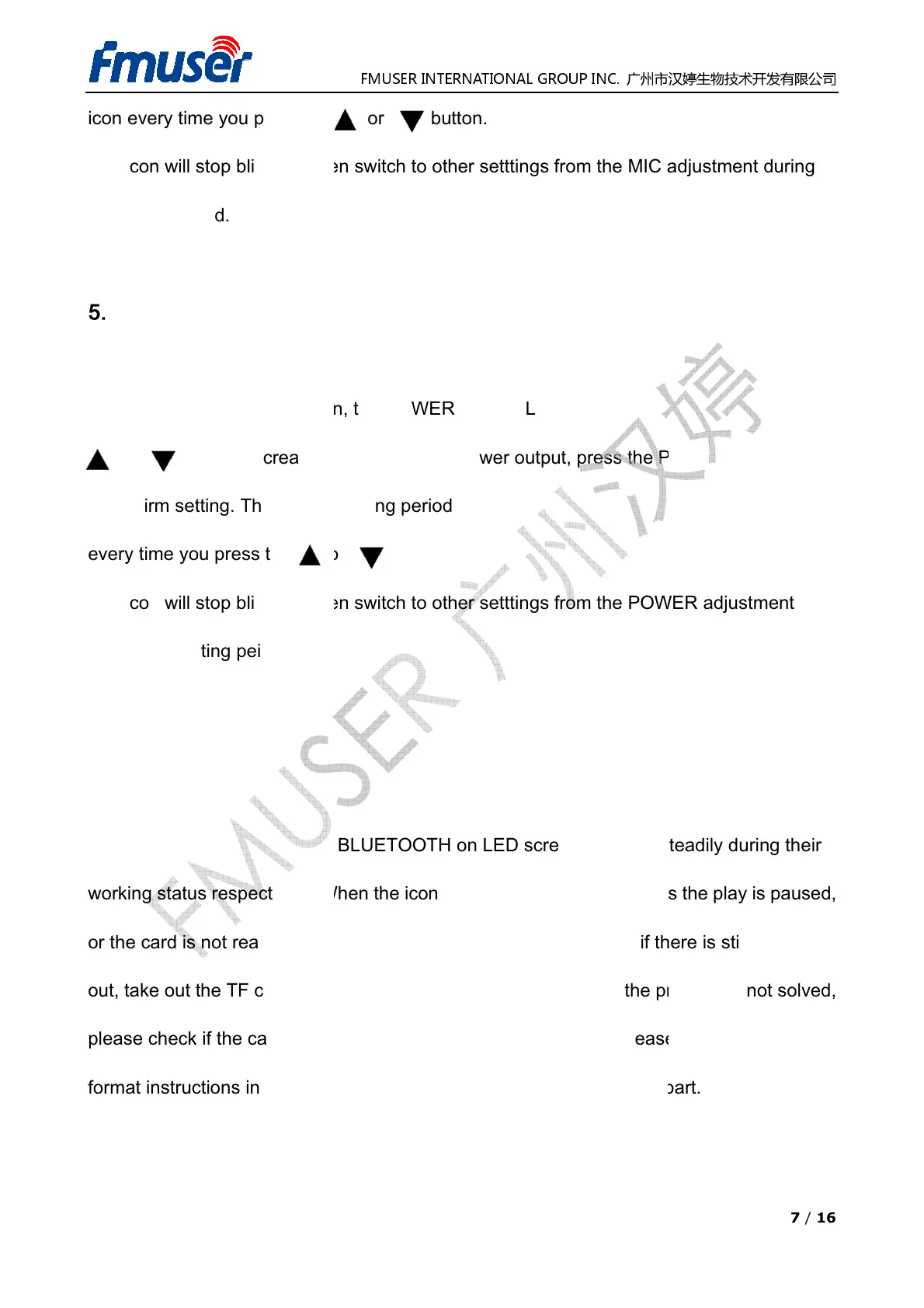
POWER Button
Power Adjustment Function
Introduction:Press t
or now to
to confirm setting. The valid adjusting period is within 15 seconds from the twinkle of icon
every time you press the or button.
The icon will stop blinking when switch
during the setting peiod.
6. AUDIO Button
Working Status Switching
The icons of CARD, LINE OR BLUETOOTH on LED screen lights up steadily during their
working
status respectively. When the icons of CARD twinkles, it means the play is paused,
or the card is not reading correctly. Press the play button to check, if there is still no audio
out, take out the TF card and insert into the device to try again. If the p
please check if the card status or the file formats in the TF card. Please refer to TF card
format instructions in this manual for more details about this checking part.
FMUSER INTERNATIONAL GROUP INC.
icon every time you press the or button.
ch to other setttings from the MIC
the POWER icon
power output, press the
to confirm setting. The valid adjusting period is within 15 seconds from the twinkle of icon
every time you press the or button.
The icon will stop blinking when switch
to other setttings from the POWER
The icons of CARD, LINE OR BLUETOOTH on LED screen lights up steadily during their
status respectively. When the icons of CARD twinkles, it means the play is paused,
or the card is not reading correctly. Press the play button to check, if there is still no audio
out, take out the TF card and insert into the device to try again. If the p
please check if the card status or the file formats in the TF card. Please refer to TF card
format instructions in this manual for more details about this checking part.
7 / 16
blinking, press
button again
to confirm setting. The valid adjusting period is within 15 seconds from the twinkle of icon
to other setttings from the POWER
adjustment
The icons of CARD, LINE OR BLUETOOTH on LED screen lights up steadily during their
status respectively. When the icons of CARD twinkles, it means the play is paused,
or the card is not reading correctly. Press the play button to check, if there is still no audio
please check if the card status or the file formats in the TF card. Please refer to TF card
format instructions in this manual for more details about this checking part.


 To Next Page
 Loading...