5
Signal
detected on
receiver but
no sound
1)
2)
3)
6
Sound
quality
1)
2)Line-
3)I
incorrect
4)
high
5)
7
No sound
from
microphone
1)V
turned
2)
8
MP3 cannot
play
2)
3)
format
4)
5)
9
Bluetooth
cannot
connect
1)
Mobile phone too far from
2)
About
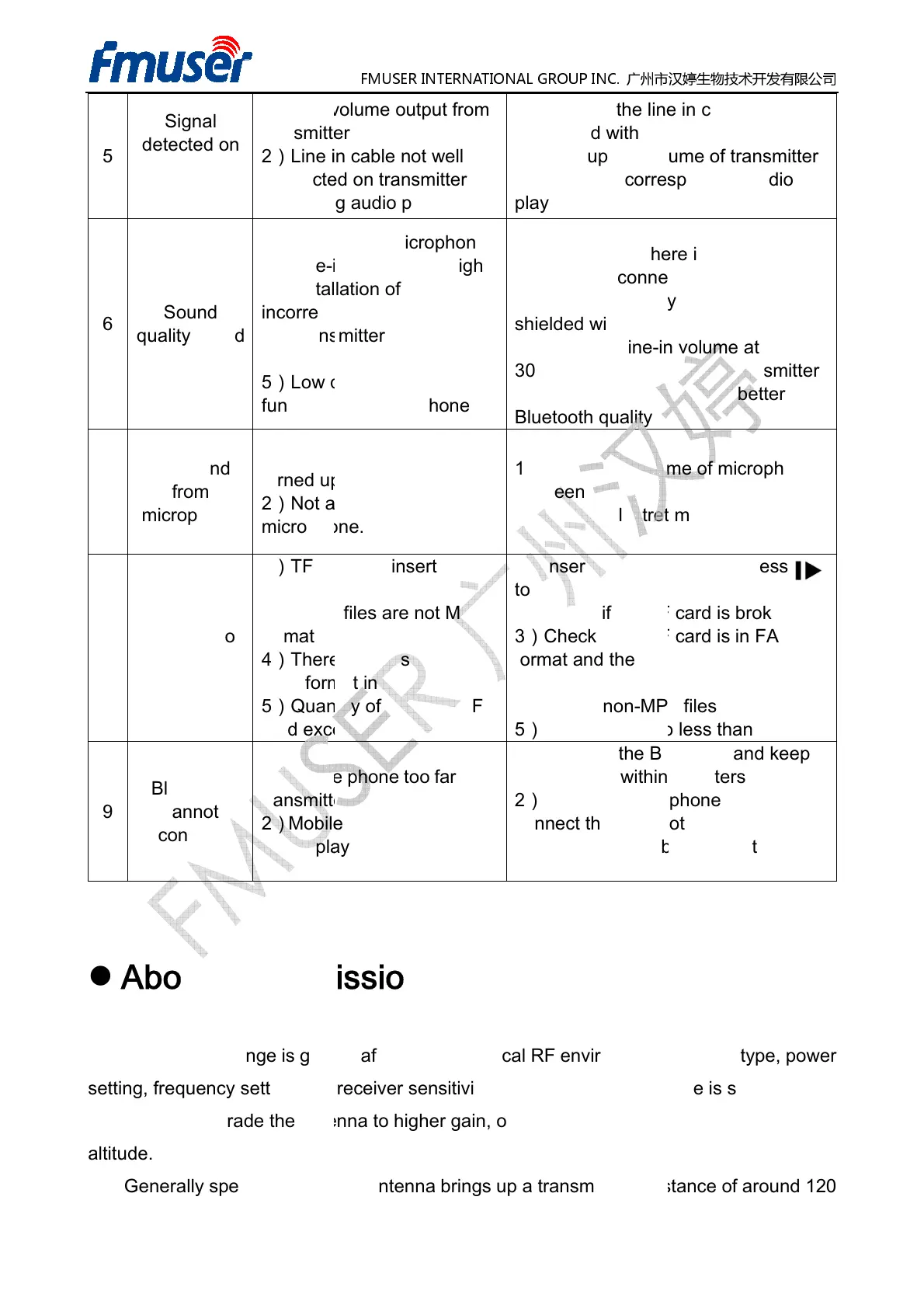
Transmission range is greatly affected by the local RF environment,
setting, frequency
may need to upgrade
the antenna to higher gain, or install the antenna on places at
altitude.
Generally speaking,
a rubber antenna brings up a transmission distance of around 120
FMUSER INTERNATIONAL GROUP INC.
audio play mode
1)
Check if the line in cable is well
connected with transmitter.
2)Turn up
the volume of transmitter
3)Switch
play mode.
of antenna is
Bluetooth
Set the microphone volume at
2)
Use high quality microphone with
shielded wire.
3)Keep the line-
30%-50% when
4)Use
electret
1)
Adjust the volume of microphone
2)Use an
faulty
card.
of songs in TF
to play.
2)
Check if the TF card is broken.
3)
Check if the TF card is in FAT32
format and the audio file
format.
4)Delete non-
Mobile phone too far from
the
the distance within 3 meters
2)Reboot
connect the
3)Switch the
Distance
Transmission range is greatly affected by the local RF environment,
sensitivity. If the
transmission range is short, you
the antenna to higher gain, or install the antenna on places at
a rubber antenna brings up a transmission distance of around 120
13 / 16
Check if the line in cable is well
connected with transmitter.
the volume of transmitter
audio
Set the microphone volume at
Use high quality microphone with
volume at
transmitter
with better
Adjust the volume of microphone
microphone
Check if the TF card is broken.
Check if the TF card is in FAT32
format and the audio file
s are MP3
the distance within 3 meters
and try to
over 9 times.
stereo
transmission range is short, you
the antenna to higher gain, or install the antenna on places at
higher
a rubber antenna brings up a transmission distance of around 120


 To Next Page
 Loading...