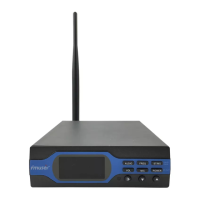
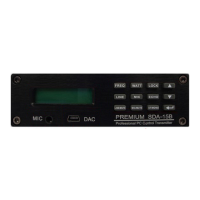
7. FREQ Button
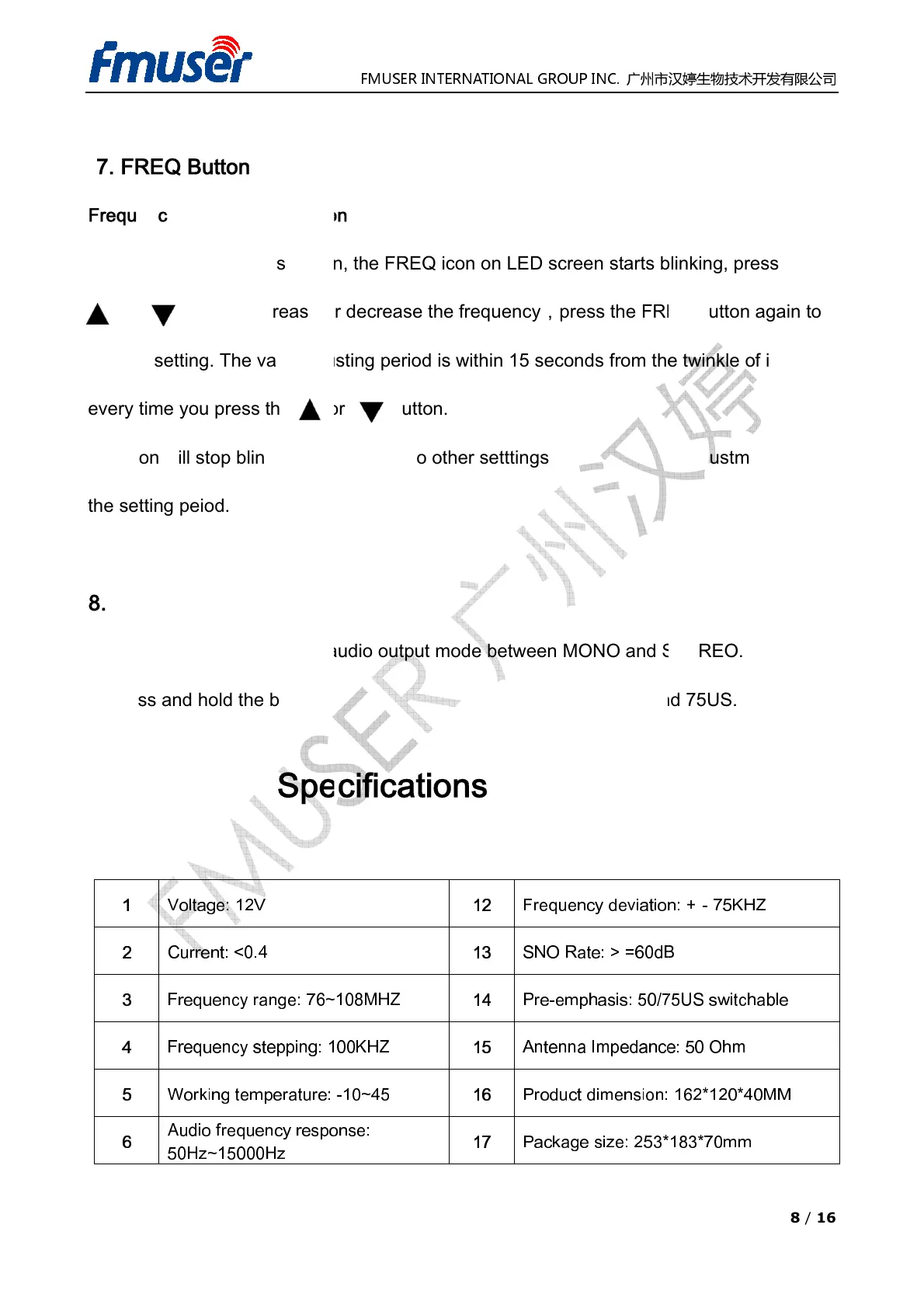
Frequency Regulation Function
Introduction:Press t
or now to
confirm setting. The valid adjusting period is within 15 seconds from the twinkle of
every time you press the or button.
The icon will stop blinking when switch to other setttings from the FREQ adjustment during
the setting peiod.
8. ST/MO Button
1. Press the button
to switch audio output mode
2. Press and hold the button
Technical
1
Voltage: 12V
2
Current: <0.4
3
Frequency range:
4
Frequency stepping:
5
Working temperature
6
50Hz~15000Hz
FMUSER INTERNATIONAL GROUP INC.
Frequency Regulation Function
the FREQ icon on LED screen starts
frequency,
press the FREQ button again to
confirm setting. The valid adjusting period is within 15 seconds from the twinkle of
every time you press the or button.
The icon will stop blinking when switch to other setttings from the FREQ adjustment during
to switch audio output mode
between MONO and
-emphasis between
12
13
14
Pre-emphasis:
15
-10~45
16
Product dimension
:
17
Package size:
8 / 16
, press
press the FREQ button again to
confirm setting. The valid adjusting period is within 15 seconds from the twinkle of
icon
The icon will stop blinking when switch to other setttings from the FREQ adjustment during
75US.
-75KHZ
switchable
: 50 Ohm
162*120*40MM


 To Next Page
 Loading...