4-7
Parameter Programming Example
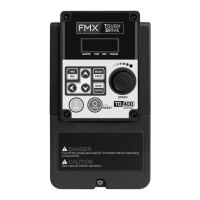
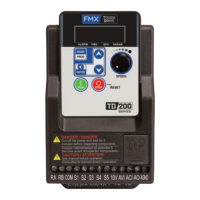
The TD400 can be programmed directly from the keypad.
The example below shows how to make changes to a
parameter setting. For a complete list of parameters, see
section 4.2.
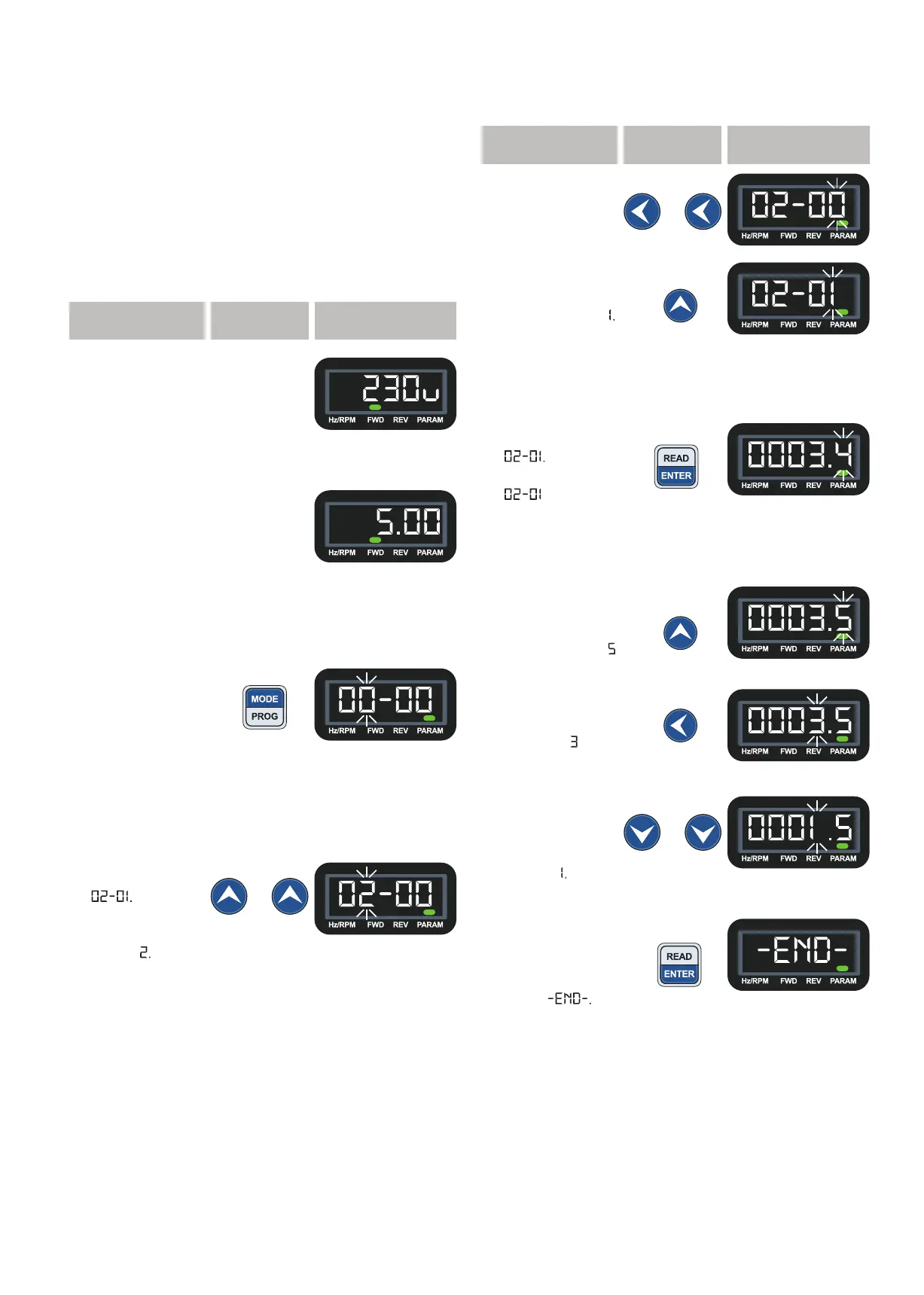
This example we will be setting the motor FLA (02-01 Rated
Current Motor 1). Example assumes the drive is at factory
default settings, the default value of 02-01 is 3.4A, and the
motor uses 1.5A at full load. Refer to motor nameplate for
the FLA specific to your application.
Step Key Display
1. Power up the
AC Drive.
Display shows
voltage class
briefly.
2. After displaying
voltage class,
the screen will
display setting
frequency.
3. Press
MODE/PROG to
enter program
mode. The
second digit
from the left will
blink indicating
selected digit.
4. The “Rated
Current Motor 1”
parameter is
Press UP
key twice to
change flashing
digit to


 To Next Page
 Loading...