4-59
Torque compensation gain (01-10) can be adjusted at run time. Gradually change torque boost value to ensure
output current does not exceed AC Drive rated current.
Increase Value When: Reduce Value When:
• Wire length between AC Drive and motor is too long • Experiencing motor vibration
• Motor rating is smaller than AC Drive rating • Over current fault
• Overload fault
Torque Boost Mode (01-11)
01-11=0: Torque boost mode 0
For use in general applications.
01-11=1: Torque boost mode 1
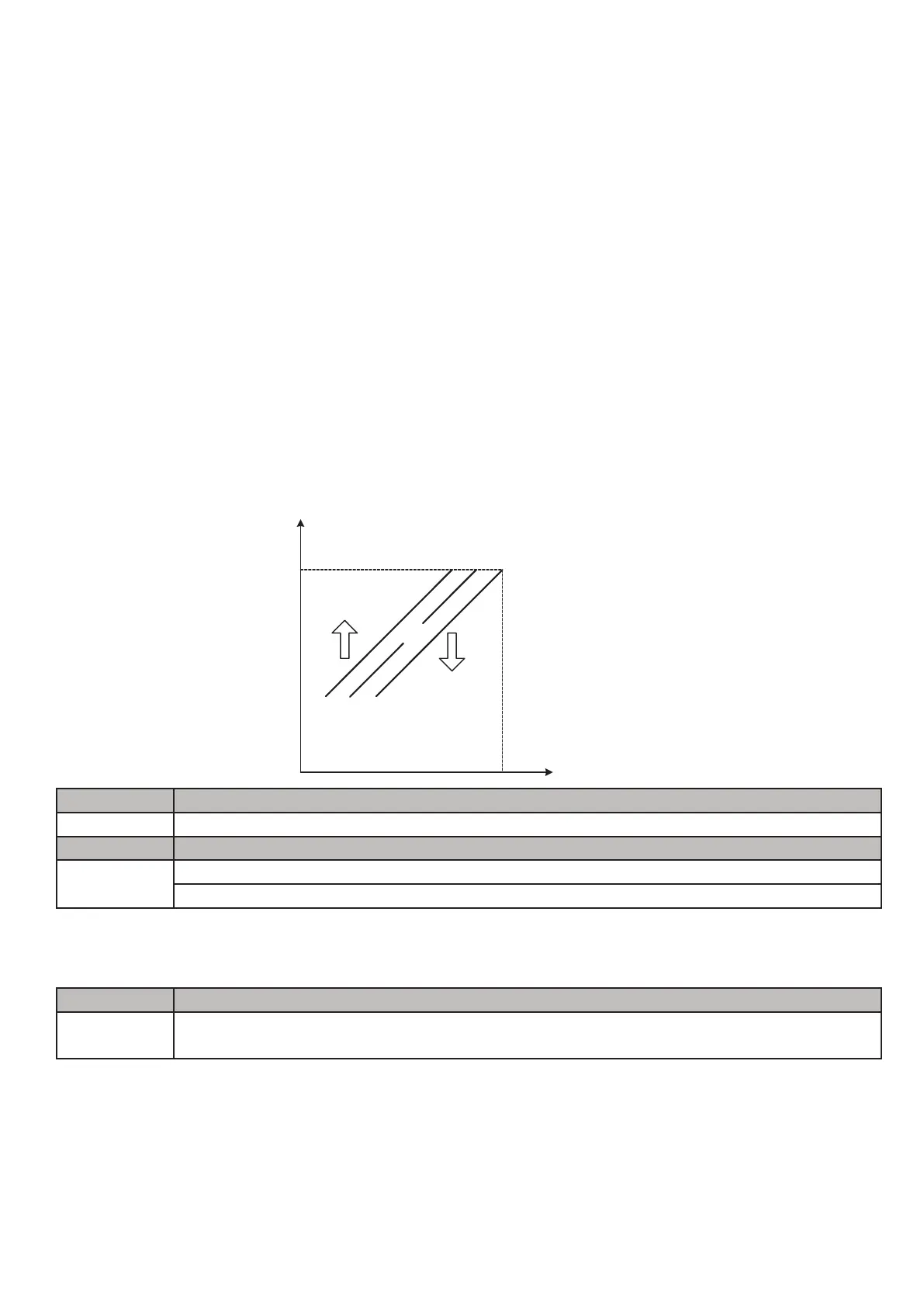
For use in high speed (120–160Hz) applications where the torque compensation decreases as the frequency
increases. When the output frequency is between 0–120Hz the torque compensation amount is the same as when
using torque boost mode 0.
Warning: Larger than required torque boost creates over-excitation at low speeds and
continued operation may cause motor to overheat.
01-14 Input Voltage Setting Default: 230 or 400
Range
240V:【155.0–255.0】V
480V:【310.0–510.0】V
01-12 Base frequency of motor 1 Default: 50.0/60.0
Range
【4.8–599.0】Hz
01-13 Base output voltage of motor 1 Default: 230 or 400
Range
240V:【0.0–255.0】V
480V:【0.0–510.0】V
Important:
Do not adjust 01-12 to value other than motor specifications. Use parameters 00-12 and 00-13 to limit user
accessible frequency range if desired.
This parameter is used as a reference for predefined V/F curve calculation (01-00 = 0 through E), over-voltage
protection level, stall prevention, etc. If the set value of 01-14 is lower than actual input voltage, the value of output
voltage (12-19) and output power (12-07) on the keypad will not be correct.
Set the correct input voltage (200V/208V/230V/240V or 380V/415V/440V/460V/480V).
Note:
Default value of parameter 01-14 depends on the initialization mode selected (13-08).


 To Next Page
 Loading...