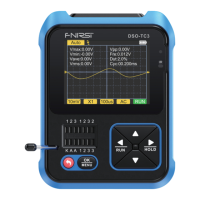
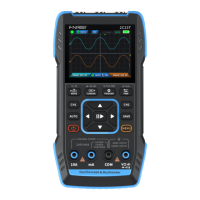
①Mode selection:Normal mode, recording mode, and monitoring mode.
②Threshold setting: Set the minimum and maximum thresholds for voltage,
current, and temperature in monitoring mode.
③History: Store the measurement values saved in the recording mode, with a
maximum of 30 records, the latest saved data is in the first record, arranged in
descending order, overwrite the oldest records after over 30 pieces of data.
④System settings: Set language, screen brightness, temperature gear, and
automatic shutdown time.
⑤Restore factory settings: Restoring factory settings will clear all historical
data and restore to factory time settings.
⑥Regarding: View manufacturer information, equipment model and version
number.
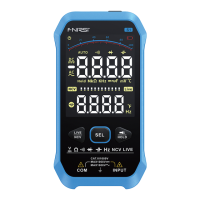
In normal mode, it supports automatic, voltage, resistance, diode/buzz-
er, capacitor, high current, low current, frequency, temperature, NCV,
and LIVE measurements.
3.Menu Introduction
4.Testing Methods
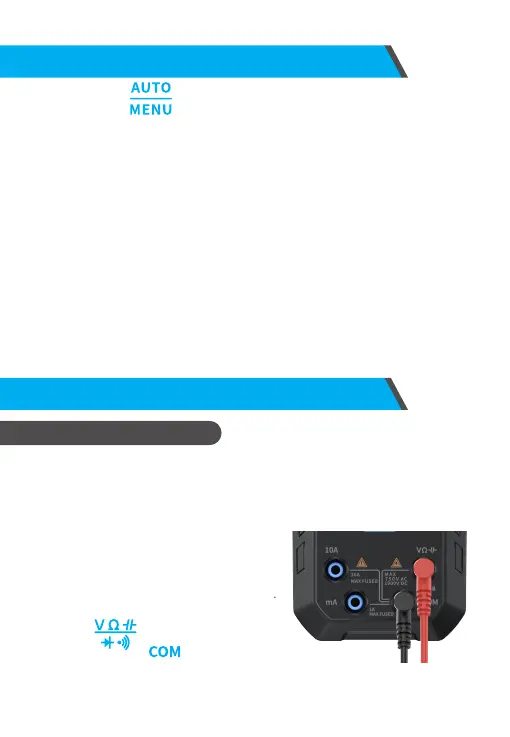
Long press the for 2 seconds to enter the menu, and then use the
up, down, left, right, and confirm keys to browse the menu and set
functions.
1. Normal Mode
Automatic measurement
①Automatic gear is selected by default
when starting in normal mode, short press
the middle button to switch to automatic
gear from other measurement gears.
Connect the red test pen to the input
terminal and the black test pen to
the input terminal , the multimeter
will automatically identify the current measured signal based on the voltage
and resistance of the measured object.
13



 To Next Page