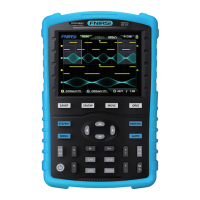
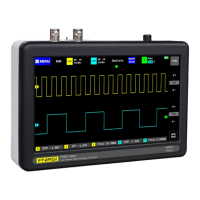
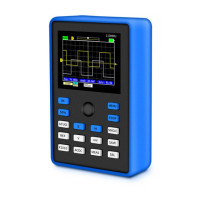
①Press the "OK" button after pressing the power button so that to enter the U disk upgrade mode.
②Use the Type-C cable to connect the Type-C port on the board to the computer. At this time, the
computer will pop up a U disk named "DSO BOOT".
③Pull the firmware into the U disk, and the firmware upgrade will complete.
●After receiving the device, please use it after fully charged.
●When using the oscilloscope, pay attention to the selection of the gear, the gear of the
oscilloscope should be consistent with the gear of the probe.
●When measuring high voltage, it is forbidden to touch any metal part of the oscilloscope to avoid
the risk of electric shock.
●Try not to perform a high voltage test while charging.
6.Firmware upgrade
The firmware upgrade is only supported on the computer Windows 10 system.
Note
The device currently uses a USB analog U disk for firmware upgrade, and the upgrade steps
are as follows:
7.Precautions
16


 To Next Page