Note:
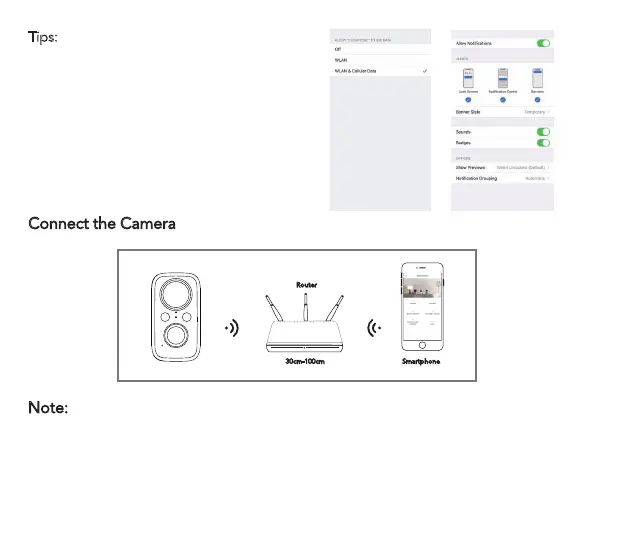
·Put the camera and smart phone I to 3 feet (30 to 100cm) away from the router to set Wi-Fi.
·The camera only supports 2.4GHz Wi-Fi. It doesn't support 5GHz WIFI.
5
Tips:
Please turn on 2 below permissions
while using this APP for the first time.
1. Allow ' CloudPlus ' APP to access
mobile cellular data and wireless LAN or
it will fail to add IP camera.
2. Allow ' CloudPlus ' APP to receive
pushed message or the phone will not
receive alarm push when motion
detection or audible alarm is triggered.
Connect the Camera
Router
30cm-100cm Smartphone



 To Next Page