FOCUS 4010/HT Dental Porcelain Furnace Page 16 Manual version 4.2.2013
4. The Firing Cycle
4.1 Starting the Firing Cycle
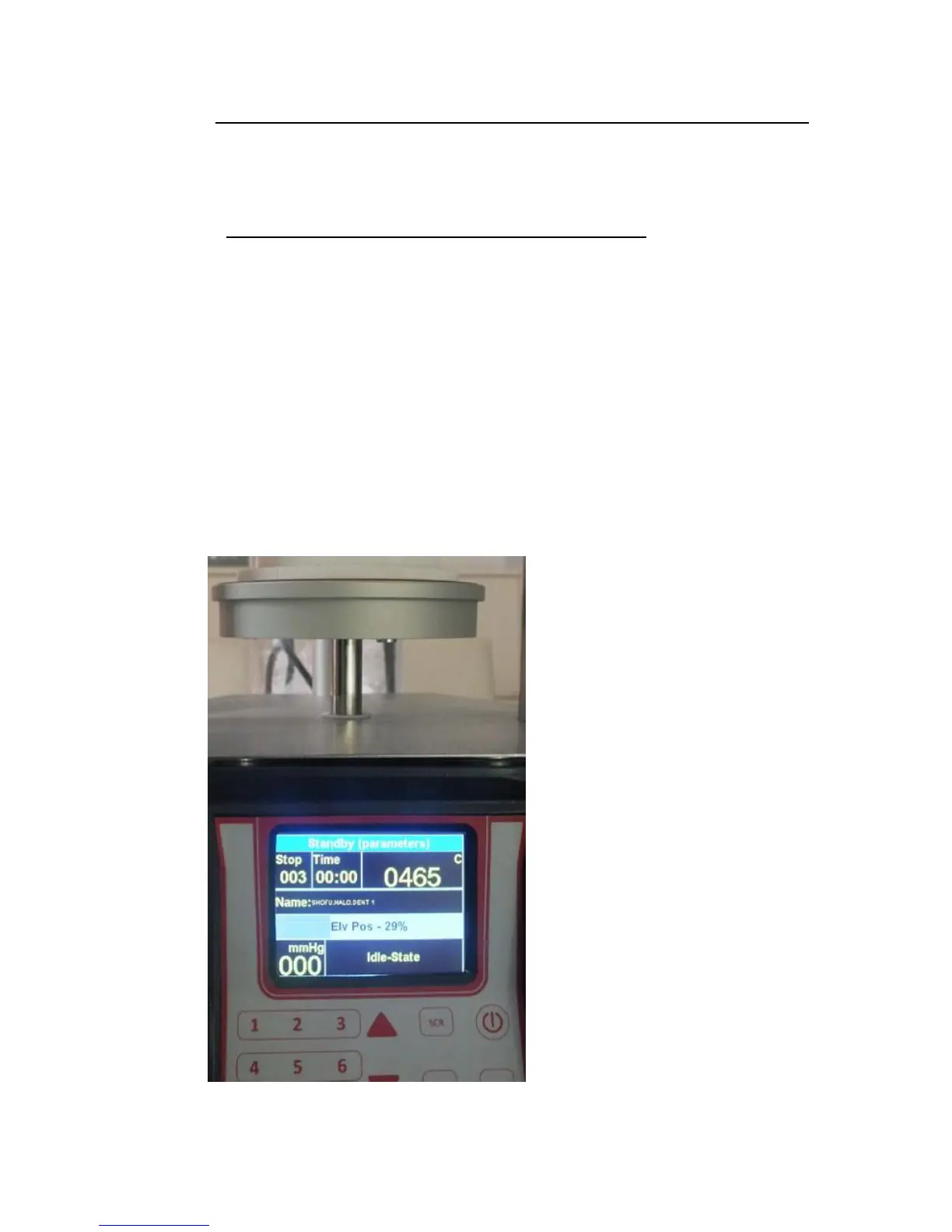
1) Check that the platform is in the lowest position. This can be done by pressing
the arrow key.
. The firing cycle will not start until the platform is completely lowered.
2) Select a program.
3) Press the [START] key.
4) The firing cycle will automatically start when the firing chamber temperature
reaches the temperature selected for the START TEMP. The relevant function will
appear on the screen after 30 second (this value can be modified in the option).
Showing the actual status of the cycle , with all the relevant value.
5) When the firing cycle has finished and the platform is in the lowest position the
five double tone sound will be heard and the graph will be turned off.
4.2 By pressing the arrow up you can modified the position of the
table within a cycle or close the table at any working stage of the
furnace .


 To Next Page