FOCUS 4010/HT Dental Porcelain Furnace Page 18 Manual version 4.2.2013
5. Supplementary Features
5.1 Countdown Time to the End of the Cycle
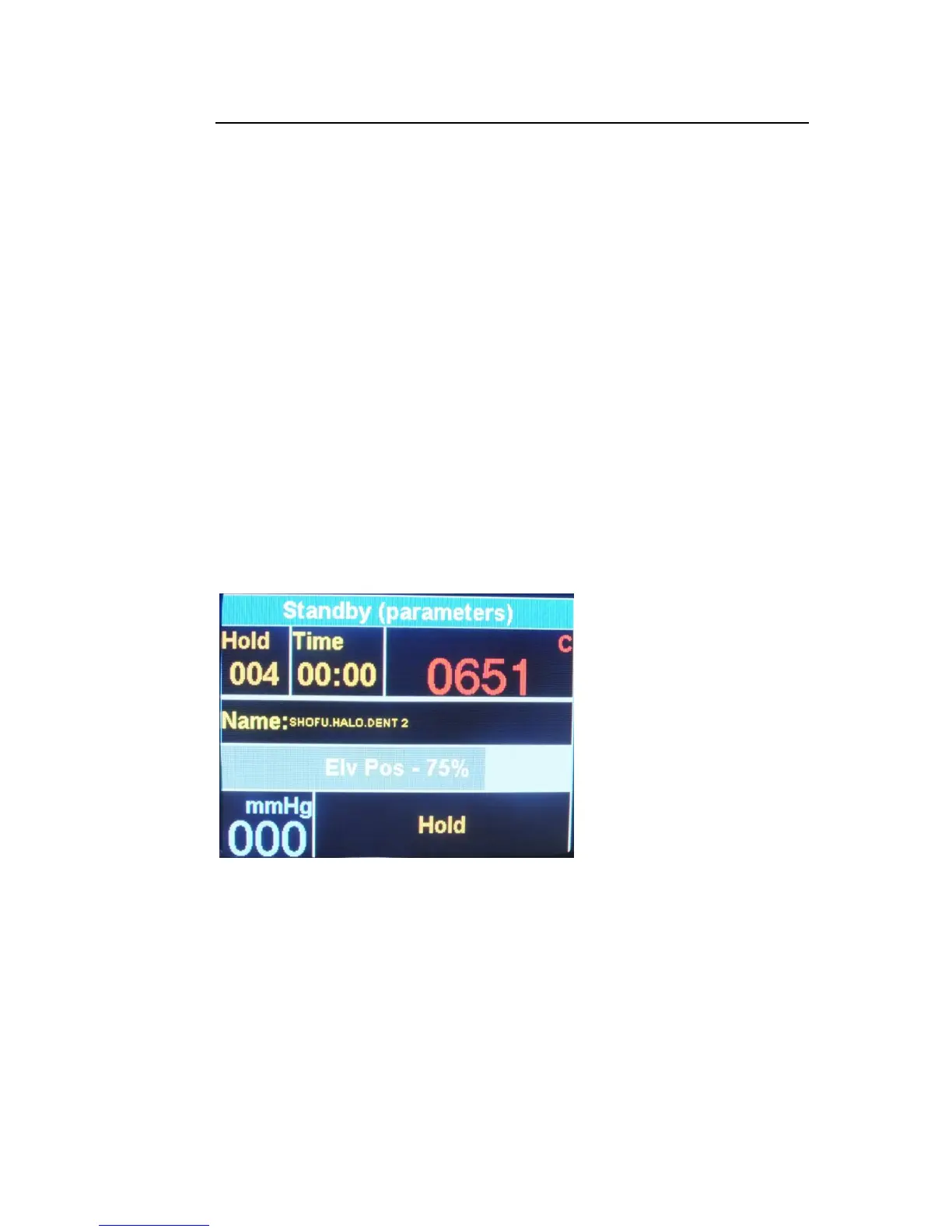
You can see the Time left to the end of the cycle in the middle high section of the
screen, while sending the program but also in the screen mode
5.2 The Hold Key
The HOLD/RELEASE function is available only during a cycle. The [HOLD] key when
pressed will temporarily “freeze” the firing cycle. The temperature is held (in case the
HOLD key was pressed during the Heating) and the platform stops moving (in case the
HOLD key was pressed during the UP TIME).
When HOLD key is pressed ,the color of "Cycle" change to orange. During the HOLD
stage a single-tone single beep is heard repeatedly to remind the user that the furnace is
still in the HOLD stage. To release the furnace from the HOLD stage, press HOLD. The
indications of the HOLD stage will disappear and the furnace will return to normal
operation.
During this “freezing stage”, you can manually control and extend the drying time,
cooling time, and glazing time, When you decide that the time has been sufficiently
extended, Press the [HOLD] key, this will release the furnace from the “HOLD”
stage, and the furnace will return to the firing cycle.
This function provides the user with the flexibility to have an elective an d full control
over the work being in cycle. It enables the control of drying, heating and the cooling
stages.
5.3 5.3 Changing Parameters during Cycle
In order to change parameters during cycle, perform the following
steps:
Using the HOLD/RELEASE function, during a cycle, enables to change the value of the
parameters that haven’t been performed yet. These changes are temporary and do not
effect on the pre-programmed data in the cycle. In order to change the parameters
during cycle the following steps are required:
Press “HOLD” key –Press Menu+ Edit current program.


 To Next Page
 Loading...