FOCUS 4010/HT Dental Porcelain Furnace Page 19 Manual version 4.2.2013
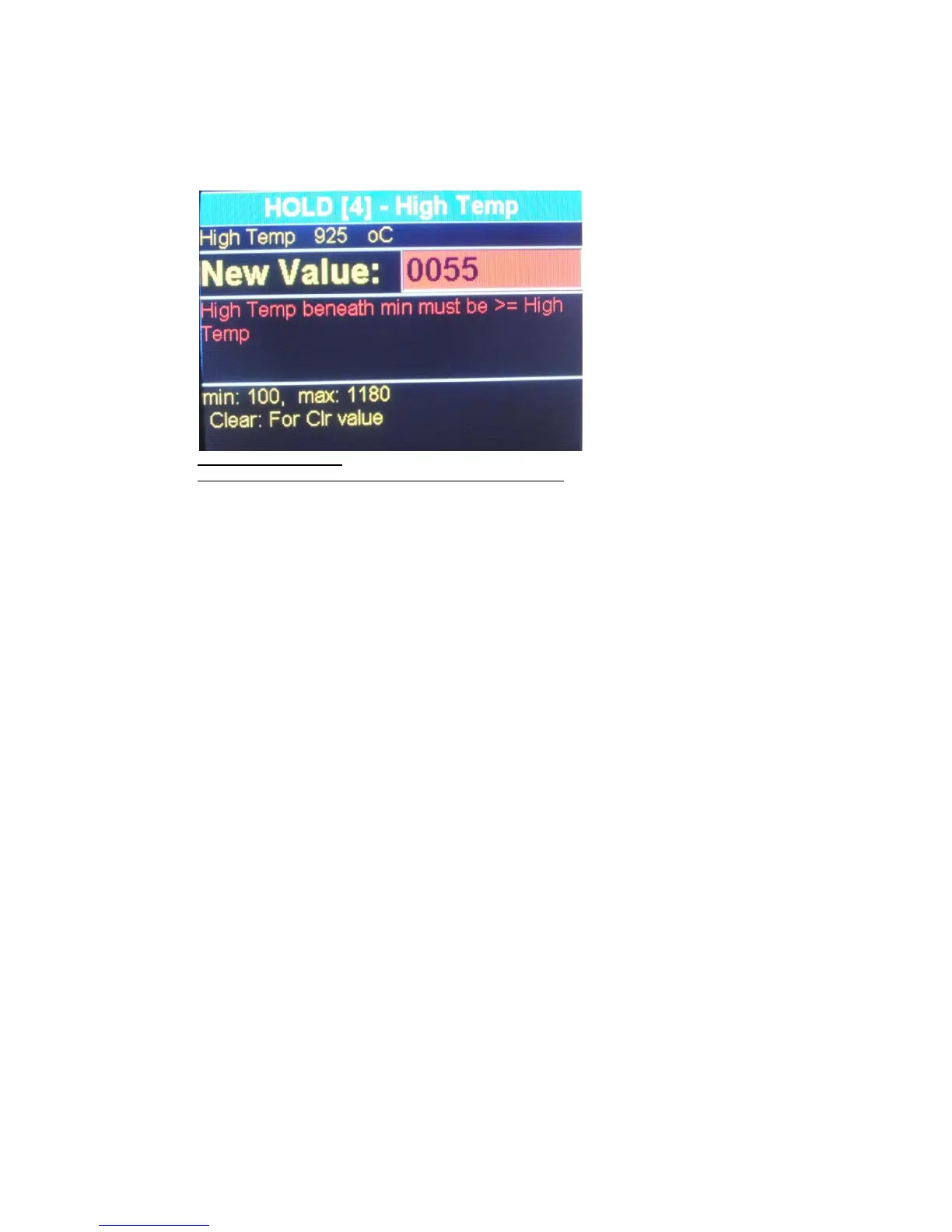
Scroll through the parameters, by using the arrows keys, until you
reach the parameter (s) that are required to be changed ( only the
changeable parameter will appear in an editing Blank field). Enter the
new value and press ENTER. While you are not able to perform
change on the parameter the word "NO EDIT" will appear on the
active field.
Press HOLD, to release
from the HOLD stage and the furnace will resume the cycle.
The furnace will execute the cycle according the new parameters. After termination of
the cycle the parameters will return to their original values.
5.4 Night-mode
There are two ways to enter Night-mode:-
EITHER During a cycle, press the [ON/OFF] (Front panel) key. On completion of the
firing cycle the furnace will automatically enter Night mode.
The automatic night-mode is indicated by the name Night-Mode in the bottom of the
screen.
The night mode waits until the firing chamber temperature drops to 100C. During this
time the chamber remains open and the table is resting at it lowest position. After the
temperature reaches 100°C the platform will close and maintains the furnace at the
constant temperature of 100C.
To cancel automatic night - mode press ON/OFF key .
OR If the furnace is not in cycle : Enter the pre-programmed cycle [PROG], [0],
[ENTER], arrow up can close door before reaching 100 degrees .
The lift will close the muffle, and the temperature will drop to 100C.To cancel night-
mode press the [STOP/LIFT] key to lower the table and enter the required program
number.
5.5 The STOP/LIFT Key
The [STOP/LIFT] key serves for cycle canceling.
A short press of the [STOP/LIFT] key, will lower the platform
If you wish to cancel a program in the middle of a firing cycle, press the [STOP/LIFT]
key. The platform is lowered and the furnace remains in the selected program mode


 To Next Page
 Loading...