EasyManua.ls Logo

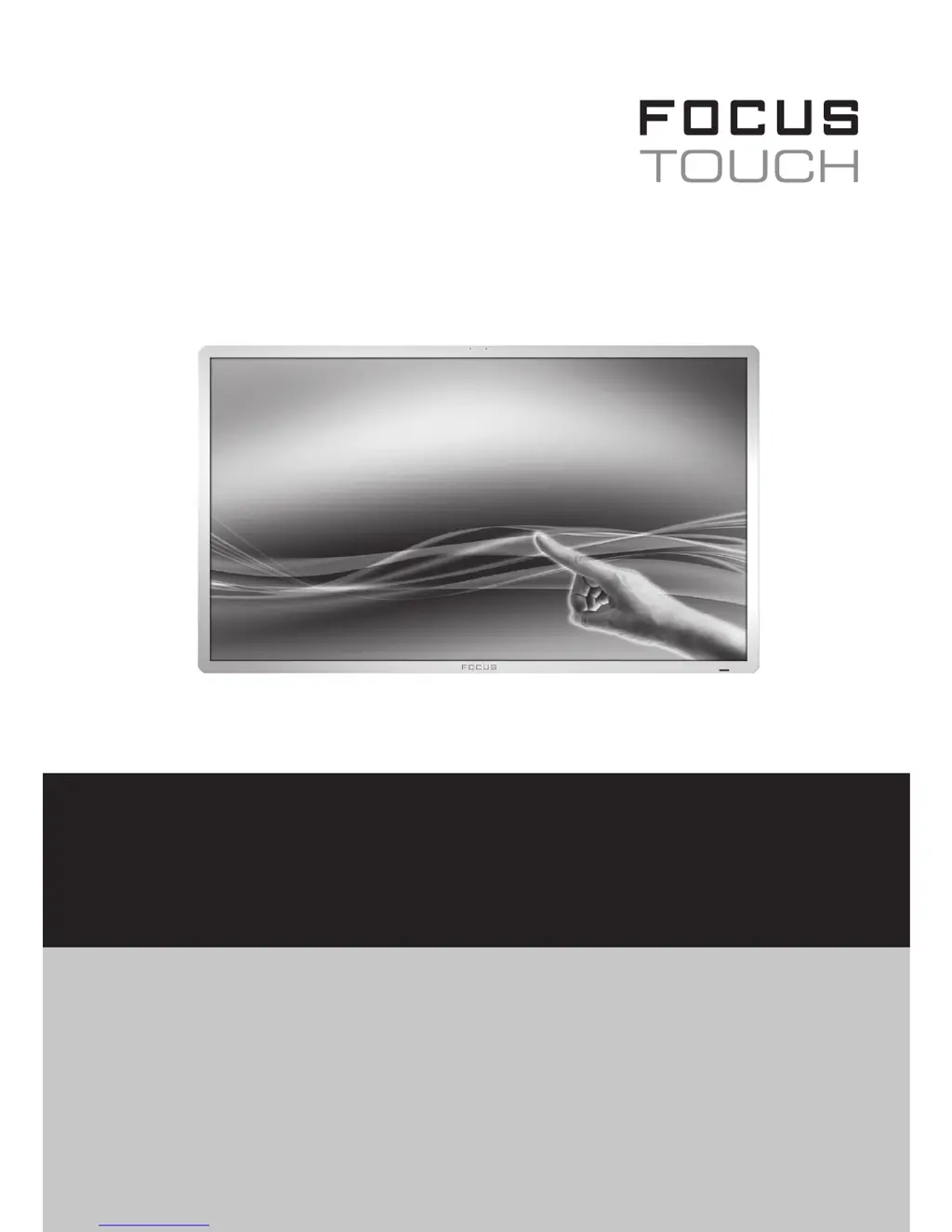
Focus TOUCh P10 - User Manual

Focus TOUCh P10
20 pages
Print Icon
To Next Page IconTo Next Page
Loading...
FOCUS TOUCH P10
FOR DISPLAYS: 55”, 70” AND 82”
ENGLISH V01.3 - 2014-7

Questions and Answers

  • J
    Jeremy CaseyAug 11, 2025
    How to fix Focus TOUCh P10 when the screen does not turn on?
    • M
      Matthew WolfAug 11, 2025
      If your Focus Monitor screen doesn't turn on, here's what you can do: * Ensure the power cord is securely plugged into the outlet. * Verify you have a proper 220V power connection. * Check the LED indicator; if it's red, the monitor is on stand-by. Press the power button to turn it on.
  • R
    Renee RichAug 21, 2025
    What to do if my Focus Monitor is on but no picture shows?
    • M
      Michael MooreAug 22, 2025
      If your Focus Monitor is on but there's no picture, press the source button and select the correct input.
  • Z
    Zachary GuzmanAug 31, 2025
    Why is my Focus TOUCh P10 screen too dark?
    • G
      ggarciaAug 31, 2025
      If the screen of your Focus Monitor is too dark, adjust the brightness and contrast settings.

Focus TOUCh P10 Specifications

General IconGeneral
BrandFocus
ModelTOUCh P10
CategoryMonitor
LanguageEnglish