TView Gold User’s Guide
Hardware Installation
18
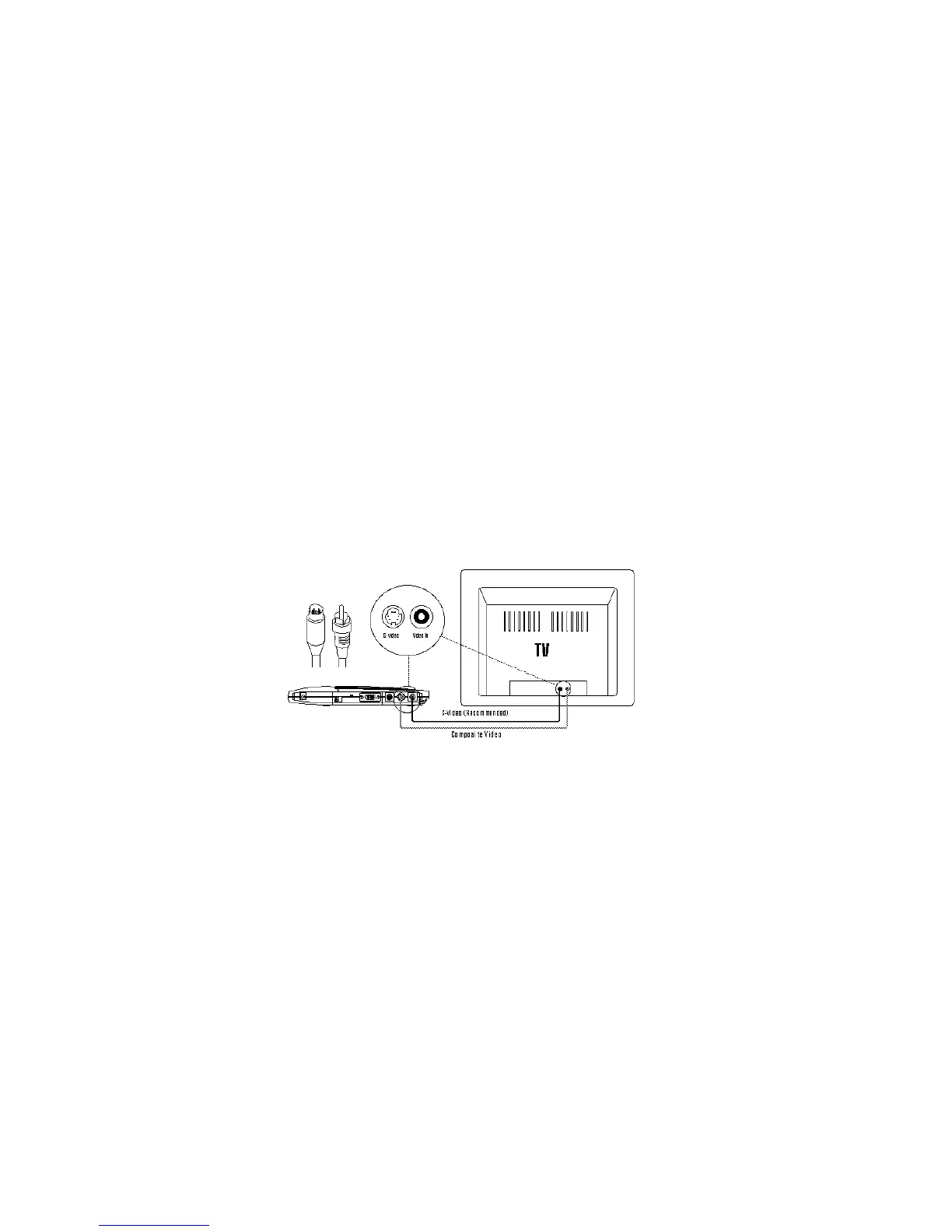
labeled either "Comp Video" or "S-Video."
2. Connect the other end of the composite cable or S-Video
cable to the Comp Video in or S-Video in port at the rear
of the television.
3. Turn the television on.
4. Turn the TView Gold on.
5. Turn your computer on. If the cables have been connected
correctly, the image from the computer monitor should
now appear on the television screen.


 To Next Page