TView Gold User’s Guide
Chapter 3
25
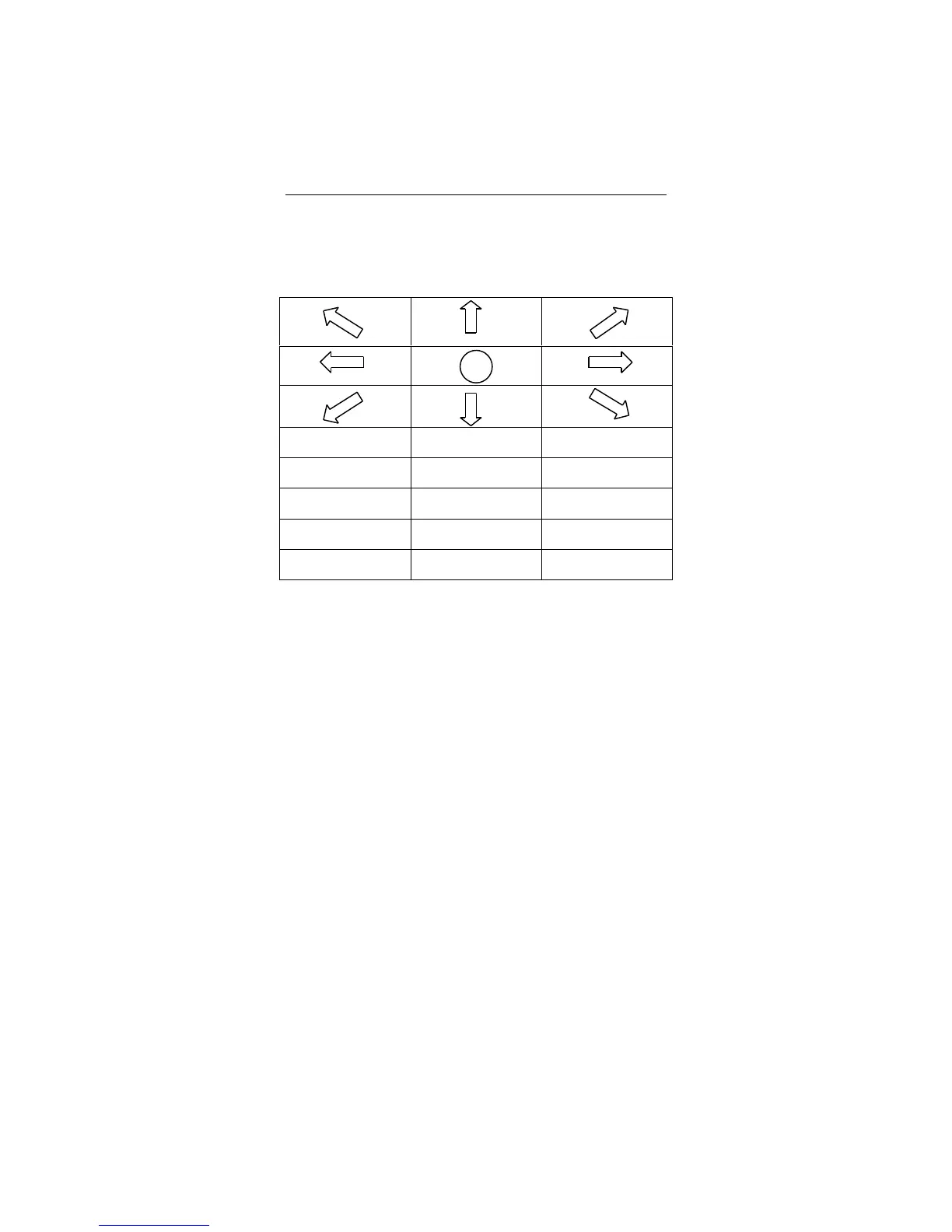
Using the Remote Control
The TView Gold comes with a remote control that can be used
to adjust many aspects of the computer image on the
television. See the figure below. Refer to the previous pages
for information about how to use the on-screen menus.
Highlight Zoom
Spotlight Area Pointer
Sharp Bright Contrast
Freeze Position Sizing
Menu Color Save
Figure 3-3: TView Remote Control Buttons
The buttons on the remote perform the following
functions:
• Up/Down Arrows: Used to size the screen up or down in
sizing mode. It is also used to position the screen
vertically on the television screen in Position Mode; to
move the Highlight Area, Spotlight Area, or pointer
vertically; to control area zoom in Area Zoom Mode and


 To Next Page