XQ-48DSPSpecial DSP amplifier
25
3. Software Operation User Manual
3.5 Options Introduction
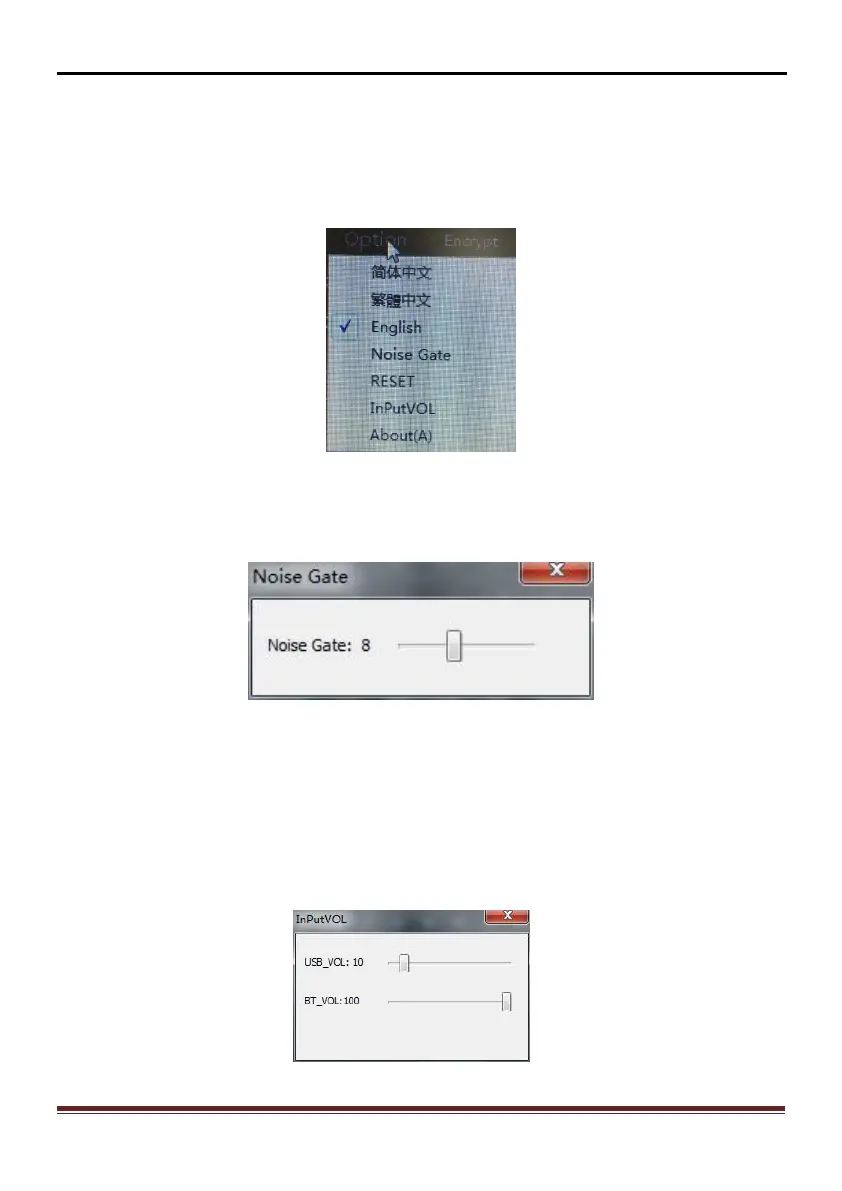
After click on the main interface to the top menu "Options" button in Figure 3.5.1,
it will pop up "option" of each menu item,You can choose a language: Simplified
Chinese / traditional Chinese/English.
Figure 3.5.1
3.5.1 Noise Gate
In the Options menu, click on "Noise Gate" ,It can adjust the noise range: 0-20
Figure 3.5.2
3.5.2 RESET
In the Options menu, click on "Reset" ,This operation will restore factory settings.
3.5.3 Input Vol
In the Options menu, click on "Input Vol" ,It can adjust the range of Subwoofer
volume and Bluetooth volume.
Figure 3.5.3


 To Next Page