XQ-48DSP Special DSP amplifier
Mobile Application Instructions
Android mobile scan Qrcode on gift box to
download the application to install XQ-48DSP
app. Turn on the unit and plug in external
bluetooth, then the external bluetooth will be
power on and auto enter into a paring mode
with blue light flash alternately. Open the
bluetooth of your android mobile, searching
DSP to pairing it to finish the connected.
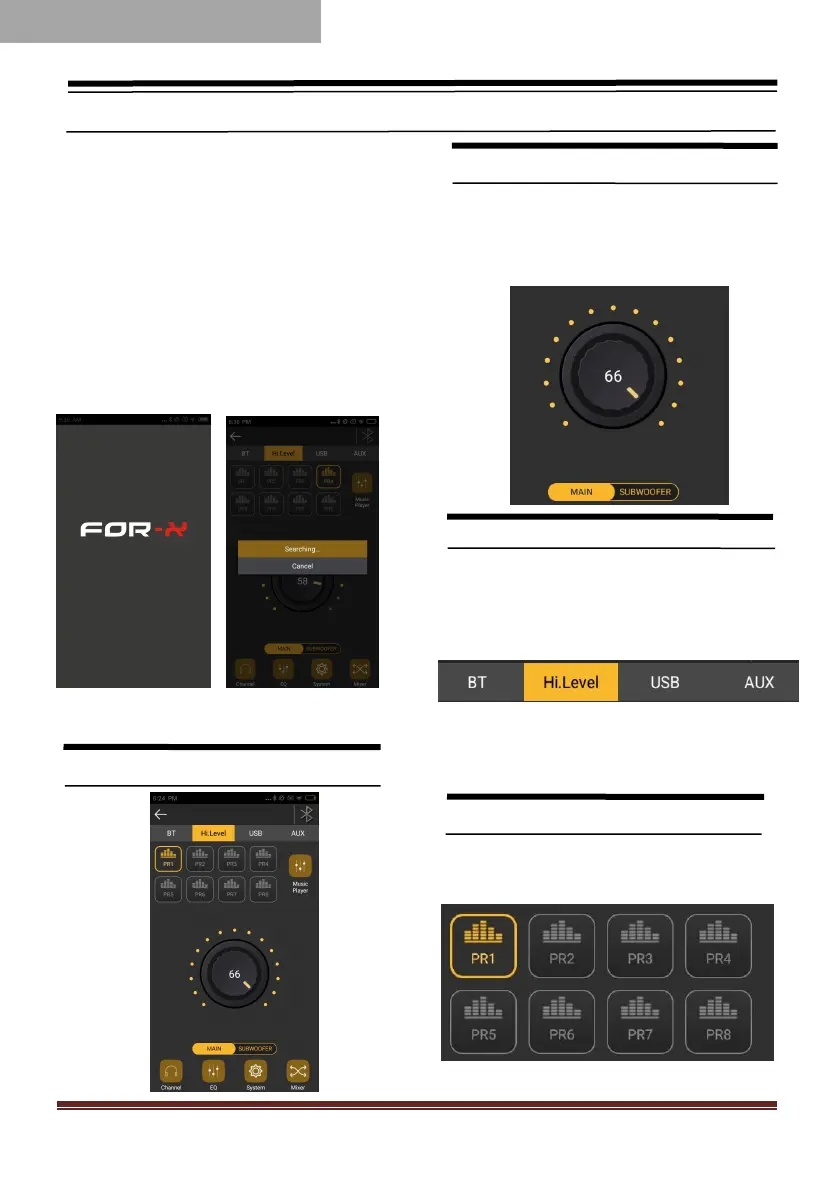
1.User Operation Instruction
Main Interface
Main volume adjustment
● The main volume can be adjusted by
pressing the main volume scale clockwise or
counterclockwise by hand.
Input Source
1、Click Hi.Level button to switch input
source.
E.g : Head unit input source is high level,
then the Input source on app choice
Hi.Level。
Preset
There are 1~8 presets to choose from.



 To Next Page