XQ-48DSPSpecial DSP amplifier
6
1. Feature
User Manual
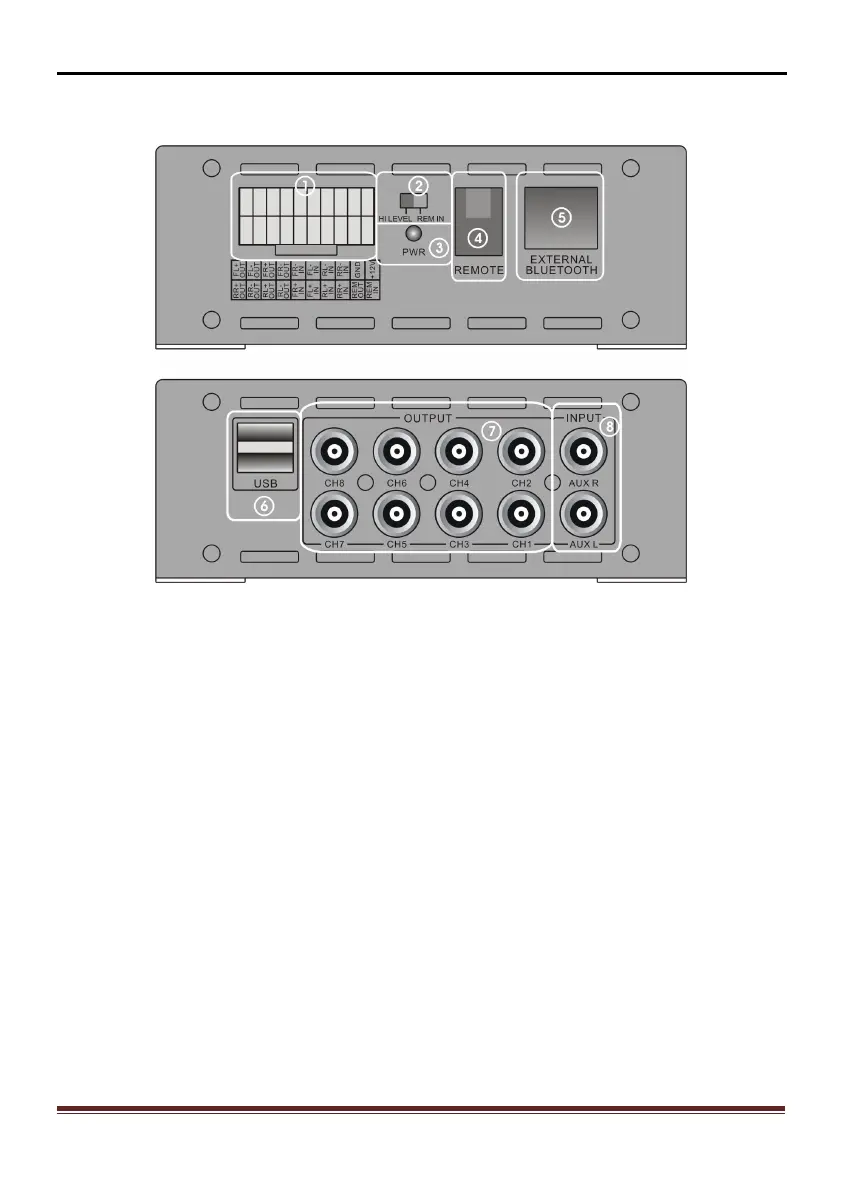
1.2 Input and output side panel
Figure 1.2.1
Head unit connecting port 2.) HI LEVEL /REM IN Convertor
Power LED 4.) Remote Control
Bluetooth port 6.) USB2.0 port
7.) Low level RCA output 8.) RCA input
1.3 Software Introduction
XQ-48DSP PC software control: (please check 3. Software Operation detail )
1) Auotmetically detect whatever the hardware is connecting with USB cable, if
ready and will connect with head unit autometically.
2) Display resolution over than 1280*760, or else cannot show fully.
3) Only for windows system's computers.


 To Next Page