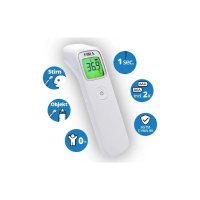
FORA IR42 stores 30 most recent readings.
1. Press and release the SCAN button to turn on the
thermometer.
2. Press and hold the MEMORY button for 1 second to enter the
memory mode indicated by a flashing " " symbol. The most
recent reading stored will be displayed.
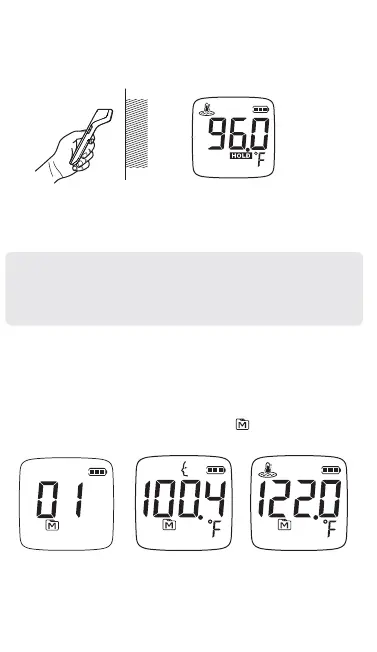
4. Make sure the probe is flat and close to the object surface, not
at an angle. Perform an object measurement with a distance
within 1.9 in (5 cm). Press and hold the SCAN button as you
move the meter along the surface. The HOLD symbol will be
flashing.
5. Release the button and read the result. If the reading is ≧
32°F (0°C) and ≦ 212.2°F (100.1°C), the display will show
the reading with green backlight.
Note:
● If the reading is ≦ 32°F (0°C), the display will show “Lo”.
● If the reading is ≧ 212.2°F (100.1°C), the display will show
“Hi”.
3. Press and release the MEMORY button to cycle through
older readings.
4. When left idle for 30 seconds, the thermometer automatically
switches off.
RECALLING PAST READINGS


 To Next Page