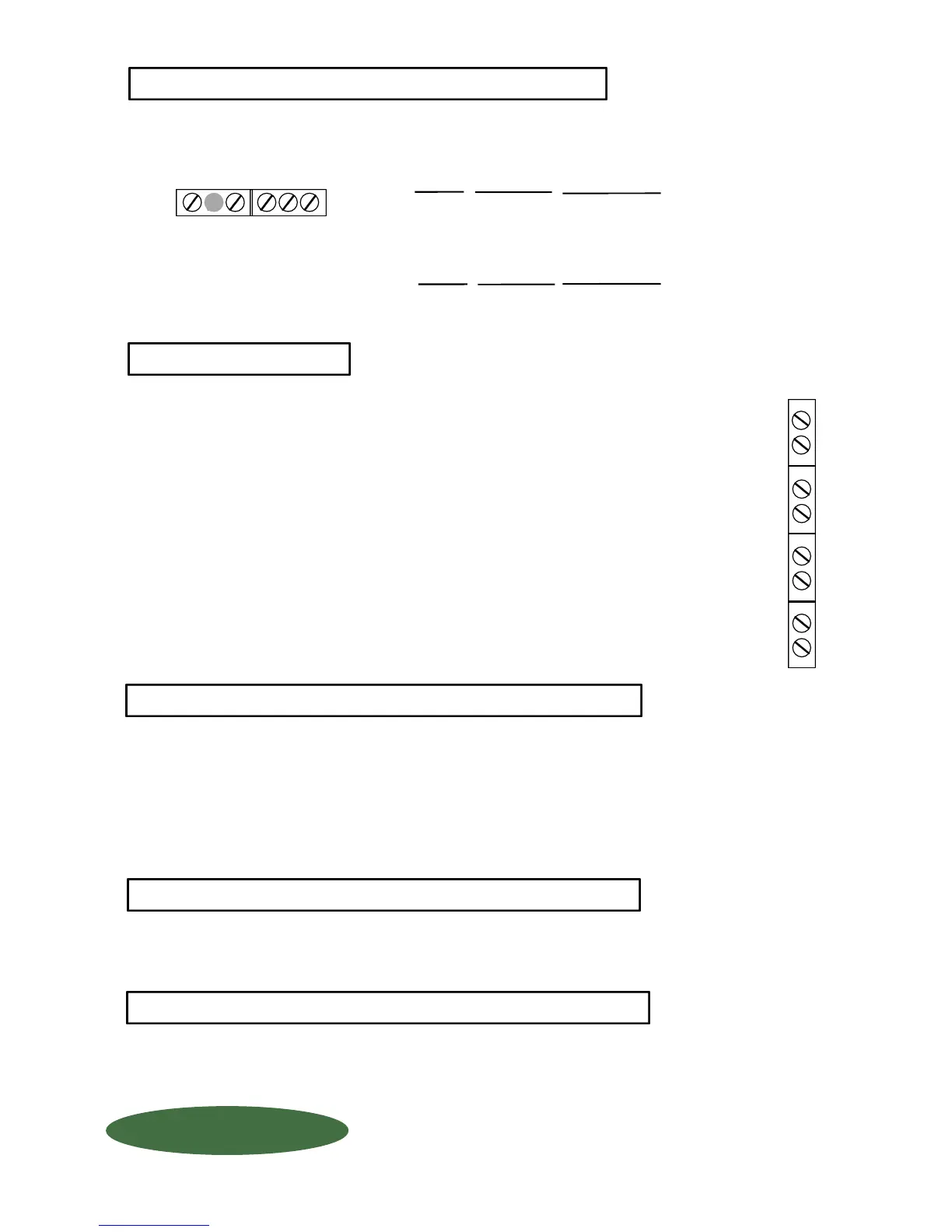
Use a separate conduit connector for your serial port communication. DO NOT RUN ANY OTHER
CONDUCTIVE LOAD or power lines with your communicationn wiring. Wire your communications
per the following: (NOTE: Use 1/2" conduit connector).
If it is not possible to mount the indicator at eye level, you may adjust the angle of display by
turning the screw potentiometer clockwise (for down) or counterclockwise (for up). Rotate
1/2 turn at a time until display is clear.
CAUTION should be observed whenever box is open to avoid damage or memory loss by static
electricity. DO NOT touch any of the circuit board, other than the intended contact noted in these
instructions. Carpets, especially can build up static electricity.
If ordered NORMALLY CLOSED:
T G R
RS232
Circuit IS complete until relay is activated.
(Example: Turning OFF a pump)
External apparatus (pumps, valves, alarms, etc) may be ordered either normally open
(N O) or normally closed (N C) These relays are rated at 5 AMPS maximum! To
format your relays, see Set-Up Code #4200 in Chapter "SCALE SET-UP CODES".
If more than one relay is being used, you may use the same conduit connector, but
DO NOT run any other wiring with your relays. (NOTE: Use 1/2" conduit connector).
RS232
RS485
PC BOARD
DESCRIPTION
+
-
Positive
Negative
PC BOARD
T
G
R
DESCRIPTION
Transmitted Data (printer data output line)
Signal Ground (signal)
Received Data (printer data input line)
RELAYS
If ordered NORMALLY OPEN:
Circuit is NOT complete until the relay is activated.
(Example: Turning ON a warning light). We
recommend normally open for all "low level"
applications.
Before adjusting the Display Angle Adjustment, make sure of the following:
A Indicator is mounted at "Eye Level". (Display angle is factory set for "eye level")
#1
#2
#3
#4
IN (1)
OUT (1)
IN (2)
OUT (2)
IN (3)
OUT (3)
IN (4)
OUT (4)
Be sure that all power coming into the facility is sufficiently protected for transient lighting strikes and power
surges. Improper protection may void your warranty.
B POWER IS OFF !
+ -
STATIC ELECTRICITY PROTECTION
LIGHTNING ~ SURGE PROTECTION:
6 DISPLAY ANGLE ADJUSTMENTS
5 RELAYS
4 PRINTER COMMUNICATIONS
RS485
QUESTIONS ? Help Hotline: 1-800-893-6723
W.1.203
1150-D Burnett Ave, Concord, CA 94520 USA
1-800-893-6723 US & Canada, Fax: 925-686-6713
www.forceflow.com / info@forceflow.com
File: T4\O&M\AWIZMSTR\WZININ2A.tcw (5/27/99) (B03.pdf)
FORCE FLOW
FORCE FLOW
F
F
L
L
O
O
Q
Q
I
I
U
U
P
P



 To Next Page
 Loading...