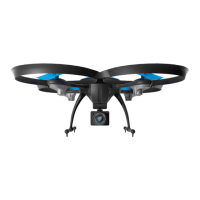
U45W Blue Jay User Manual
7
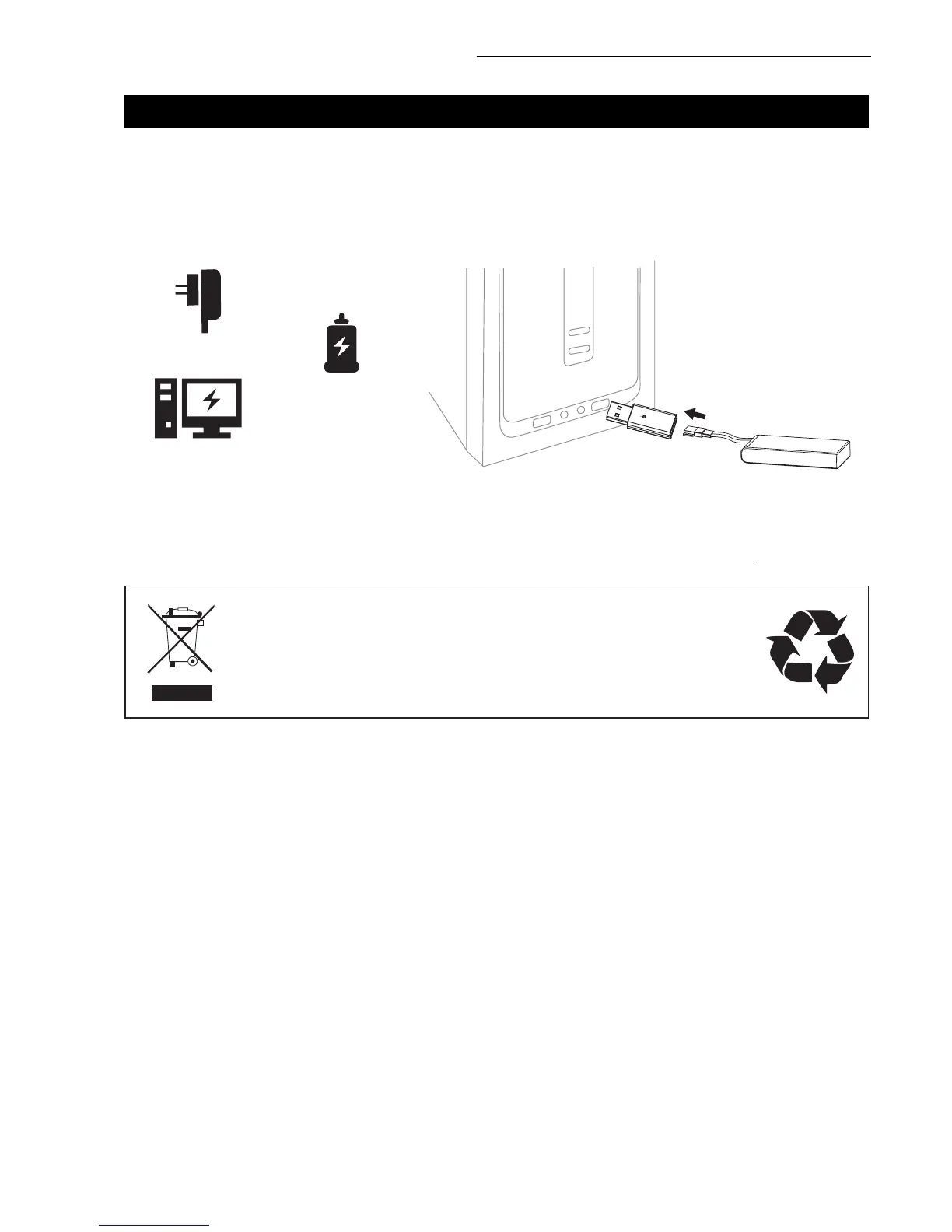
DRONE BATTERY CHARGING
LI-PO BATTERY DISPOSAL & RECYCLING
CAR CHARGER
PHONE CHARGER
COMPUTER CHARGING
DRONE BATTERY
Wasted Lithium-Polymer batteries must not be placed with household trash.
Please contact local environmental or waste agency or the supplier of your
model or your nearest Li-Po battery recycling center.
1. First, attach your USB cable to the drone battery, then connect it to your preferred charging
source.
2. When the battery is charging, a red indicator light on the USB appears. When the battery is fully
charged, a green indicator light appears. The battery charging time is around 70-85 minutes.
3. Average charging time: 50 minutes.


 To Next Page