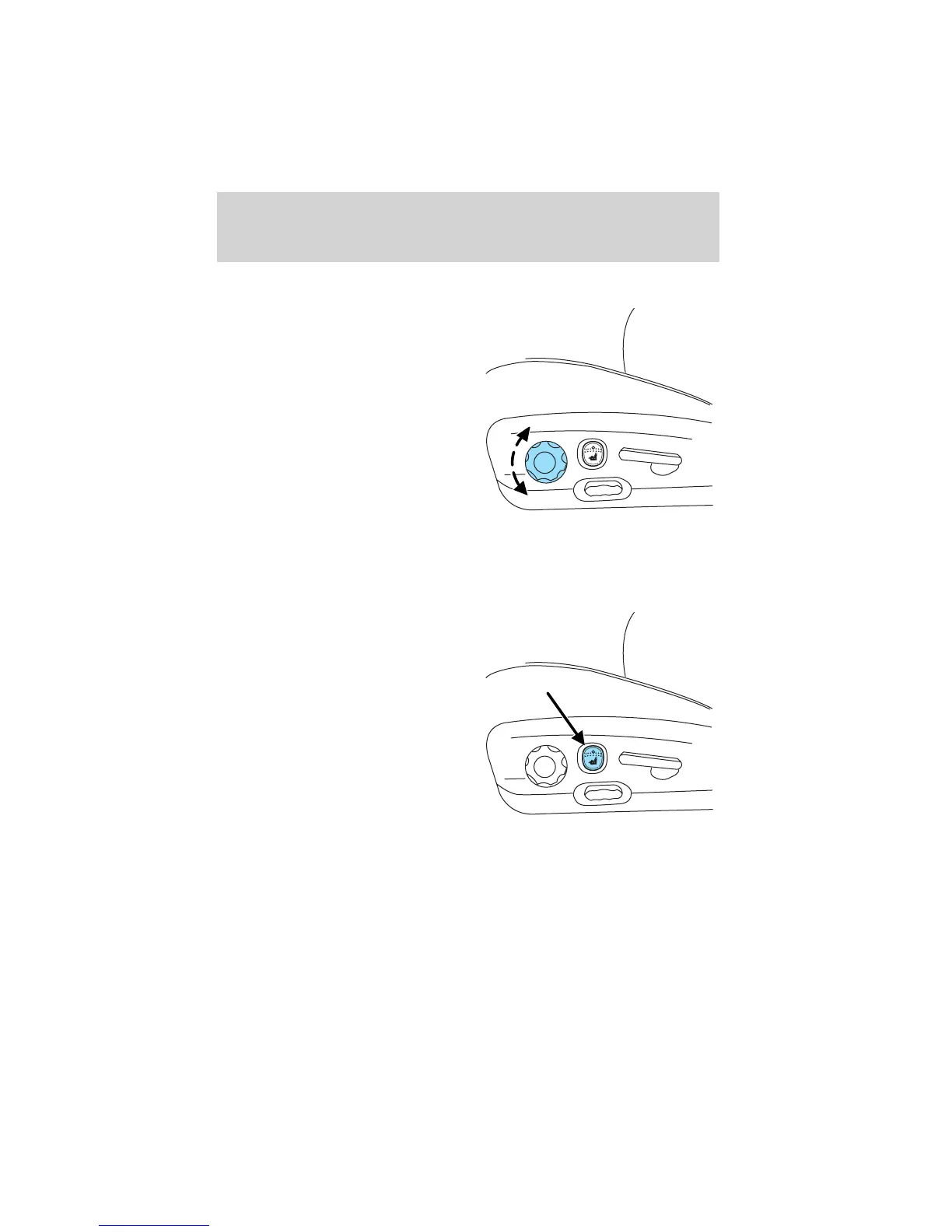
Using the manual lumbar support
Turn the lumbar support control
toward the front of vehicle to move
the lumbar support forward for
more direct support.
Turn the lumbar support control
toward the rear of vehicle to move
the lumbar support back for less
direct support.
Heated seats (if equipped)
To operate the heated seats:
• Push control located on the seat
to activate.
• Push again to deactivate.
The heated seat icon in the dual electronic automatic temperature
control (DEATC) will illuminate when activated.
Seating and safety restraints
139












 To Next Page