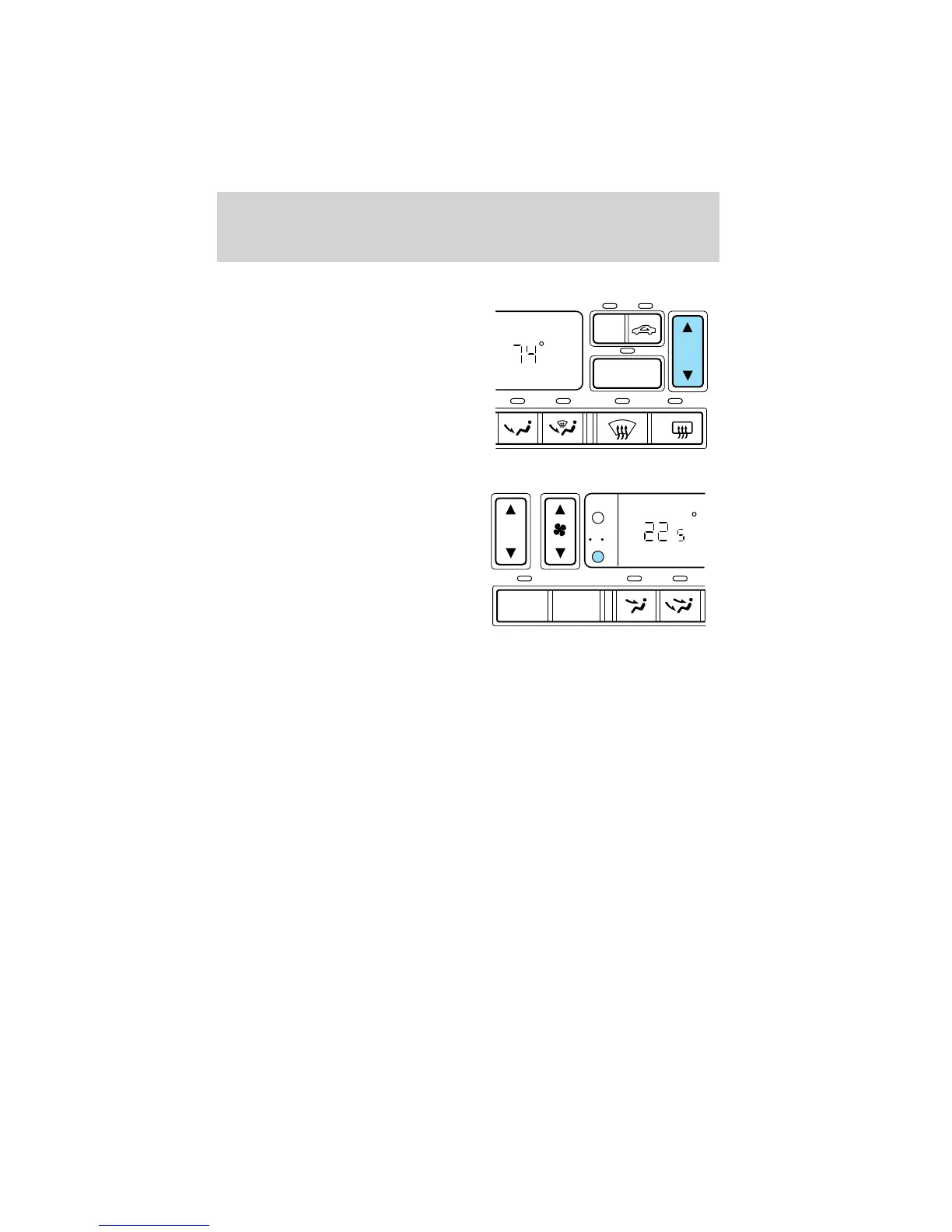
Passenger side temperature selection
To control the temperature, select
any temperature between 16°C
(60°F) and 32°C (90°F) by pressing
the temperature control on the
passenger side of the system.
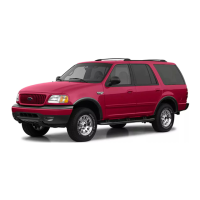
Temperature conversion
Press the Fahrenheit/Celsius (°F °C)
control to switch between
Fahrenheit and Celsius temperature
on the DEATC display only. The
temperature in Celsius will be
displayed in half-degree increments.
The English/Metric control on the
trip computer and message center
(if equipped) will not change the
DEATC temperature display. Refer to Message Center in the
Instrumentation chapter.
A/C
DUAL
R
F
AUTO
OFF
EXT
F C
C
,
Controls and features
44












 To Next Page