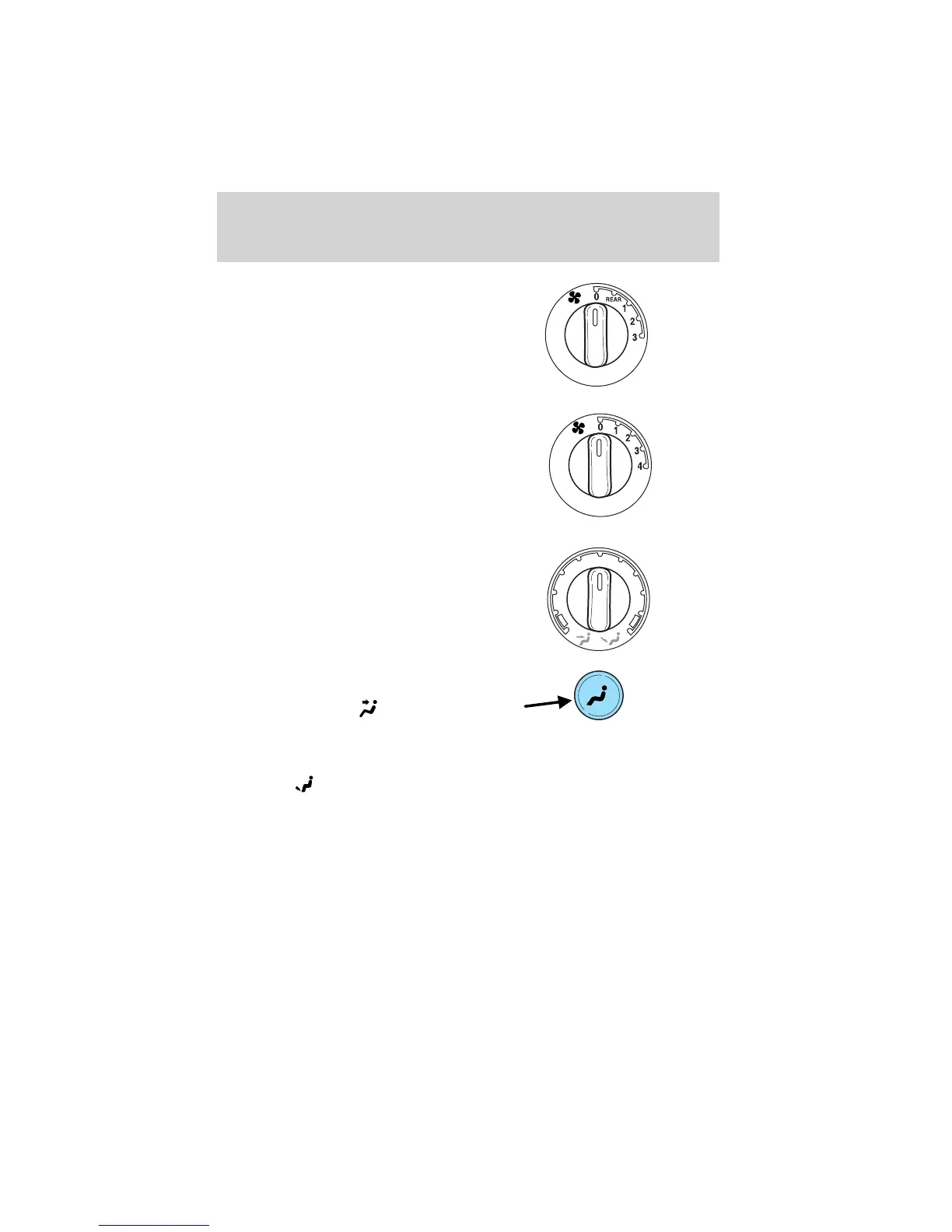
Ensure that the front auxiliary
control is turned to REAR to enable
the rear climate controls.
Turn the fan speed control to the
desired fan speed.
Turn the temperature control to
regulate the air temperature.
Press the mode selector once to
select air distribution through the
overhead vents. The
icon will
illuminate on the temperature
selector.
Press the mode selector again to select air distribution through the floor
vents. The
icon will illuminate on the temperature selector. Only the
auxiliary control head (front or rear) that is active will have the indicator
lights functioning.
Controls and features
52












 To Next Page