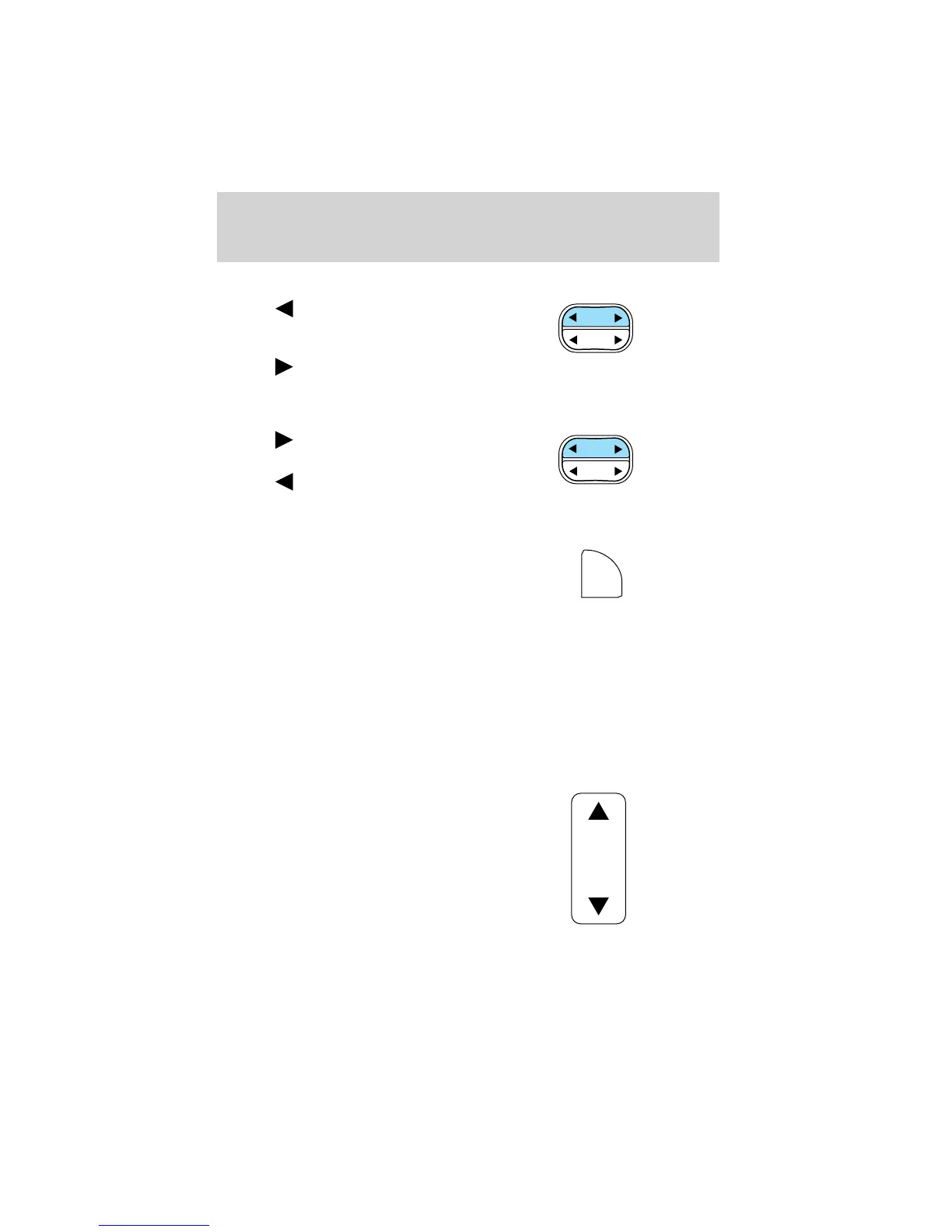
Seek function in radio mode
• Press to find the next
listenable station down the
frequency band.
• Press
to find the next
listenable station up the frequency band.
Seek function in CD mode
• Press to listen to the next
selection.
• Press
to listen to the previous
selection.
Scan function
The scan function works in radio or
CD mode.
Scan function in radio mode
Press SCN to hear a brief sampling of all listenable stations on the
frequency band. Press SCN again to stop the scan mode.
Scan function in CD mode
Press SCN to hear a short sampling of all selections on the CD. (The CD
scans in a forward direction, wrapping back to the first track at the end
of the CD.) To stop on a particular selection, press the control again.
Bass adjust
The bass adjust control allows you
to increase or decrease the audio
system’s bass output.
SEEK
DISCS
TUNE
SEEK
DISCS
TUNE
SCN
BASS
Controls and features
63















 To Next Page