Settings
In this mode, you can configure different driver setting choices. Press
the right arrow key (when in the Settings menu) to reach the listed
modes below:
Note: Some items are optional and may not appear.
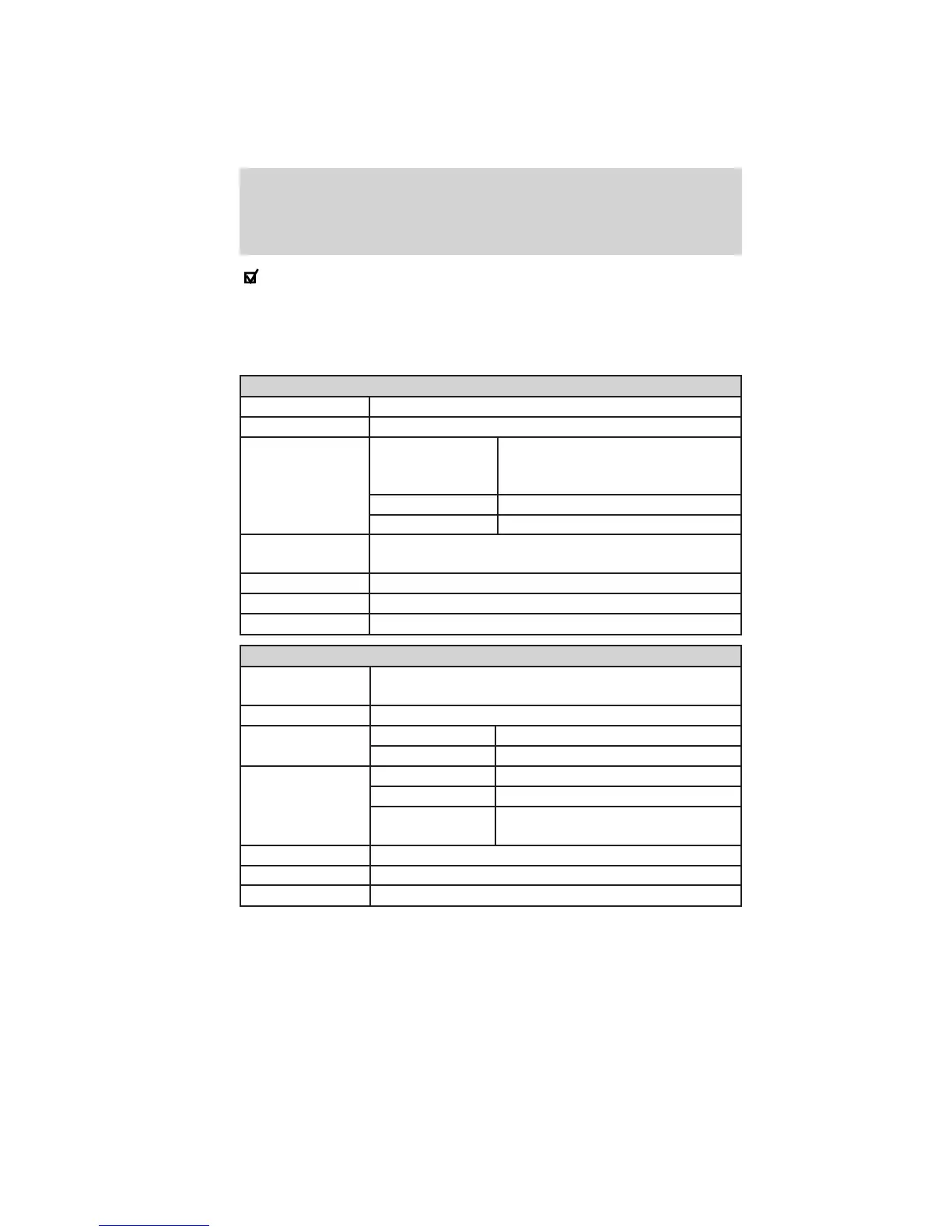
Driver Assist
Traction Control On / Off
Blind Spot On (default on key cycle) / Off
Collision Warning Sensitivity (if
MyKey™ is
programmed)
High / Normal / Low
Chimes On (default on key cycle) / Off
Warn-<ON> On (default on key cycle) / Off
Cross Traffic
Alert
On (default on key cycle) / Off
Cruise Control Adaptive or Normal
Rear Park Aid On (default on key cycle) / Off
Trailer Sway On (default on key cycle) / Off
Vehicle
Autolamp Delay Off, 10 / 20 (default setting) / 30 / 60 / 90 / 120 /
180 seconds
Easy Entry/Exit On (default on key cycle) / Off
Fuel DTE Calculation Normal or Towing
Long Term Econ Hold OK to Reset...
Locks Autolock, On (default on key cycle) / Off
Autounlock On (default on key cycle) / Off
Remote
Unlocking
All doors / Driver’s door
Menu Control Standard / Memory On
Oil Life Reset Set to 10–100%
Power Liftgate Enable / Disable
Instrument Cluster
40
2011 Explorer (exp)
Owners Guide, 1st Printing
USA (fus)















 To Next Page