Increasing speed while using speed control
To set a higher speed:
• Press and hold SET + until you get to the desired speed, then release.
You can also use SET + to operate the tap-up function. Press and
release SET + to increase the vehicle set speed in 1 mph (1.6 km/h)
increments.
• Use the accelerator pedal to get to the desired speed, then press and
release SET +.
Reducing speed while using speed control
To reduce a set speed:
• Press and hold SET – until you get to the desired speed, then release.
You can also us SET – to operate the tap-down function. Press and
release SET – to decrease the vehicle set speed in 1 mph (1.6 km/h)
increments.
• Press the brake pedal until the desired vehicle speed is reached, then
press and release SET +.
Turning off speed control
To turn off the speed control, press and release OFF or turn off the
ignition.
Note: When you turn off the speed control or the ignition, your speed
control set speed memory is erased.
STEERING WHEEL CONTROLS (IF EQUIPPED)
Radio control features
VOL + (Volume): Press to increase
the volume.
VOL – (Volume): Press to decrease
the volume.
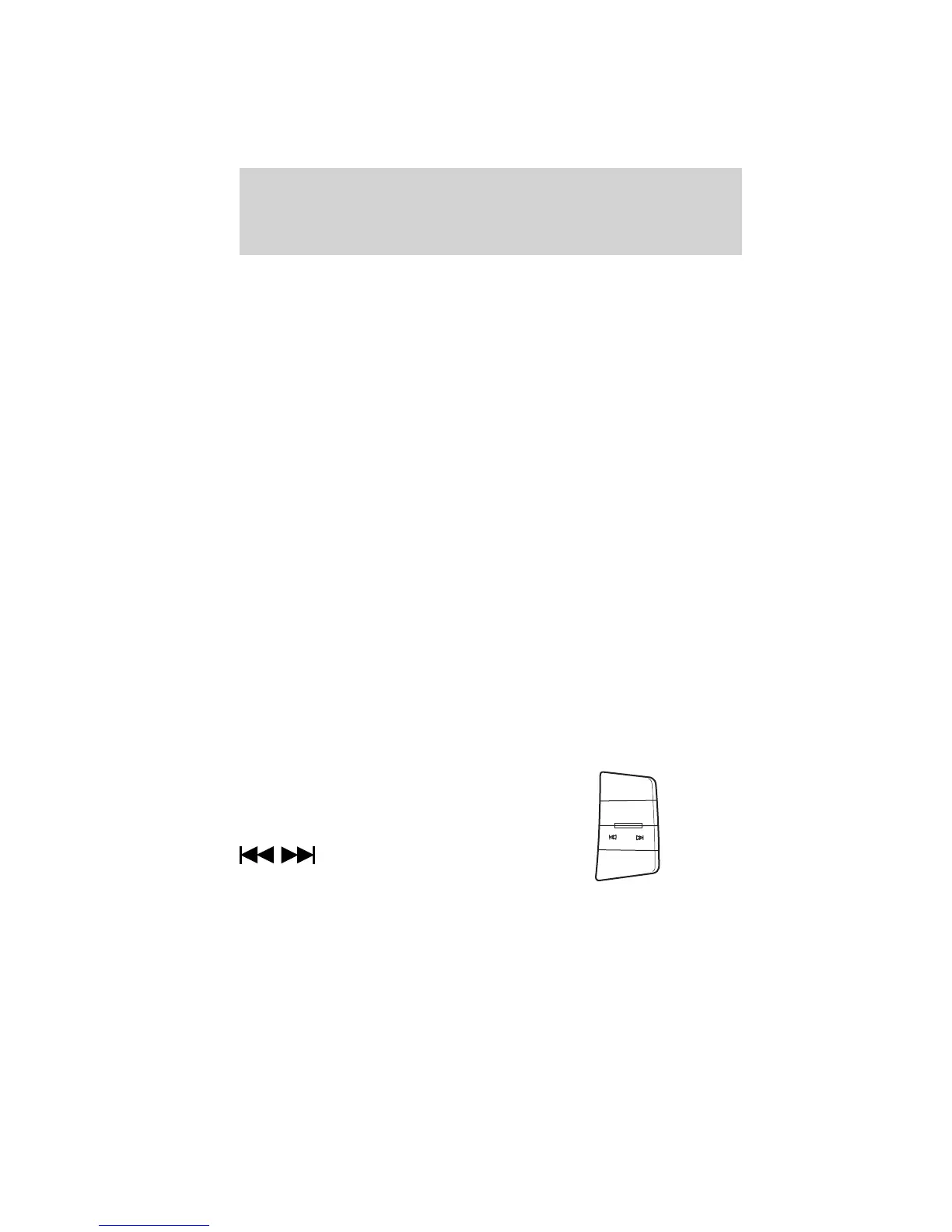
(Seek): Press to select
the previous/next radio station
preset, CD track or satellite radio
channel preset (if equipped) depending on which media mode you are
in.
MEDIA: Press repeatedly to scroll through available audio modes.
VOL +
VOL -
MEDIA
Driver Controls
64
2011 Focus (foc)
Owners Guide, 1st Printing
USA (fus)


 To Next Page