“MESSAGES”
“Call”
“Forward text messages”
“Listen to text message <#>”
“Listen to text messages”
“Reply to text messages”
“Help”
INFORMATION
If your vehicle is equipped with Navigation, touch the i
(Information) button to access these features. If your vehicle is
not equipped with Navigation, touch the corner of the
touchscreen with the green tab.
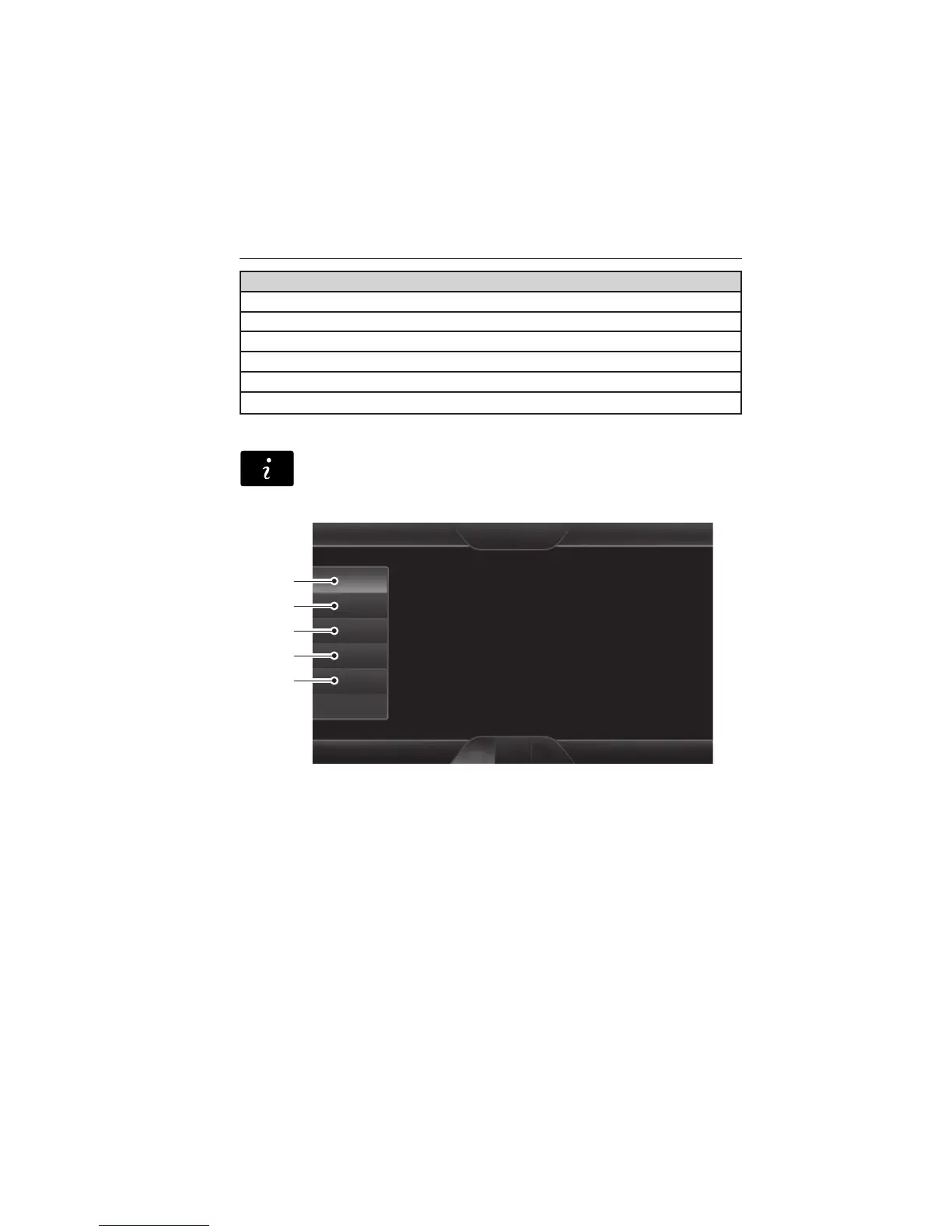
Under the Information menu, you can access features, such as:
A. SYNC Services
B. Sirius Travel Link
C. Alerts
D. Calendar
E. SYNC Applications.
A
B
C
D
E
458 MyFord Touch® (If Equipped)
2014 Edge (edg)
Owners Guide gf, 2nd Printing, March 2014
USA (fus)



 To Next Page
 Loading...