• Distance to Empty - Shows the
approximate distance your vehicle can
travel before running out of fuel.
• Instantaneous Fuel Economy - Shows
a visual graph of your instantaneous
fuel economy along with your Avg MPG
since the function was last reset.
• Average MPG — Shows the average
fuel economy since last reset.
• Fuel History - Shows a bar chart of your
fuel history.
• All Values — Shows all fuel economy
values (DTE, Inst Fuel Econ, Avg Fuel).
Note: You can reset your average fuel
economy by pressing and holding the OK
button on the left hand steering wheel
controls.
Driver Assist
In this mode, you can configure different
driver setting choices.
Note: Some options may appear slightly
different or not at all if the items are
optional.
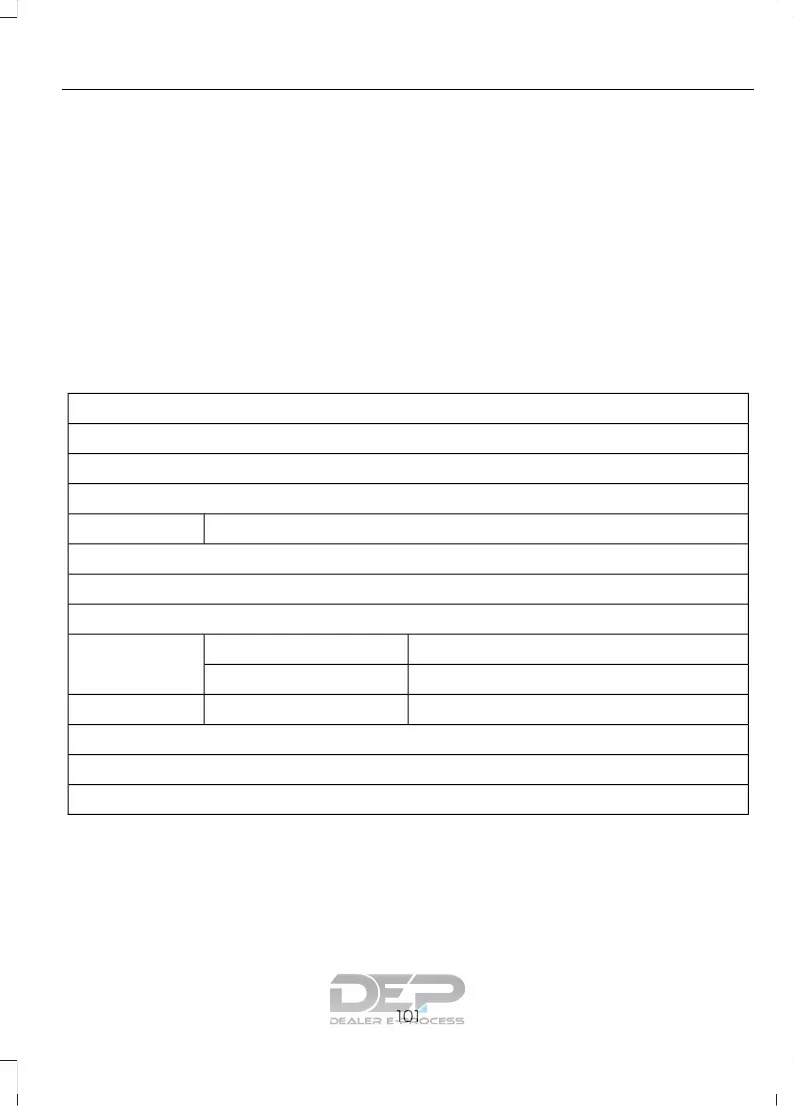
Driver Assist
Traction Ctrl
Blindspot
Cross Traffic
Adaptive or NormalCruise Control
Driver Alert
Hill Start Assist
Intellig. 4WD
Alert, Aid or Alert + AidModeLane Keeping
High, Normal or LowIntensity
High, Normal or LowAlert SensitivityPre-Collision
Rear Park Aid
Tire Monitor
Trailer Sway
Settings
In this mode, you can configure different
driver setting choices.
Note: Some items are optional and may
not appear.
101
Explorer (TUB) Canada/United States of America, enUSA, Edition date: 03/2016, First Printing
Information Displays











 To Next Page