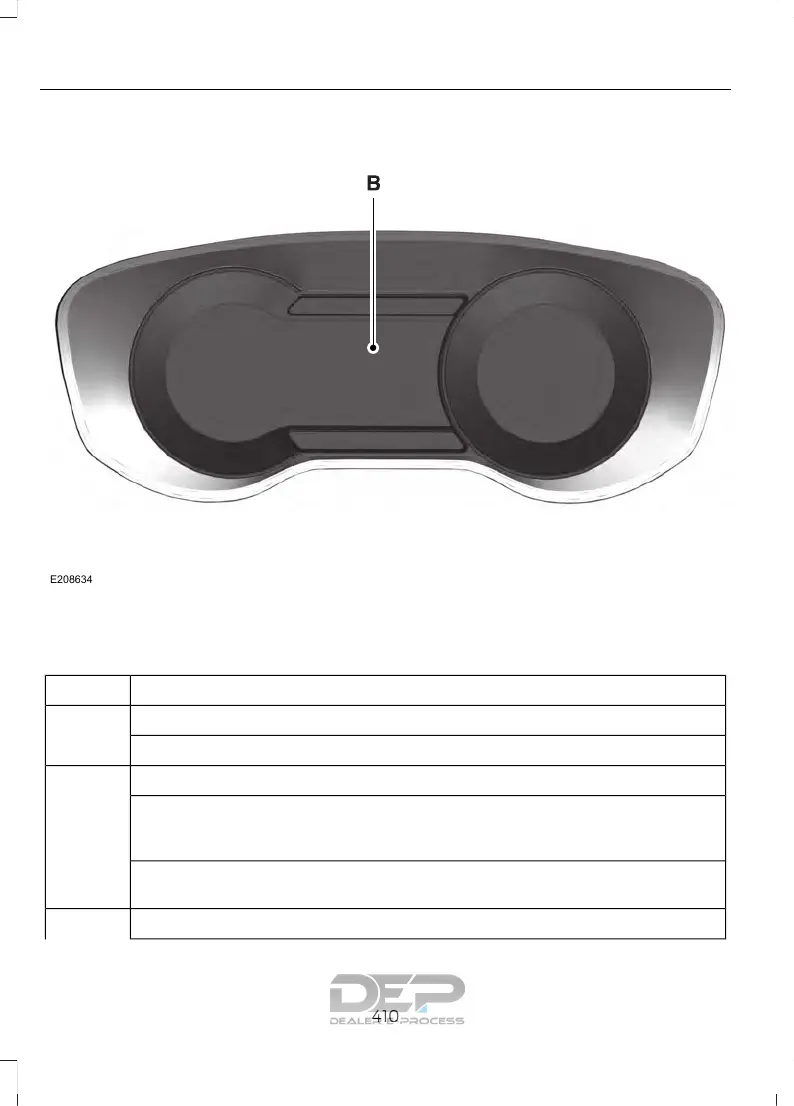
You can make the following adjustments
using the information display SYNC 3
screen:
InformationOption
Information for current audio playing.Audio
Select source.
View current road and speed limit (if information is available).Naviga-
tion
View current route, next turn, time to your destination (depending on cluster
level), distance to destination (depending on cluster level), and ability to
cancel route.
If you do not have an active navigation route programed, the compass is
shown.
If you are not on a call, a call can be made by selecting: *Phone
410
Explorer (TUB) Canada/United States of America, enUSA, Edition date: 03/2016, First Printing
SYNC™ 3











 To Next Page