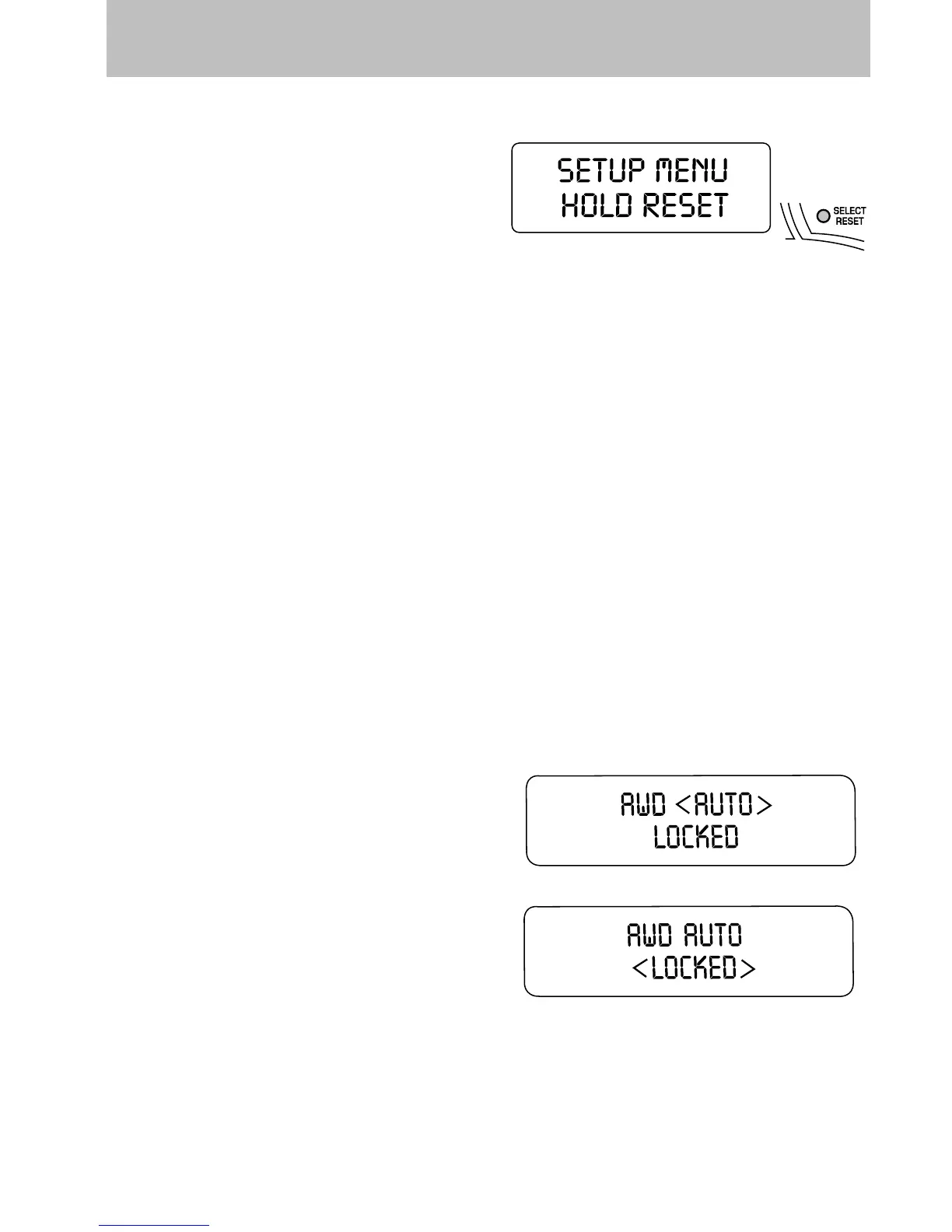
Setup menu
Press and hold the SELECT/RESET
control switch to get to the SETUP
MENU sequence from the INFO
MENU for the following displays:
• AWD Lock (4.6 L engine vehicles
only)
• System Check
• Units (English/Metric)
• Language
• Autolamp
• Autolock
• Autounlock
• Park Aid (if equipped)
• Oil Life Reset and Start Value
Briefly press the SELECT/RESET control switch to scroll through the
SETUP MENU display sequence. If the SELECT/RESET control switch is
not pressed within 4 seconds, the message center returns to the Info
Menu.
AWD lock (4.6 L engine vehicles only)
Select this function from the SETUP MENU to display the AWD locked
function.
1. Press the SELECT/RESET control
for the current display mode.
2. Press and hold the
SELECT/RESET control within 4
seconds to turn the AWD system to
the LOCKED mode.
3. Press the SELECT/RESET control
switch for the next SETUP MENU item or wait for more than 4 seconds
to return to the INFO MENU.
Note: When the AWD system is in the LOCKED mode, the 4X4 indicator
will be illuminated.
Driver Controls
121













 To Next Page