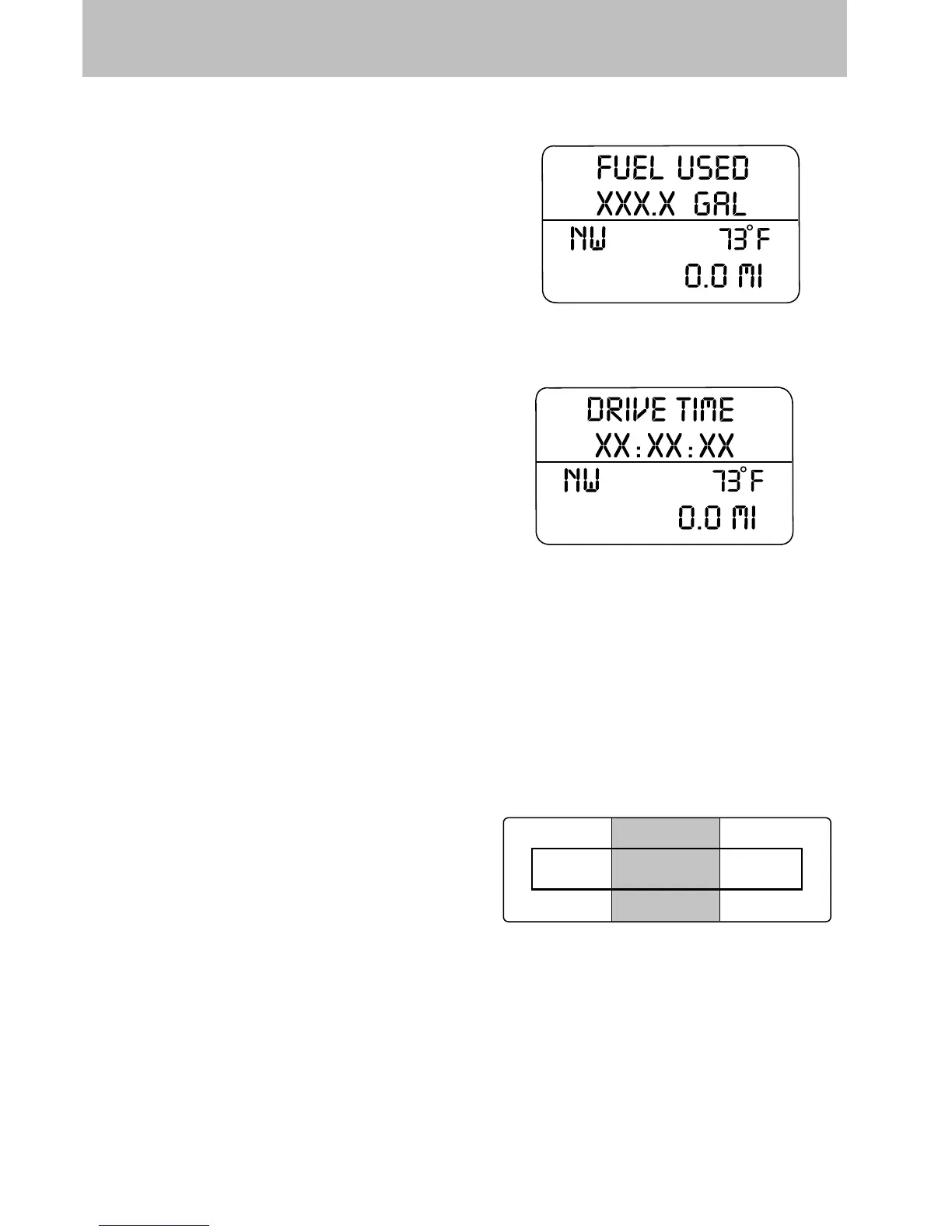
Fuel Used
Selecting this function from the
INFO menu. “FUEL USED XXX.X
GAL” will display the fuel used since
last reset. The information displayed
will be in gallons or liters,
depending on English/Metric mode
state.
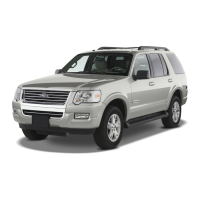
Trip elapsed drive time
Select this function from the INFO
menu to display a timer.
To operate the Trip Elapsed Drive
Time perform the following:
1. Press and release RESET in order
to start the timer.
2. Press and release RESET to
pause the timer.
3. Press and hold RESET for 2 seconds in order to reset the timer to
zero.
Blank display
Select this function from the INFO menu to turn the upper two lines of
the message center display OFF.
Setup menu
Press the SETUP control twice for
the following displays:
• AWD Lock (4.6 L engine vehicles
only)
• System Check
• Units (English/Metric)
• Language
• Autolamp
• Autolock
• Autounlock
• Power Running Boards (if equipped)
INFO
SETUP
RESET
Driver Controls
134













 To Next Page