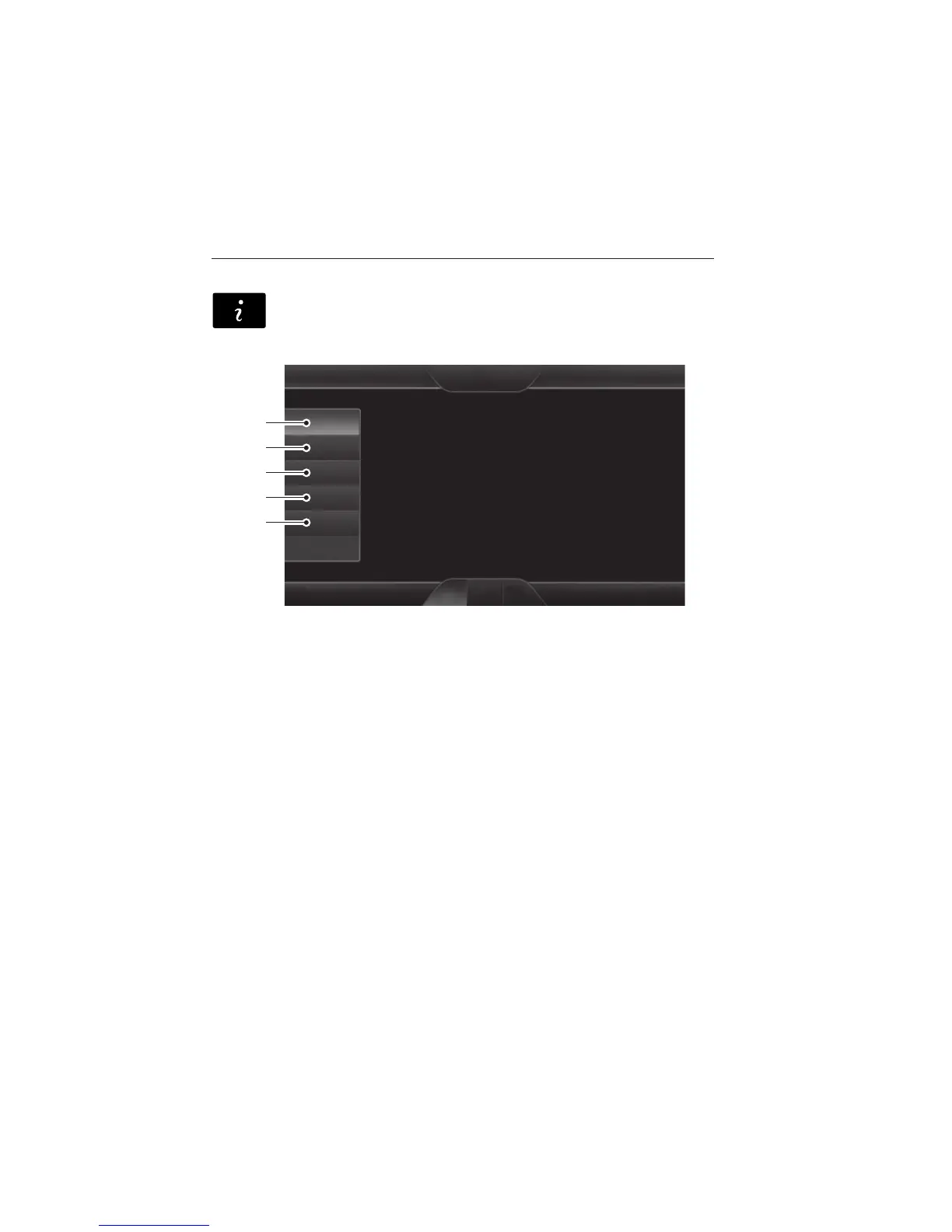
INFORMATION
If your vehicle is equipped with Navigation, touch the i
(Information) button to access these features. If your vehicle is
not equipped with Navigation, touch the corner of the
touchscreen with the green tab.
Under the Information menu, you can access features, such as:
A. SYNC® Services
B. SIRIUS® Travel Link™
C. Alerts
D. Calendar
E. SYNC Applications.
SYNC Services (If Equipped, U.S. Only)
Note: SYNC Services requires activation before use. Visit
www.SYNCMyRide.com to register and check your eligibility for
complimentary services. Standard phone and message rates may apply.
Subscription may be required. You must also have the active SYNC
Services Bluetooth-enabled cellular phone paired and connected to the
system in order to connect to, and use, SYNC Services. (See Phone
earlier in this chapter for pairing instructions.)
Note: This feature does not function properly if you have enabled caller
ID blocking on your mobile phone. Make sure your mobile phone is not
blocking caller ID before using SYNC Services.
A
B
C
D
E
MyFord Touch® (If Equipped) 521
2013 Explorer (exp)
Owners Guide gf, 4th Printing, November 2012
USA (fus)














 To Next Page