3. Pull the service release strap from the
panel to release the primary latch.
4. Pull the service release strap again to
release the frunk.
5. Lift the frunk. The struts support the
frunk.
OPENING THE FRUNK FROM
OUTSIDE YOUR VEHICLE
Note: Allow the power system to open the
frunk. Manually pushing or pulling the frunk
may activate the system’s obstacle
detection feature and stop the power
operation or reverse its direction, replicate
a strut failure or damage mechanical
components.
Note: Be careful when opening the frunk in
a garage or other enclosed area to avoid
damaging the frunk.
Using Frunk Control Button
Press and release the control button.
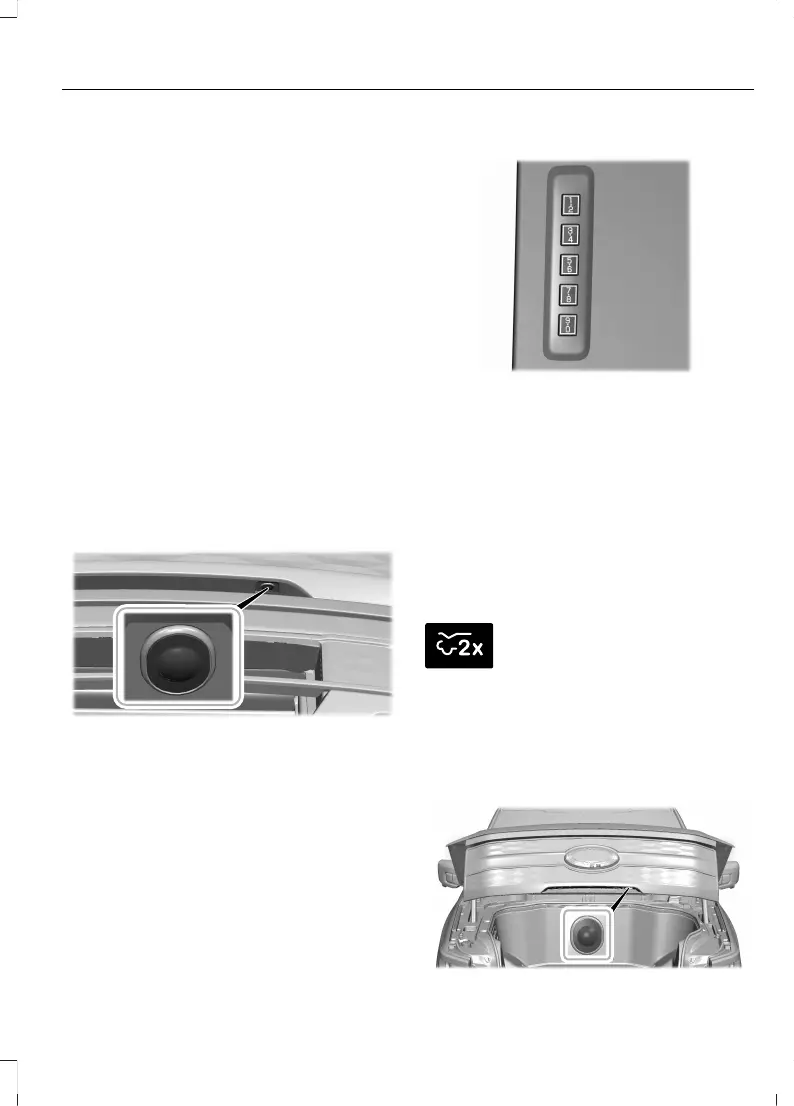
Using the Keyless Entry Keypad
Enter the factory set code or your personal
code, then press 7·8 on the keypad within
five seconds.
Using Phone as a Key
Press the button to open the frunk.
Note: Make sure the authorized phone is
within 3 ft (1 m) of the vehicle.
OPENING THE FRUNK USING THE
REMOTE CONTROL
Press the button twice within
three seconds.
Note: Be careful when opening the frunk in
a garage or other enclosed area to avoid
damaging the frunk.
SETTING THE FRUNK OPENING
HEIGHT
335
F-150 Lightning (TFD) Electric, Canada/United States of America, enUSA, Edition date: 202112, First-Printing
Luggage Compartment



 To Next Page