Press the button twice within
three seconds.
STOPPING THE FRUNK
MOVEMENT
Note: Do not apply sudden excessive force
to the frunk while it is in motion. This could
damage the power frunk and its
components.
Note: Selections vary depending on region
or options.
You can stop the frunk movement by
pressing the control button on any of the
following:
• Frunk.
• Instrument panel.
• Remote control twice.
• Authorized phone as a key.
• Touchscreen.
FRUNK OBSTACLE DETECTION
Opening the Frunk
The system stops and a tone sounds when
it detects an obstacle. Once you remove
the obstacle, you can continue to operate
the frunk.
Closing the Frunk
The system stops, a tone sounds and the
system reverses to open when it detects
an obstacle. Once you remove the
obstacle, you can close the frunk.
Note: Loading the cargo area while the
frunk is closing can cause your vehicle to
bounce and activate obstacle detection.
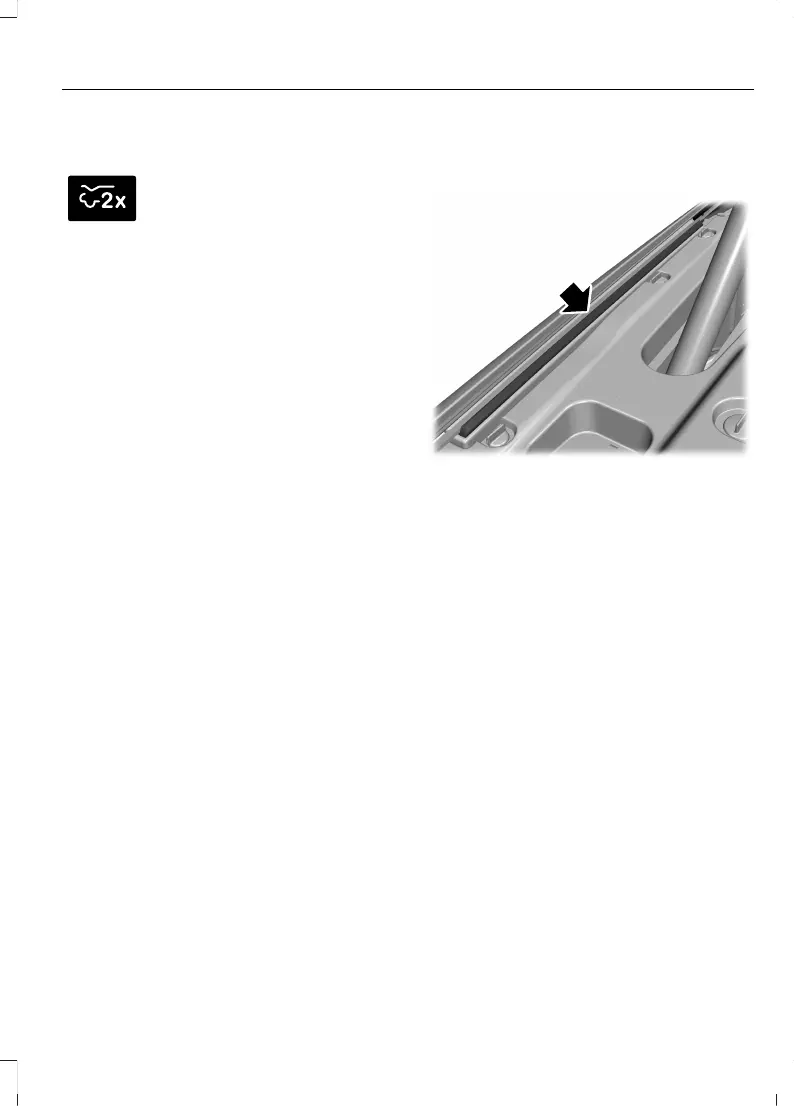
The system is designed with pressure
sensing pinch strips to detect when an
obstacle is in the way of the frunk.
The system stops and reverses the
direction of the frunk when it detects an
obstacle pressing on the pinch strips. Once
you remove the obstacle you can operate
the frunk.
Note: Before driving off, check the
instrument cluster for a frunk ajar message
or warning indicator. Failure to do this could
result in unintentionally leaving the frunk
open while driving.
337
F-150 Lightning (TFD) Electric, Canada/United States of America, enUSA, Edition date: 202112, First-Printing
Luggage Compartment



 To Next Page