EasyManua.ls Logo

Ford FG4500iSE - User Manual

Ford FG4500iSE
25 pages
Print Icon
To Next Page IconTo Next Page
Loading...
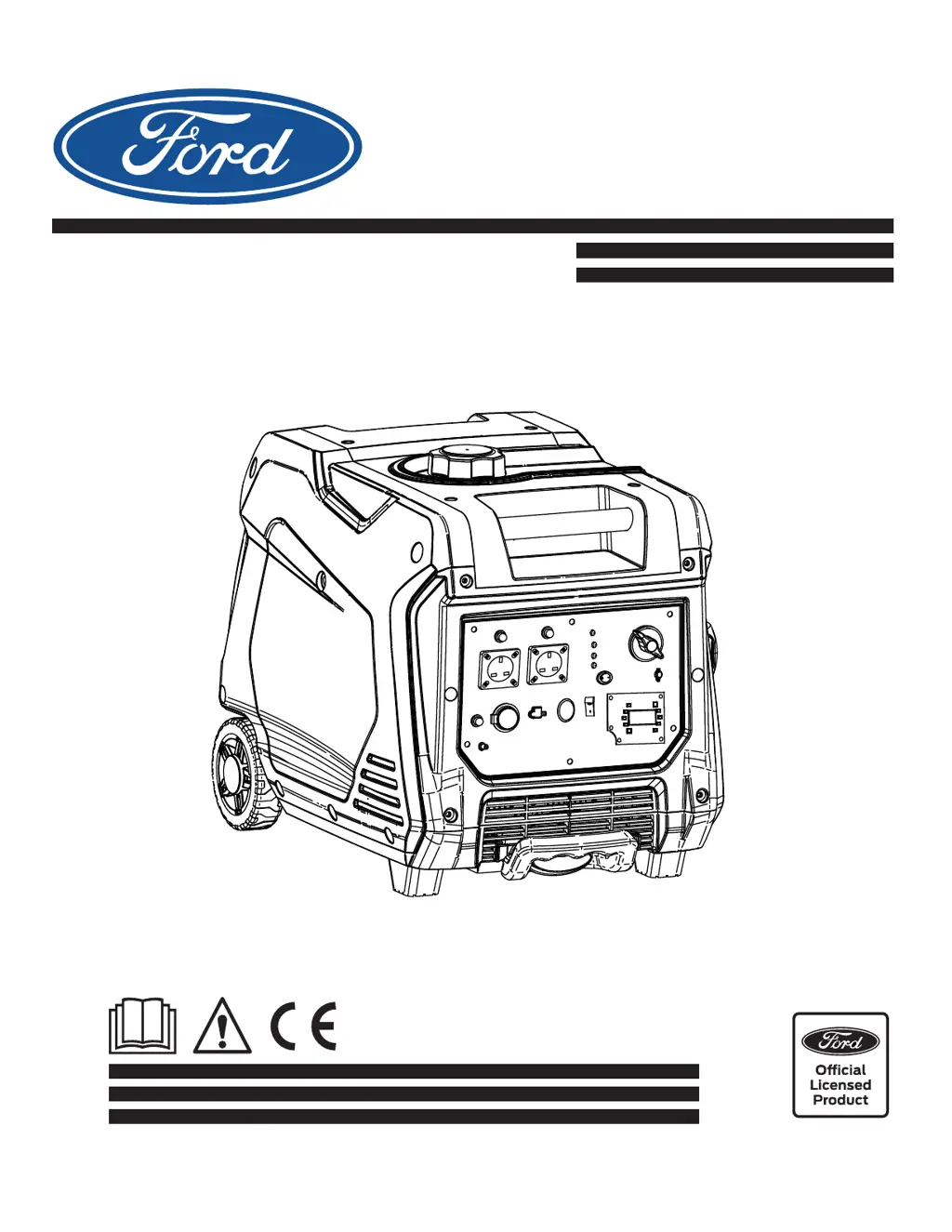
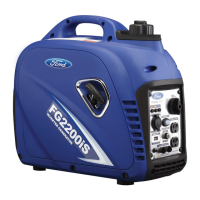
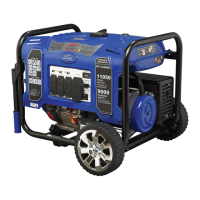
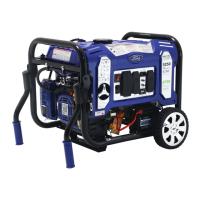
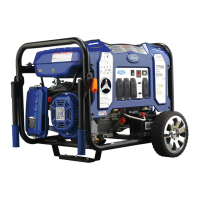
Inverter Gasoline Generator
OPERATOR’S MANUAL
ORIGINAL INSTRUCTIONS
Model#: FG4500iSE
LICENCED BY: PULSAR PRODUCTS INC
2051 S Lynx Place, Ontario, California, U.S.A 91761

Questions and Answers

  • J
    jameswilliamsAug 7, 2025
    Why won't my Ford Portable Generator start or shuts down?
    • W
      wilsonsheriAug 7, 2025
      There are several reasons why your Ford Portable Generator might not start or shuts down. It could be due to the 3-in-1 switch being in the “OFF” position, so turn the switch to “ON” and then pull the recoil starter. Other potential causes include a dirty air filter (clean or replace it), a clogged fuel filter (clean or replace it), using old or running out of fuel (replace the fuel), a disconnected spark plug wire (reconnect it), a bad spark plug (clean or replace it), water in the fuel (drain the fuel tank and replace the fuel), overchoking (turn off the choke), low oil level (add oil), or the engine is flooded (wait 5 minutes and recrank the engine).
  • G
    Gabrielle CastilloAug 12, 2025
    What to do if my Ford FG4500iSE Portable Generator is running but not supplying power?
    • M
      Melissa CunninghamAug 13, 2025
      If your Ford Portable Generator is running but not supplying power, it could be due to several reasons. First, check if the DC Circuit Breaker is “OFF” and turn it “ON”. If the Green AC Pilot Light Indicator is off, stop the engine and restart it. Also, check for poor connections and repair them, or a defective cord set and repair it. Ensure the connected device is working properly by testing with another device. If none of these steps work, there may be a fault in the generator.
  • S
    Shelley BarnettAug 19, 2025
    Why does my Ford Portable Generator engine lack power?
    • J
      Julie ThomasAug 19, 2025
      Your Ford Portable Generator engine may lack power due to several reasons. The generator might be overloaded. Additionally, a clogged fuel filter (clean or replace the fuel filter) or a dirty air filter (replace the air filter) could be the cause.
  • J
    Jill RojasAug 25, 2025
    What to do if my Ford FG4500iSE runs fine without a load but bogs down when connected?
    • K
      Kevin HortonAug 26, 2025
      If your Ford Portable Generator runs well without a load but bogs down when loads are connected, it could be due to a short circuit in the connected device (disconnect the device) or the generator is overloaded.
  • J
    Joseph CollinsAug 30, 2025
    How to fix a Ford FG4500iSE Portable Generator that 'hunts' or falters?
    • V
      Valerie RiosAug 30, 2025
      If your Ford Portable Generator 'hunts' or falters, it might be because the choke was removed too soon. Try moving the choke until the engine runs evenly.

Summary

Introduction and Specifications

Product Specifications

Details the generator's design and intended use for powering tools and appliances.

Safety Rules

Safety Symbols and Warnings

Explains hazard symbols like Warning and Caution and their meanings.

General Safety Instructions

Provides essential safety guidelines, including CO poisoning risks and ventilation.

Safety Precautions

Operational Hazards

Covers exhaust chemicals, lifting, moving parts, recoil cord, and hot surfaces.

Fuel Handling Safety

Details precautions for handling combustible fuel and refueling.

Electrical and Grounding Safety

High Voltage and Electrocution Risks

Warns about high voltage, electrocution, and safe operating conditions.

Grounding and Electrical Codes

Emphasizes proper grounding and adherence to electrical safety regulations.

Unit Integrity and Use

Advises on operating with intact parts and as intended.

Generator Features

Control Panel and Components

Identifies the control panel, recoil handle, fuel cap, service panel, and other features.

Mobility and Handling Features

Describes the wheels, telescoping handle, and carry handles for transport.

Control Panel Functions

Fuel Valve and Indicator Lights

Explains the fuel valve operation and indicator lights like oil warning and overload.

USB Charging Port

Details the functionality of the 5V DC USB outlet for charging devices.

Control Panel Functions (Continued)

AC Pilot and Economy Control

Describes the AC pilot light and the engine economy control switch.

Control Panel Functions (Continued)

Ground Terminal Connection

Instructions for connecting the generator's ground terminal for safety.

Assembly and Setup

Connecting to Electrical Systems

Guidelines for safely connecting the generator to a building's power.

Adding Fuel Safely

Step-by-step procedure for adding gasoline to the fuel tank.

Assembly and Setup (Continued)

Adding and Checking Engine Oil

Instructions for checking and adding the correct engine oil.

Operation Guide

Generator Grounding and Startup

Importance of grounding and procedures for starting the engine.

Operating Conditions

Discusses atmospheric conditions affecting generator output.

Operation Guide (Continued)

Stopping the Generator

Safe procedures for shutting down the inverter generator.

Operation Guide (Continued)

Connecting Electronic Devices

Steps for safely connecting electrical loads to the generator.

Operation Guide (Continued)

Load Connection Safety

Warnings and best practices for connecting devices and managing overload indicators.

Operation Guide (Continued)

Preventing Generator Overload

Guidance on calculating wattage and using the reference guide to avoid overload.

Wattage Reference Guide

A table listing typical wattage requirements for various appliances.

Maintenance Procedures

Pre-Operation and Post-Use Checks

Steps for checking the generator before and after each use.

Recommended Maintenance Schedule

A schedule of routine maintenance tasks based on operating hours.

Maintenance Procedures (Continued)

Spark Plug Servicing

Detailed instructions for checking, cleaning, gapping, and replacing the spark plug.

Carburetor and Oil Advice

Information on carburetor adjustment and oil viscosity selection.

Maintenance Procedures (Continued)

Engine Oil Change

Step-by-step guide for draining and refilling the engine oil.

High Altitude Performance

Discusses performance impacts at high altitudes and necessary modifications.

Maintenance Procedures (Continued)

Air Filter Cleaning

Instructions for cleaning and maintaining the air filter for optimal performance.

Muffler and Spark Arrester Care

Guidance on inspecting and cleaning the muffler and spark arrester.

Maintenance Procedures (Continued)

Fuel Filter Maintenance

Procedures for cleaning and replacing the fuel tank and fuel filters.

Generator Storage and Transport

Guidelines for safely storing and transporting the generator.

Maintenance Procedures (Continued)

Long-Term Engine Storage

Steps for preparing the engine for extended periods of storage.

Fuel Draining Procedure

Instructions on how to drain fuel from the generator and carburetor.

Troubleshooting Guide

Common Generator Issues and Solutions

Addresses problems like no power, bogging down, rough running, and lack of power.

Technical Specifications

Generator and Engine Details

Provides specifications for the generator unit and its engine, including model and capacity.

Ford FG4500iSE Specifications

General IconGeneral
ModelFG4500iSE
TypeInverter Generator
Engine Type4-Stroke OHV
Displacement223 cc
Fuel TypeGasoline
Voltage120V
Frequency60 Hz
Peak Power4500 Watts
Runtime at 25% Load14 h
Starting SystemElectric, Recoil
Outlets2 x 120V 20A
DC Output12V 8.3A

Related product manuals