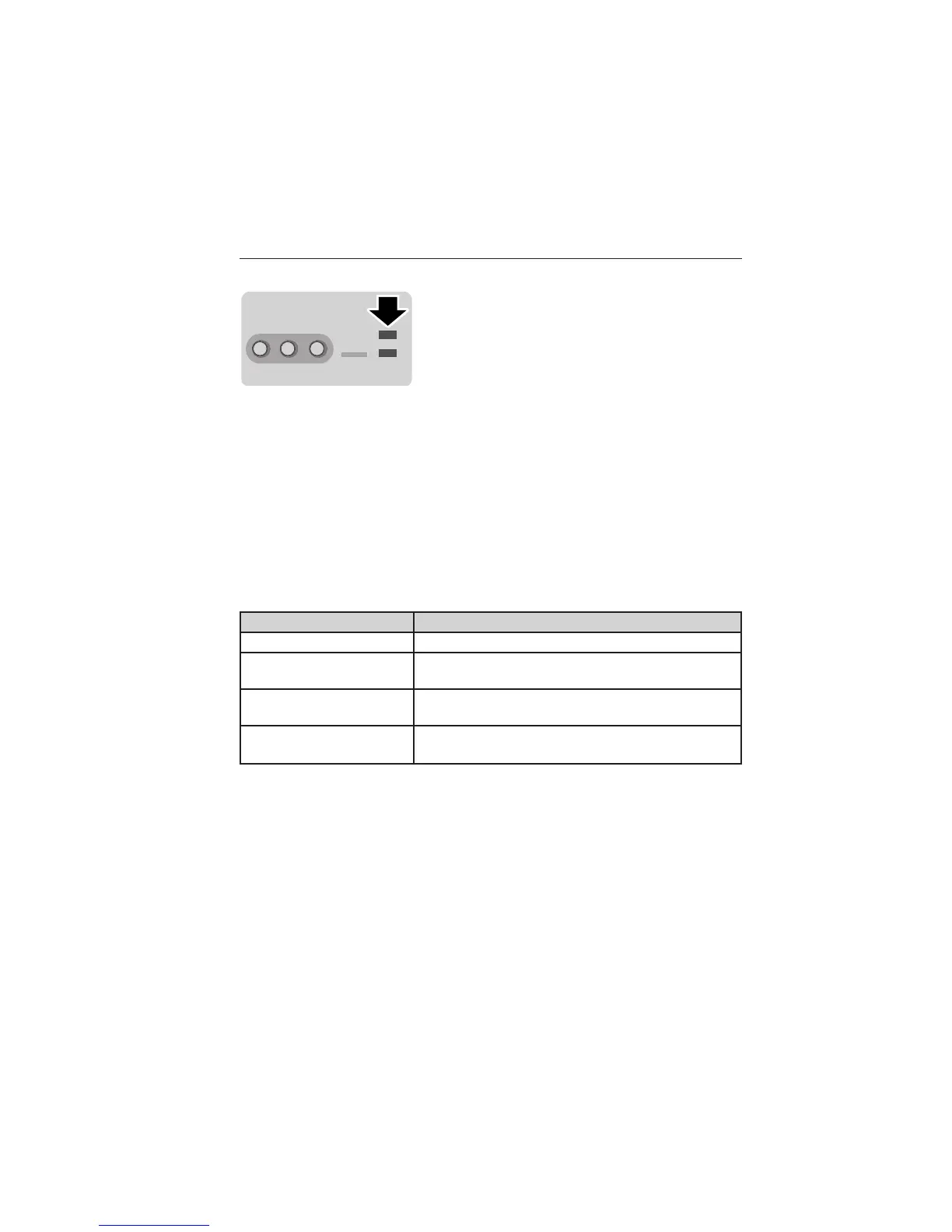
USB Port
The ports are located either in the center
console or behind a small access door in the
instrument panel. To access and play music
from your device, press the lower left corner
of the touchscreen.
This feature allows you to plug in media playing devices, memory sticks,
flash drives, thumb drives, and also charge devices if they support this
feature.
In order to playback video from your iPod威 or iPhone威 (if compatible),
you MUST have a special combination USB/RCA composite video cable
(available for purchase from Apple威). When the cable is connected to
your iPod威 or iPhone威, plug the other end into both the RCA jacks and
the USB port.
Playing Music from Your Device
Insert your device and select the USB or SD Card tab once the system
recognizes it. You can then select from the following options:
When you select: You can:
Repeat Repeat the currently playing song or album.
Shuffle Play music on the selected album or folder in
random order.
Similar Music Choose music similar to that which is currently
playing.
More Info Displays information, such as current track,
artist name, album and genre.
402 MyFord Touch姞 (If Equipped)
2013 Focus (foc)
Owners Guide gf, 1st Printing
USA (fus)



 To Next Page