Odometer
Displayed in the status line at the bottom of the display. Registers the
total mileage of the vehicle.
Outside air temperature
Shows the outside air temperature.
TRIP COMPUTER
Resetting the Trip Computer
Press and hold OK on the current screen to reset the respective trip,
distance, time and average fuel information.
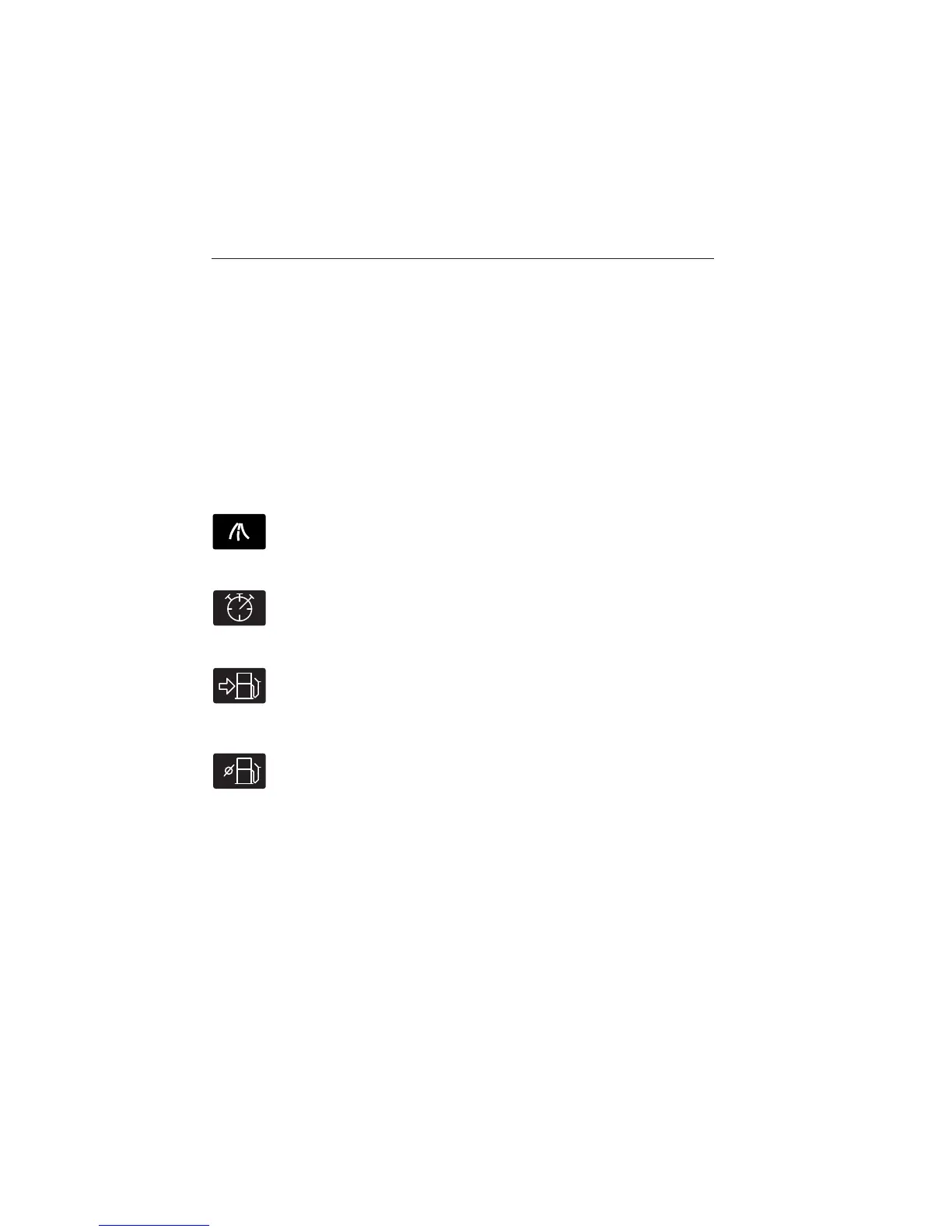
Trip Odometer
Registers the mileage of individual journeys.
Trip Timer
Registers the time of individual journeys.
Distance toE/ToE
Indicates the approximate distance the vehicle will travel on the
fuel remaining in the tank. Changes in driving pattern may
cause the value to vary.
Average Fuel
Indicates the average fuel consumption since the function was
last reset.
Press the right arrow button to enter Ford EcoMode.
Information Displays 111
2013 Focus (foc)
Owners Guide gf, 1st Printing
USA (fus)



 To Next Page