Wireless & Internet
Your system has a Wi-Fi feature which creates a wireless network within
your vehicle, thereby allowing other devices (i.e., personal computers or
phones) in your vehicle to speak to each other, share files, play games,
etc. Using this Wi-Fi feature, everyone in your vehicle can also access
the internet if you have a USB mobile broadband connection inside the
vehicle, your phone supports PAN (personal area networking) and if you
are parked outside of a wireless hotspot.
Press the Settings icon > Settings > Wireless & Internet, then select from
the following:
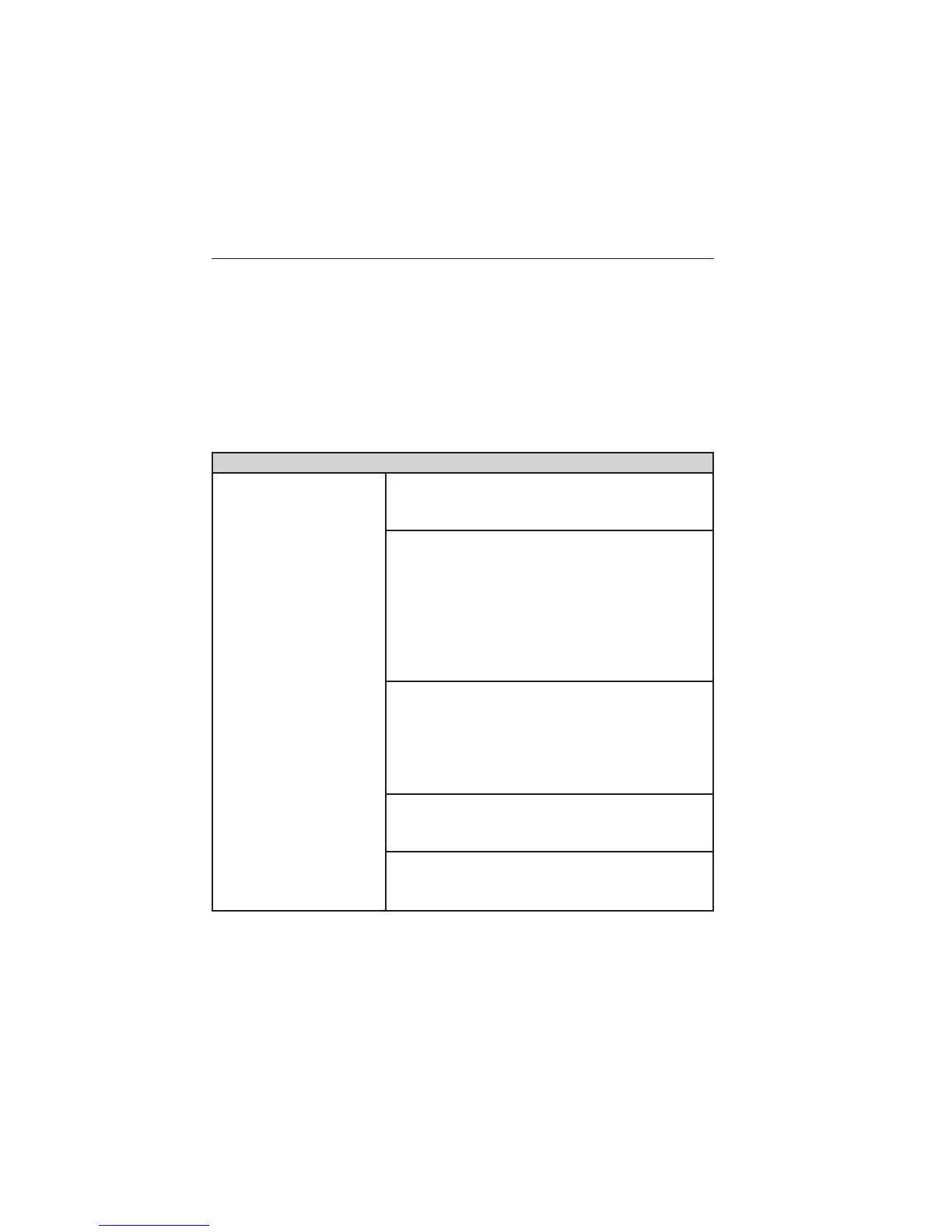
Wireless & Internet
Wi-Fi Settings Wi-Fi Network (Client) Mode Turn the
Wi-Fi feature on and off in your vehicle. Make
sure it is turned on for connectivity purposes.
Choose a Wireless Network Use a
previously stored wireless network. You can
categorize by alphabetical listing, priority and
signal strength. You can also choose to search
for a network, connect to a network,
disconnect from a network, receive more
information, prioritize a network or delete a
network.
Gateway (Access Point) Mode Make SYNC
an access point for a phone or a computer by
turning this feature on. This forms the local
area network within the vehicle for things,
such as game playing, file transfer, internet
browsing, etc. Press ? for more information.
Gateway (Access Point) Settings View and
change settings for using SYNC as the
internet gateway.
Gateway (Access Point) Device List View
who has connected to your Wi-Fi connection
recently.
MyFord Touch姞 (If Equipped) 433
2013 Focus (foc)
Owners Guide gf, 1st Printing
USA (fus)


 To Next Page