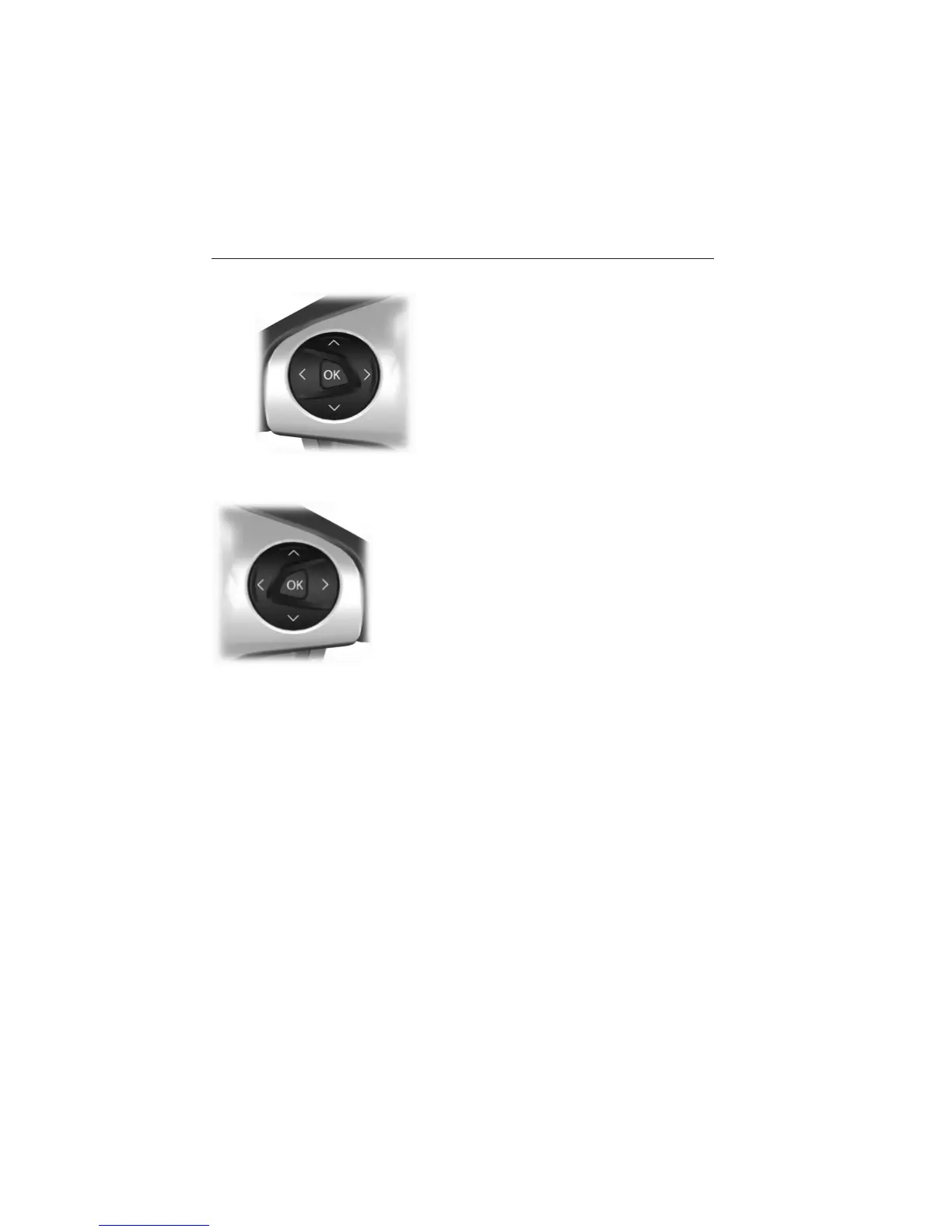
INFORMATION DISPLAY CONTROL
Use the arrows on the left side of
the steering wheel to navigate the
information display. See the
Information Displays chapter for
more information.
Multimedia Controls (If Equipped)
Use the arrows on the right side of steering
wheel to navigate through the available menus.
Press OK to make a selection.
Steering Wheel 85
2013 Focus (foc)
Owners Guide gf, 1st Printing
USA (fus)



 To Next Page