7
HOW TO SWITCH BETWEEN MULTIPLE MOBILE PHONES
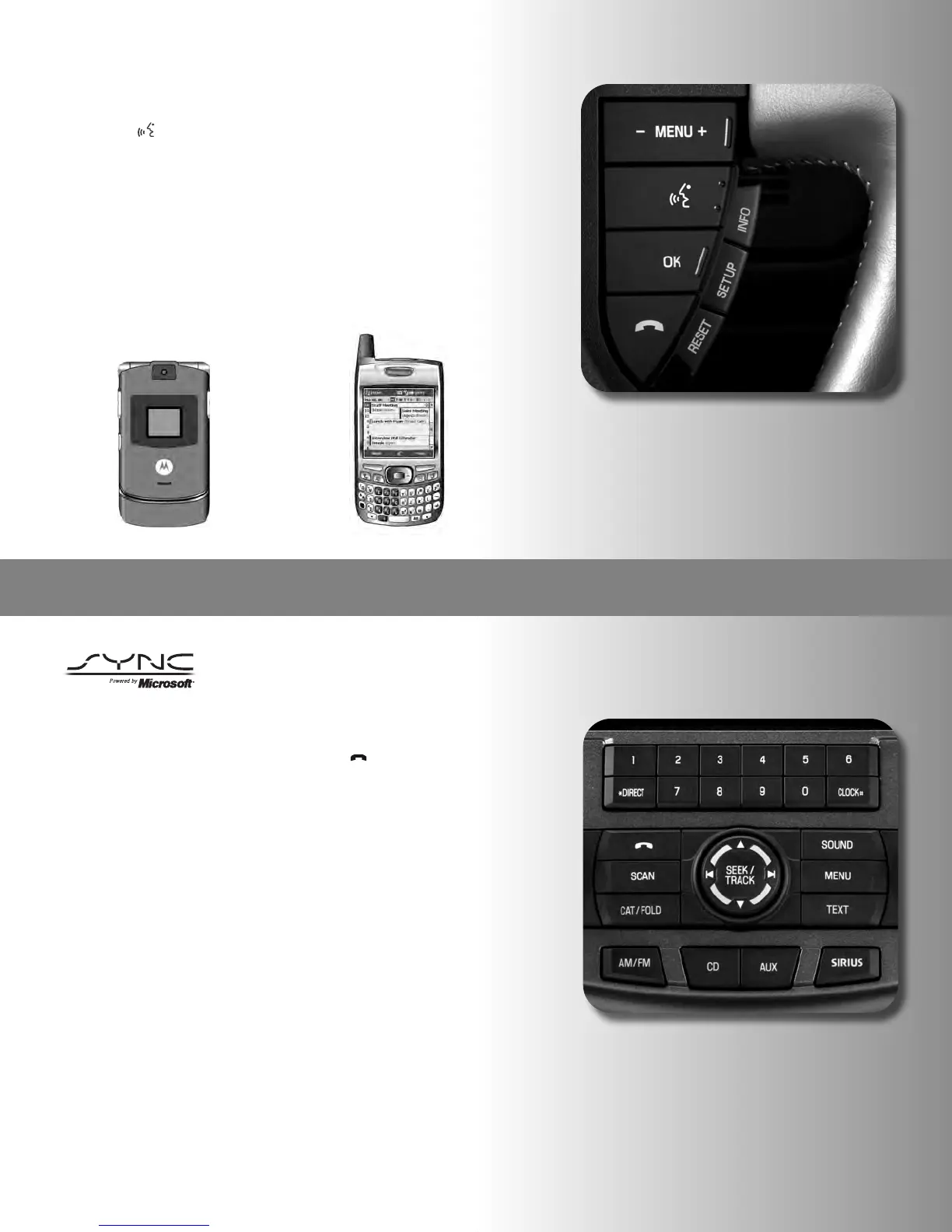
1. With the ignition on, press the phone button [ ] on the radio.
2. Scroll by pressing the SEEK button on the radio until SYS
SETTINGS is displayed. Press OK.
3. Scroll by pressing the SEEK button on the radio until BT DEVICES
appears. Press OK on the radio.
4. Scroll by pressing the SEEK button on the radio until CONNECT BT
appears. Press OK on the radio.
5. Scroll by pressing the SEEK button on the radio until you locate the
correct device name (Sue’s Nokia phone, for example) and press
OK. The screen will display CONNECTING while it is establishing a
connection, then will display CONNECTED when complete.
HOW TO ENTER AND LEAVE THE VEHICLE DURING A CALL
If you’re in the middle of a conversation on your Bluetooth-enabled mobile
phone, as you enter your car, SYNC will transfer it to your in-car system. Here’s
how it works.
1. Get in the car and turn the ignition on.
2. In just moments, the call is transferred to SYNC. Now you can
enjoy a hands-free conversation.
(HOW TO MAKE A CALL CONT.)
Making a Call Using Voice Commands
1
. Press [ ] or VOICE. A tone will sound and the system will say
“Main Menu.”
2. Say, “Phone.”
3
. When prompted, say, “Call <phonebook contact name>” or say,
“
Dial” and the desired number.
•
To erase the last spoken digit, say, “Delete.”
•
To erase all spoken digits, say, “Clear.”
4
. Once the desired number/contact is confirmed by SYNC, say either
“
Call” if dialing by contact name or “Dial” if using digits. SYNC will
attempt to connect to the desired number.
18
SYNC with Navigation



 To Next Page