To reset the steering column to its normal stopping position:
1. Press the steering column control again after encountering the new
stopping position.
2. Continue pressing the control until it reaches the end of the column
position.
A new stopping position is set. The next time you tilt or telescope the
steering column, it will stop just short of the end of the column position.
AUDIO CONTROL
SEEK: Press to select the next or
previous stored preset or track.
Press and hold to select the next or
previous frequency or seek through
a track.
MEDIA: Press repeatedly to scroll
through available audio modes.
MUTE: Press to silence the radio.
VOL (Volume): Press to increase or decrease the volume.
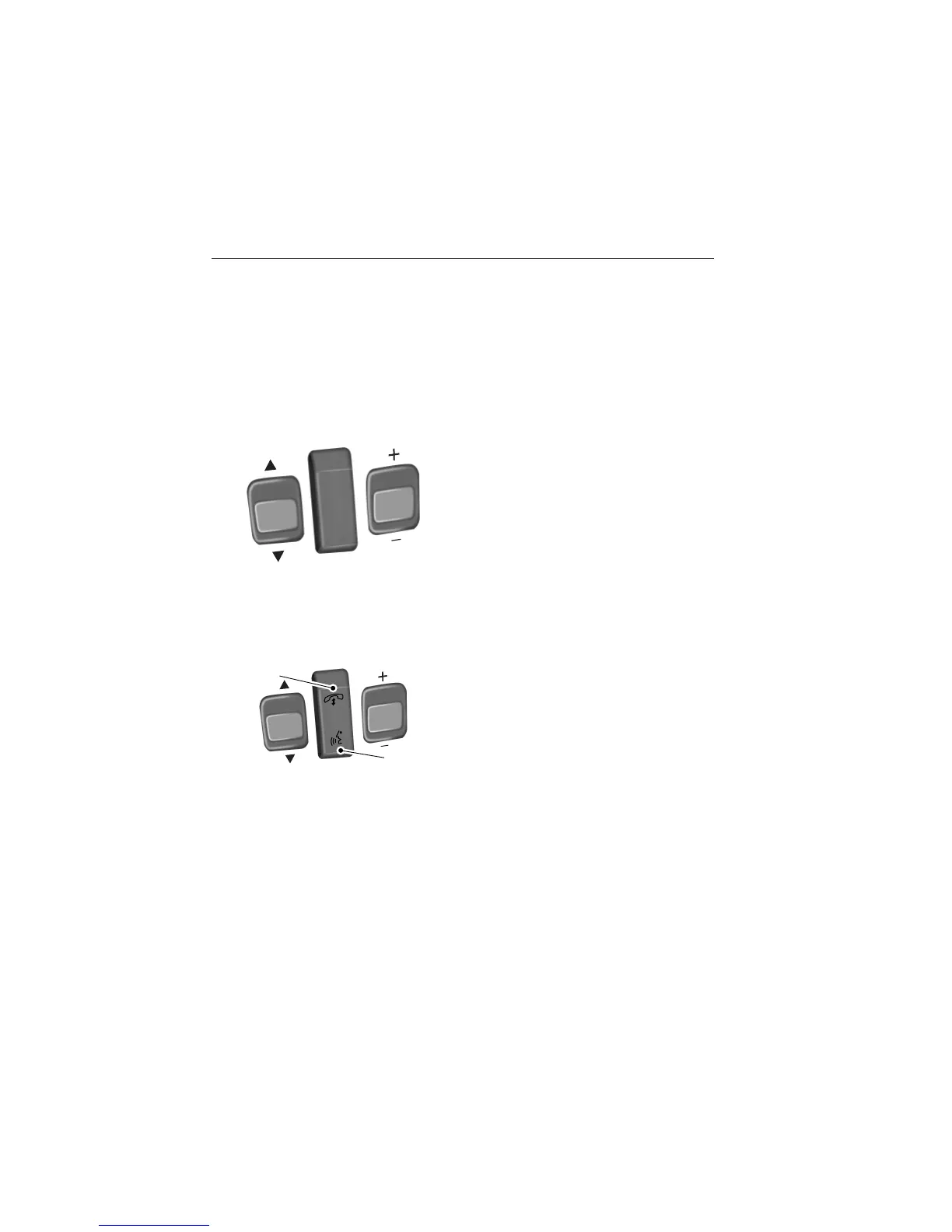
VOICE CONTROL (IF EQUIPPED)
A. Phone mode
B. Voice recognition
See the SYNC or MyFord Touch chapter.
SEEK
M
E
D
IA
M
U
T
E
VO
L
S
E
E
K
VOL
A
B
Steering Wheel 83
2014 Taurus
Owners Guide gf, 2nd Printing, September 2013
USA (fus)



 To Next Page